Vocab Clash


About the Game
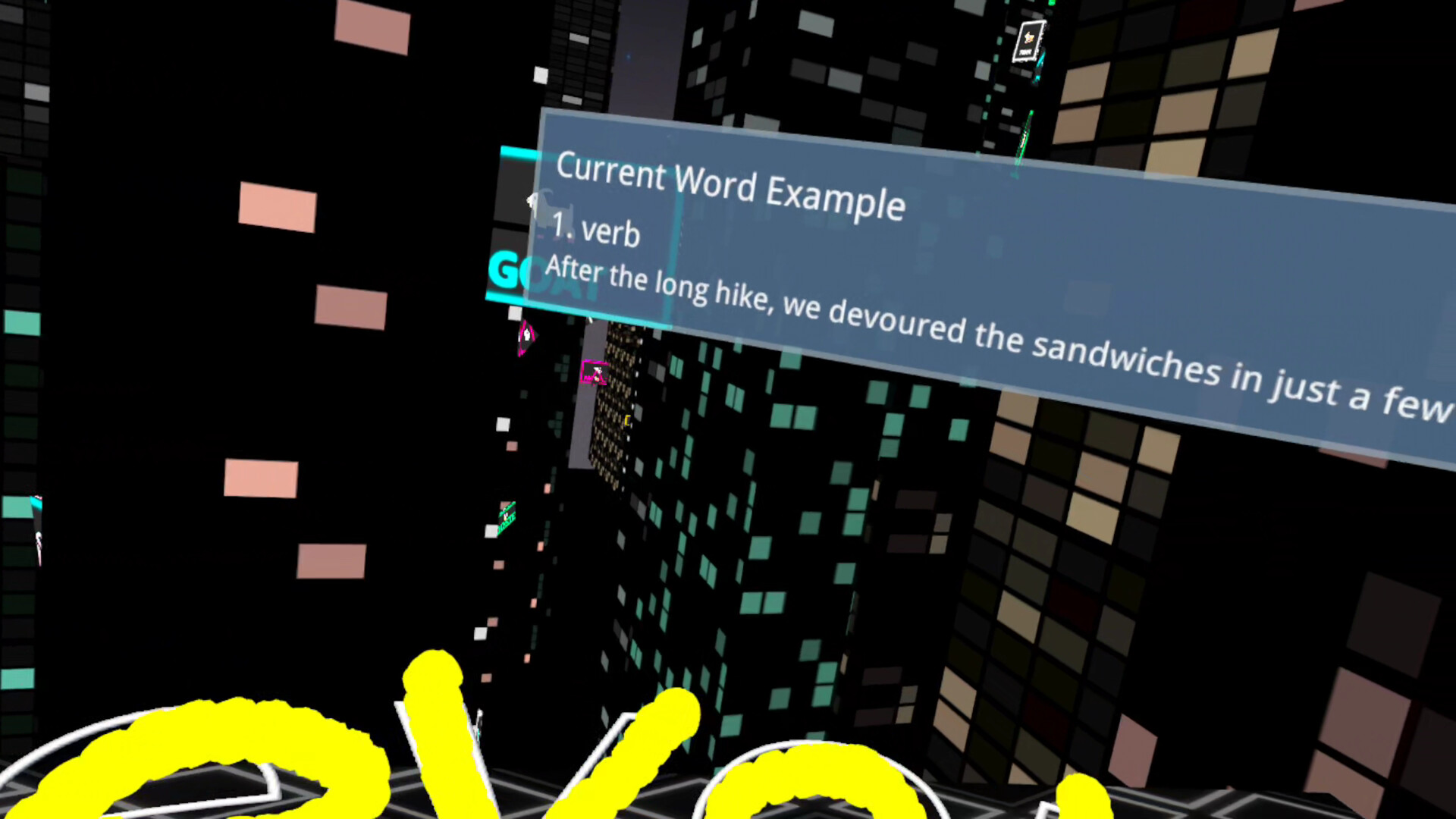
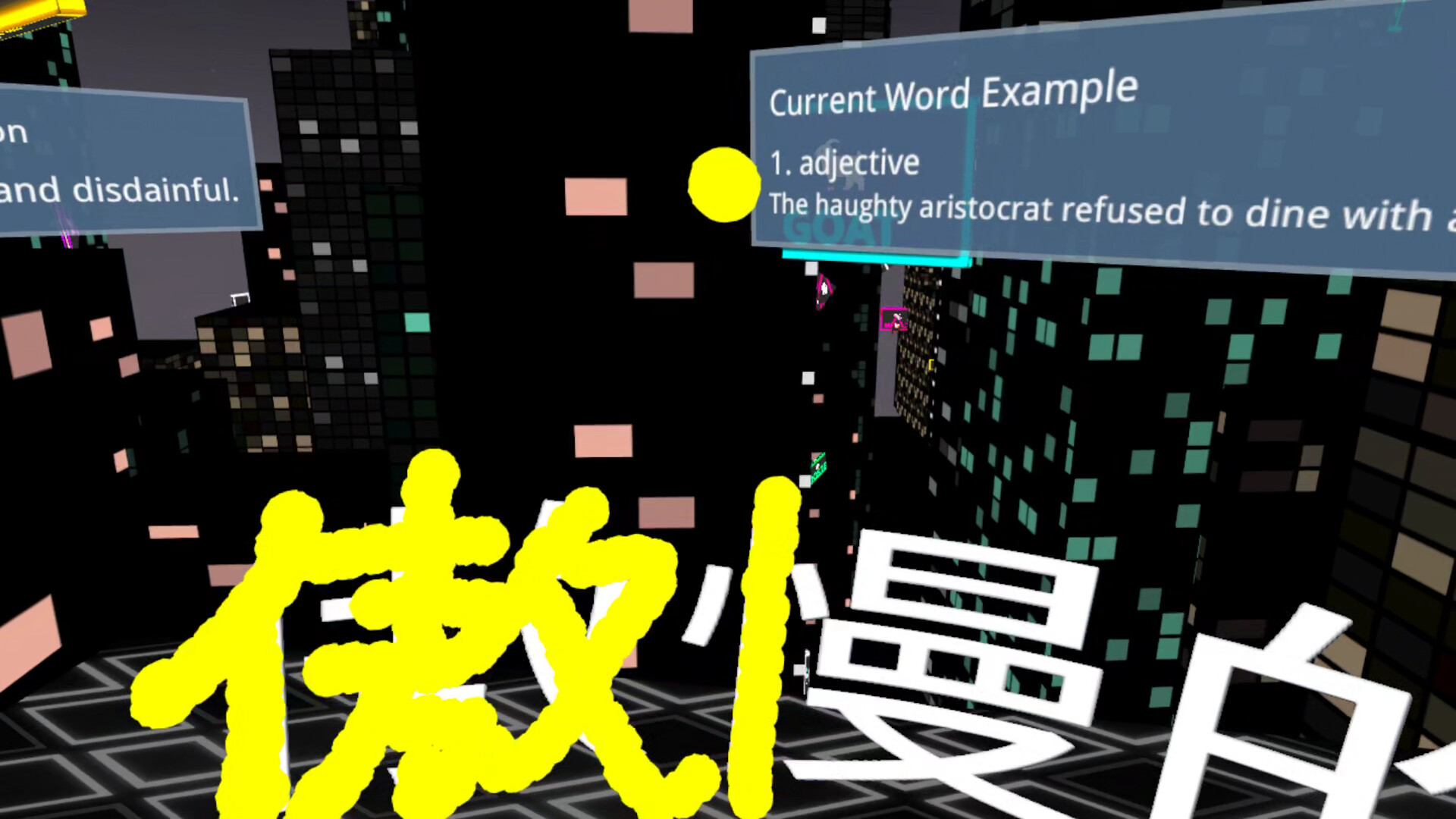
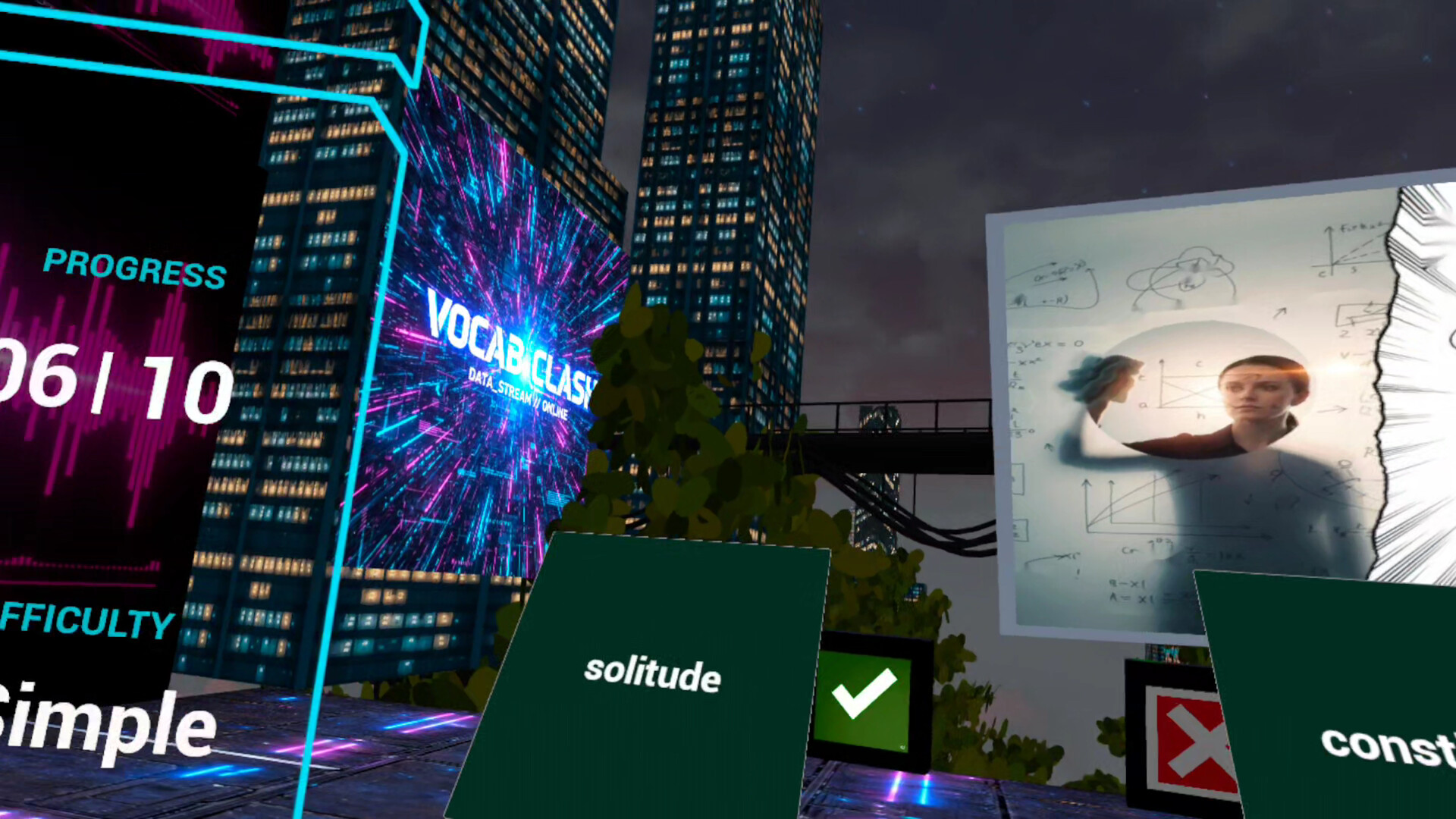
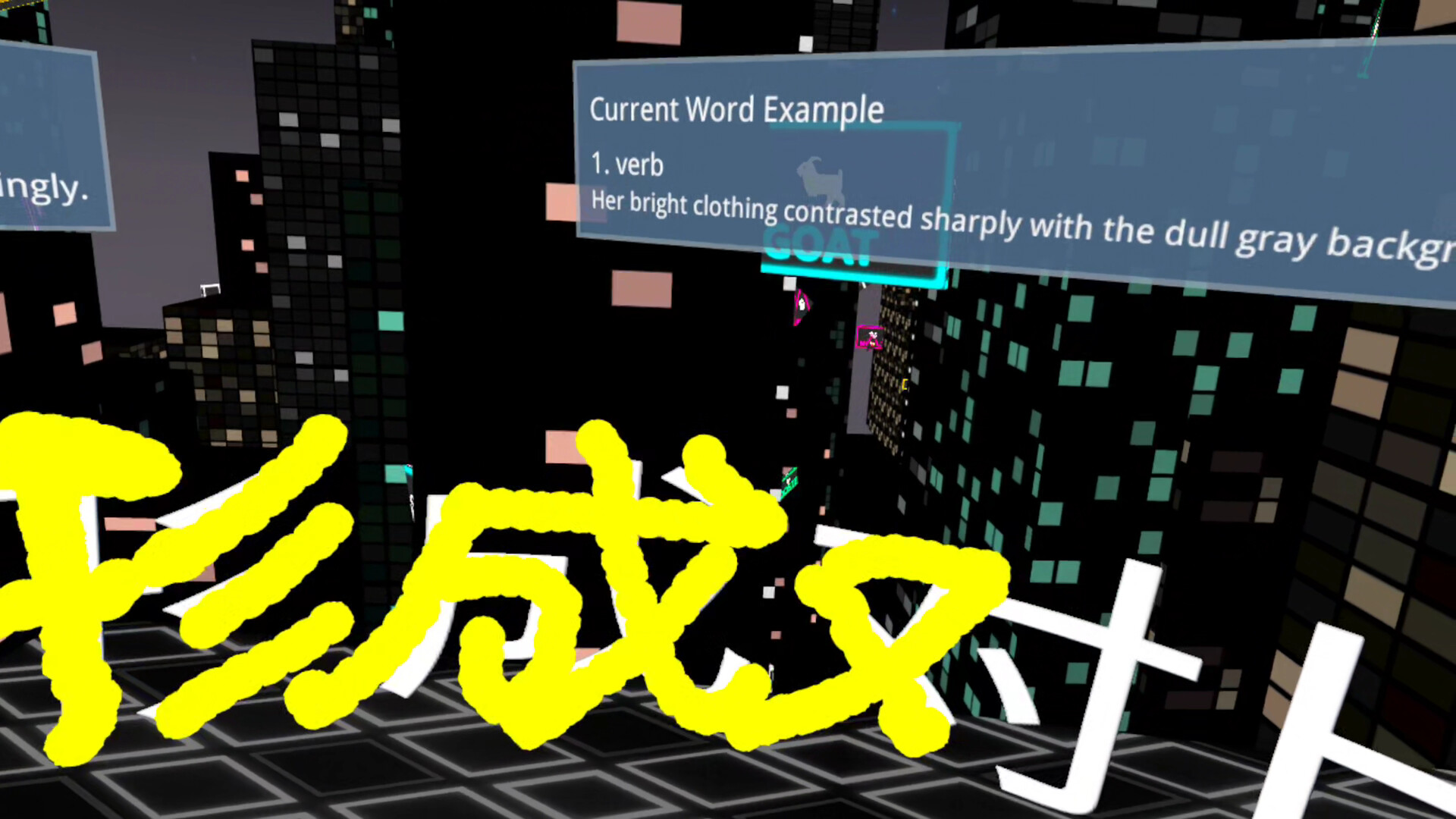
Vocab Clash is a VR action vocabulary game that combines vocabulary learning with full-body movement. It supports both English and Chinese learning and features two main question types: image-based questions and fill-in-the-blank questions.
The core gameplay is simple: understand first, then answer with your body. Players interpret meaning through images or sentence context, then respond through physical actions across boxing, darts, table tennis, and adventure escape challenges.
The game also features AI Battle, where you compete against AI opponents in real-time vocabulary duels and test your vocabulary recognition and reaction speed.
Detailed Description
Vocab Clash turns vocabulary learning into an active VR game experience: understand first, then move.
The game covers nearly 8,000 English words for TOEFL and IELTS, as well as nearly 8,000 Chinese vocabulary entries. Each entry includes a dedicated image and contextual example sentence.
Instead of relying on traditional word lists, translations, or dictionary definitions, the game helps you understand vocabulary through two question types:
Image Questions:
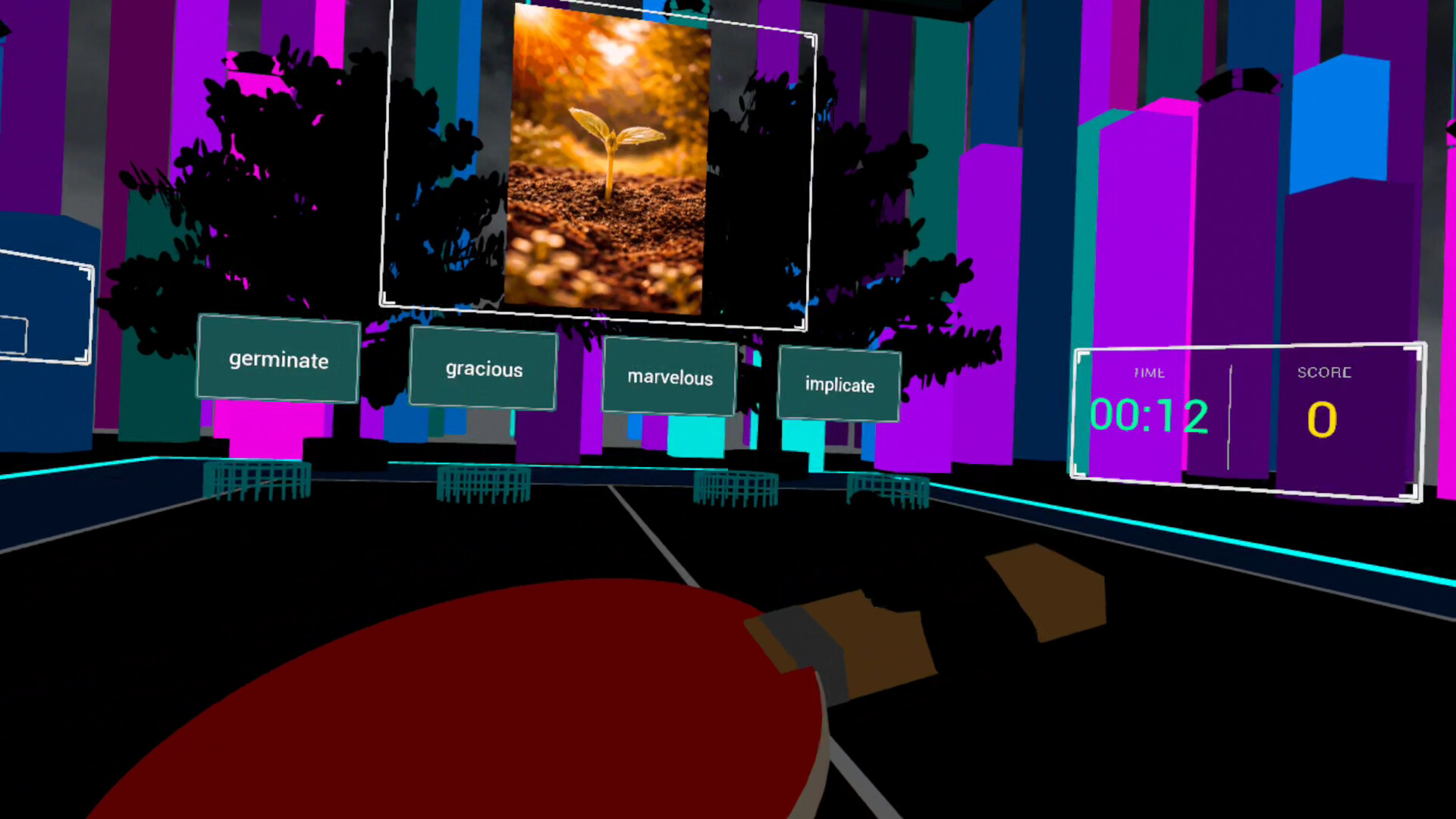
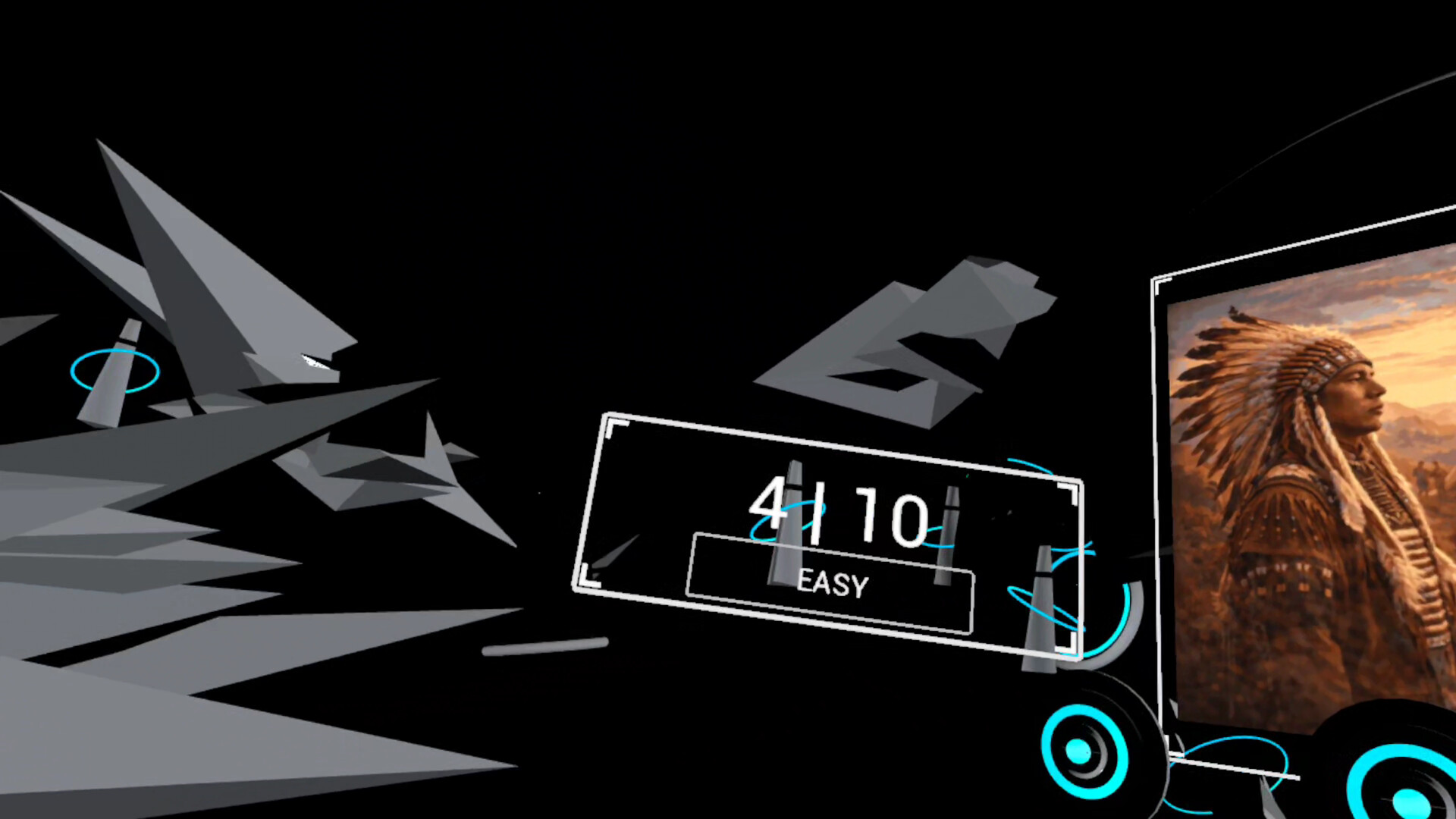
Observe an image, understand the concept it represents, and identify the correct word.
Fill-in-the-Blank Questions:
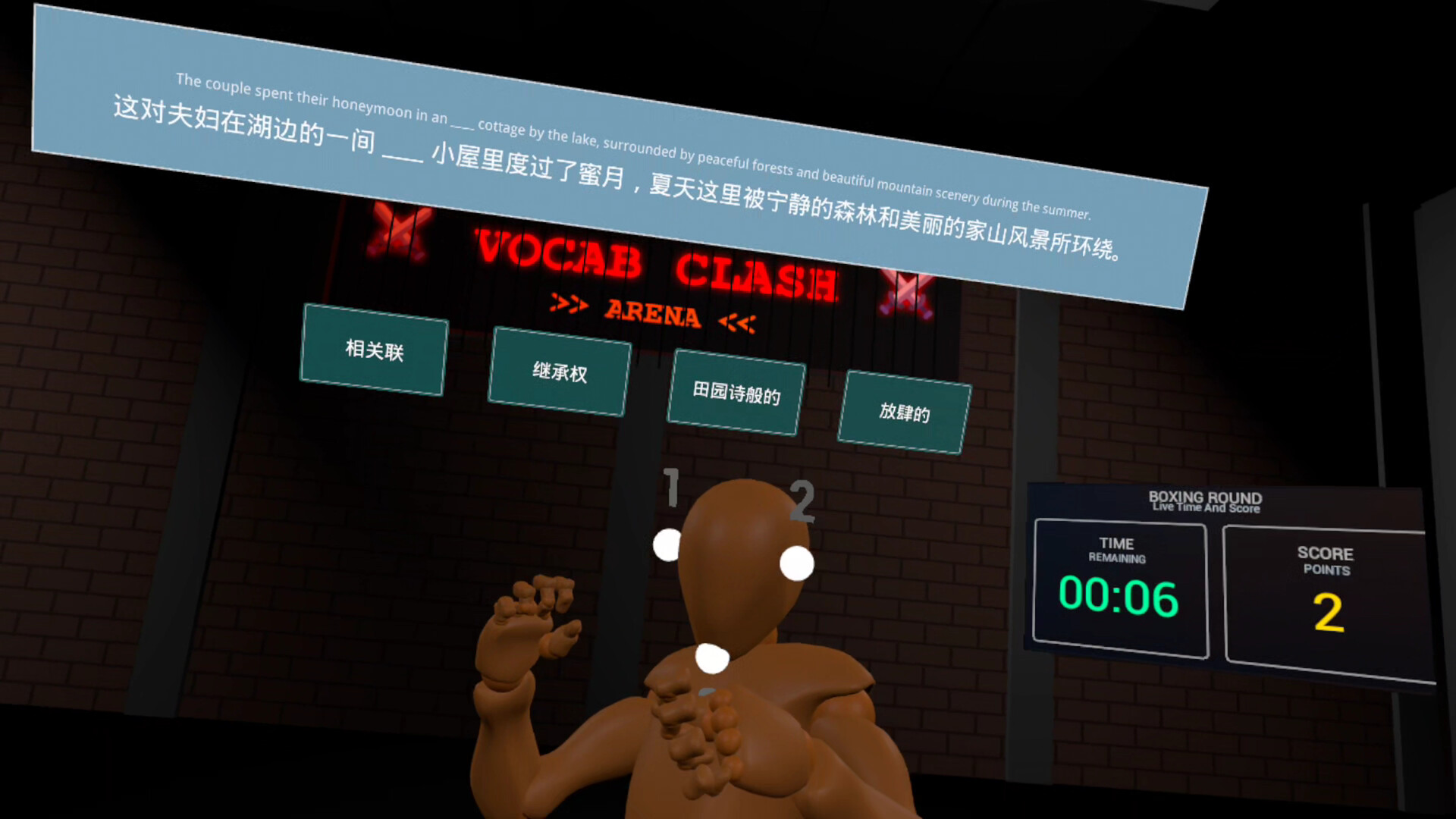
Use the context of a complete sentence to identify the missing word.
Once you understand the meaning, your answer is not simply a button press. You respond through physical movement:
Boxing: Punch the correct answer in the ring.
Darts: Throw darts and hit the correct target.
Table Tennis: Swing your paddle and drive the ball toward the correct answer.
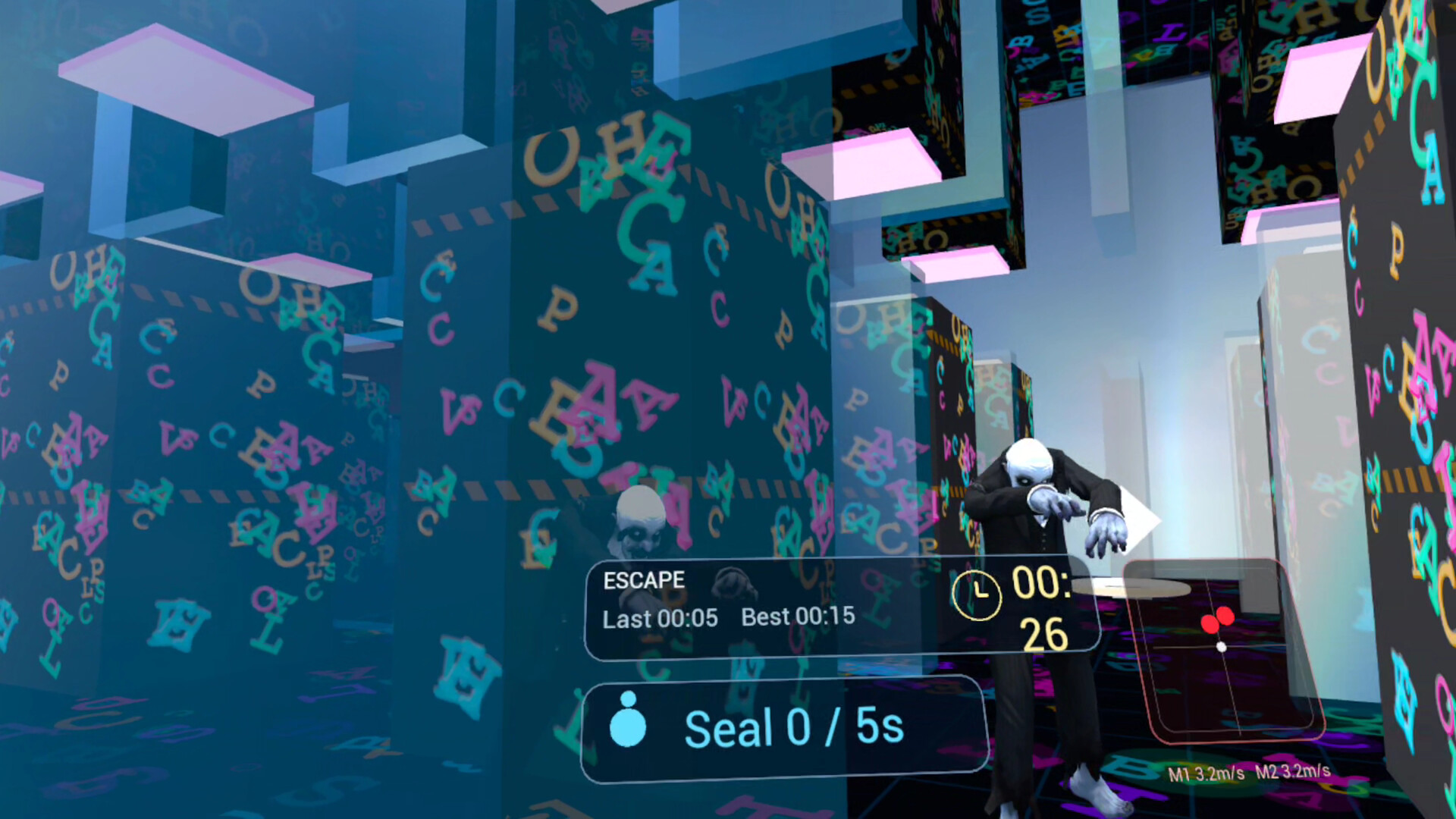
Adventure Escape: Answer questions while escaping from pursuing monsters and use correct answers to seal them.
AI Battle: Compete against AI opponents in real-time vocabulary battles and challenge your recognition and reaction speed.
Visual understanding, sentence context, and physical movement come together in one VR gameplay loop, turning vocabulary practice from passive memorization into an interactive experience built around observation, decision-making, and action.
Dual-Language Learning
Vocab Clash supports both English and Chinese learning. You can switch learning directions at any time from the Game Home screen.
Learn English:
English is the target vocabulary.
Learn Chinese:
Chinese is the target vocabulary.
The game interface supports four languages:
Chinese / English / Japanese / Korean
Players from different language backgrounds can use a familiar interface language while learning.
Wrong-Answer Review System
The game tracks your performance independently in each learning mode and identifies vocabulary that needs additional review.
Words you answer incorrectly or have difficulty with are given higher priority in future sessions and reinforced through image questions and fill-in-the-blank questions.
The more you play, the more the review process focuses on your weaker vocabulary.
Achievements and Ranks
Five rank tiers, from Bronze to Mythic, mark your vocabulary progression.
English and Chinese learning progress are tracked independently, including vocabulary progress, answer accuracy, and review performance.
Continue learning and completing challenges to work your way toward higher ranks.
Core Features
Image Association + Contextual Fill-in-the-Blank
Understand concepts through images and test vocabulary knowledge through complete sentence context.
Full-Body Answering
Boxing, darts, table tennis, dodging, and escaping turn answering questions into physical gameplay.
English + Chinese Learning Modes
Choose to learn either English or Chinese and switch between learning tracks whenever you want.
AI Battle
Compete against AI opponents in real-time vocabulary battles and test your recognition and reaction speed.
Wrong-Answer Review System
The game tracks difficult vocabulary and prioritizes it for future review.
VR Gameplay Learning Loop
Observe an image or read a sentence → understand the meaning → answer through physical movement → receive instant feedback → continue progressing through higher ranks.
Available Tables (0)
View available tables...Events Timeline
View full events timeline...Initial Release