RutMaker
About the Game
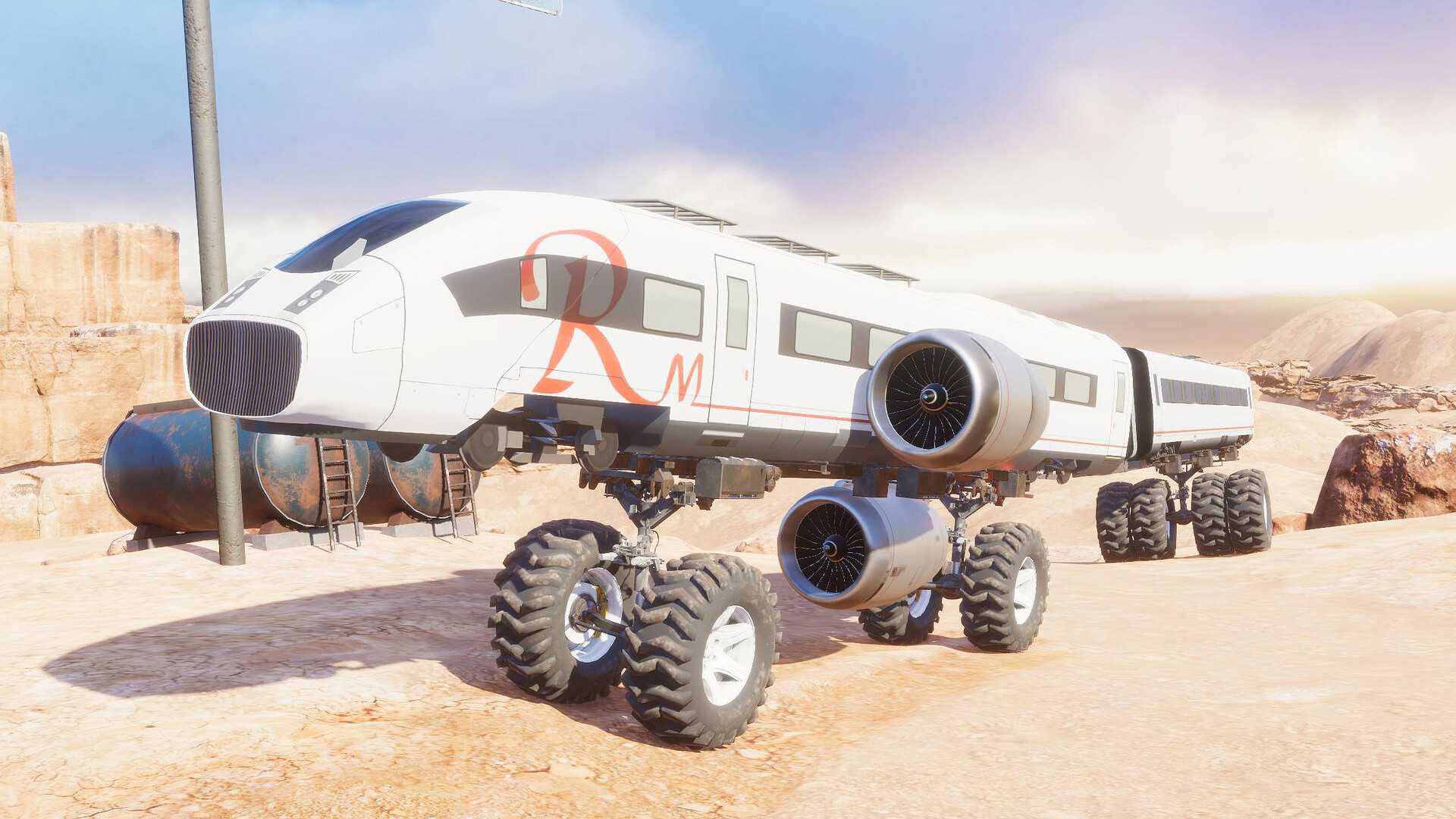
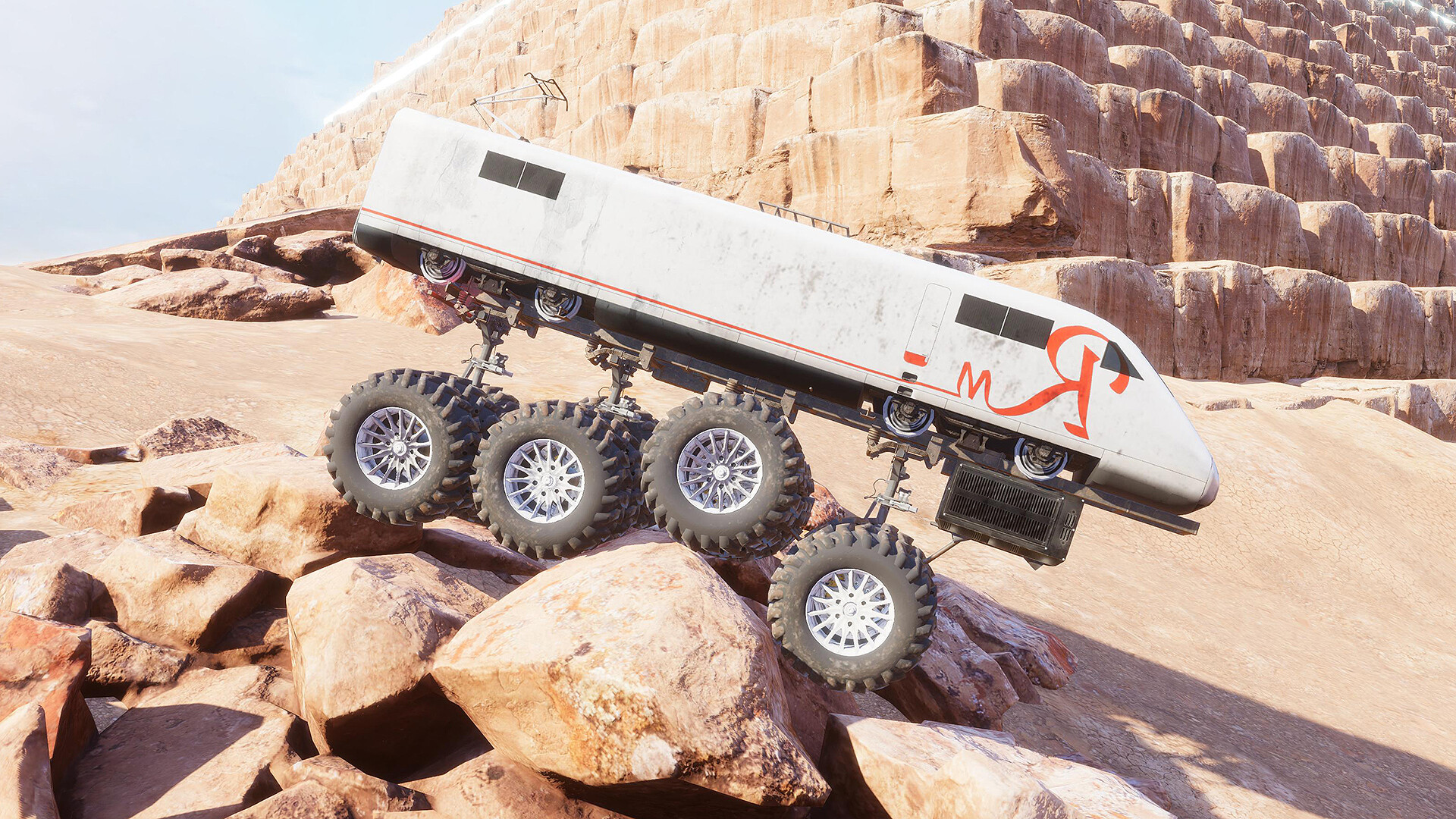
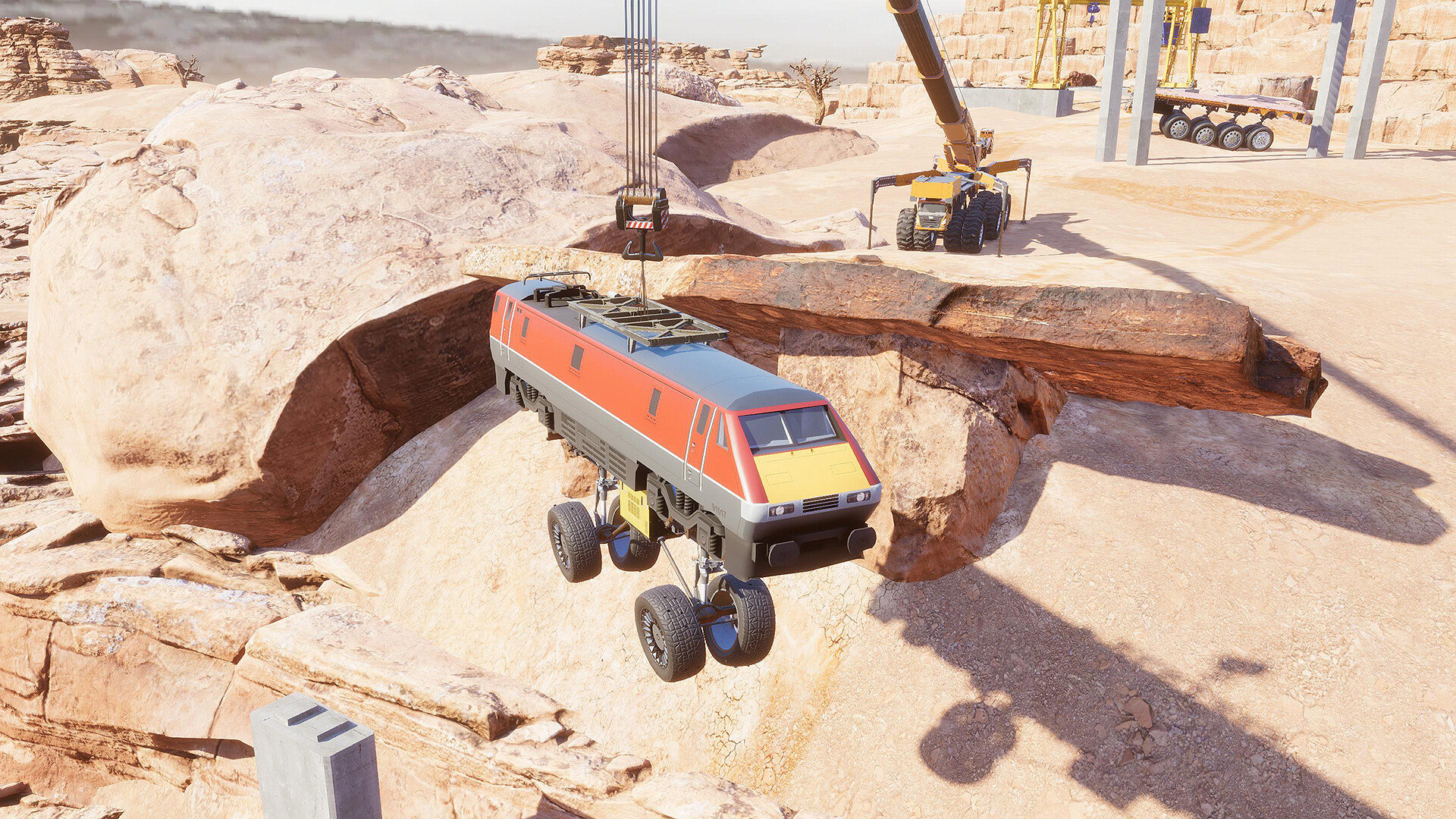
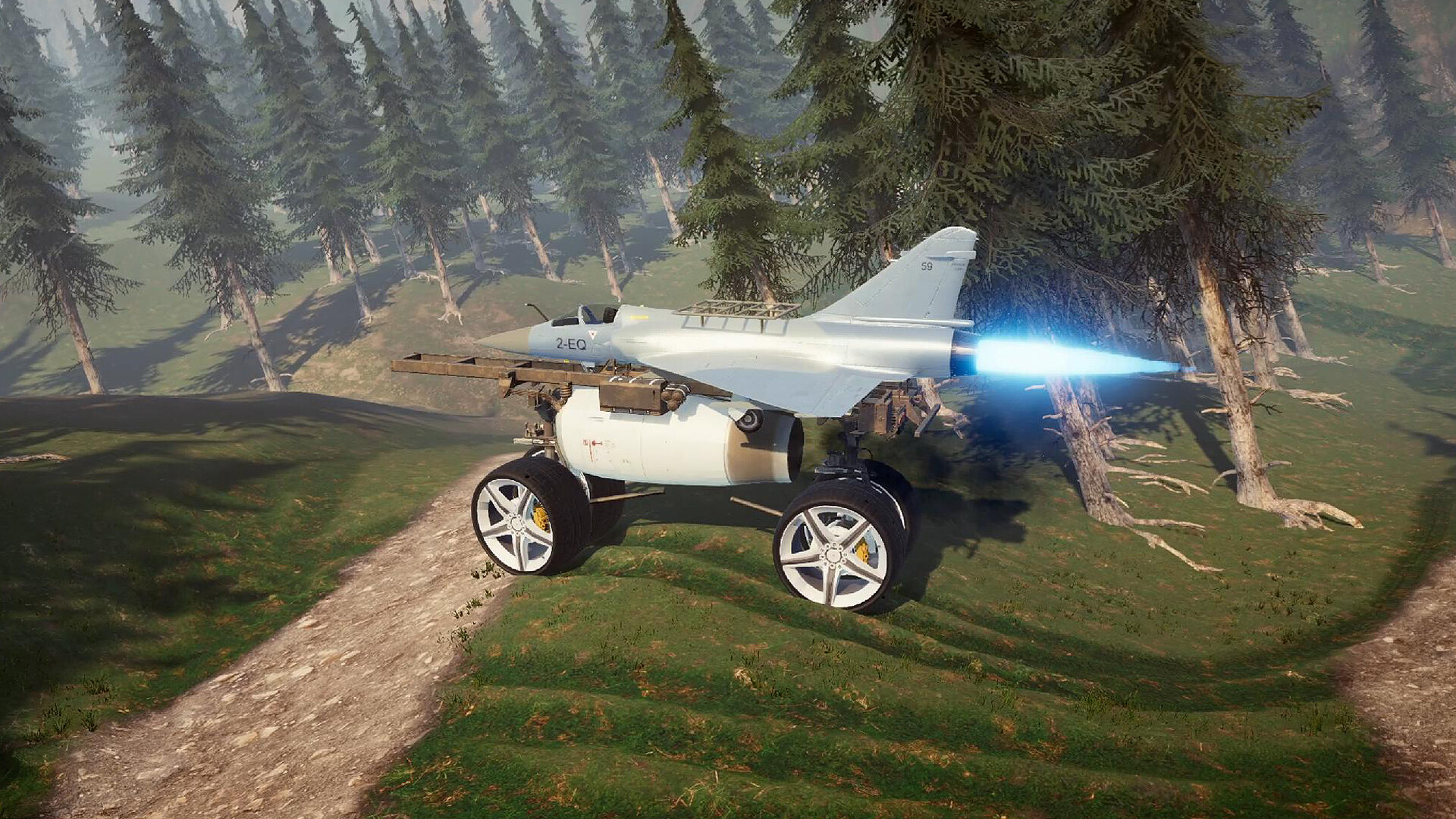
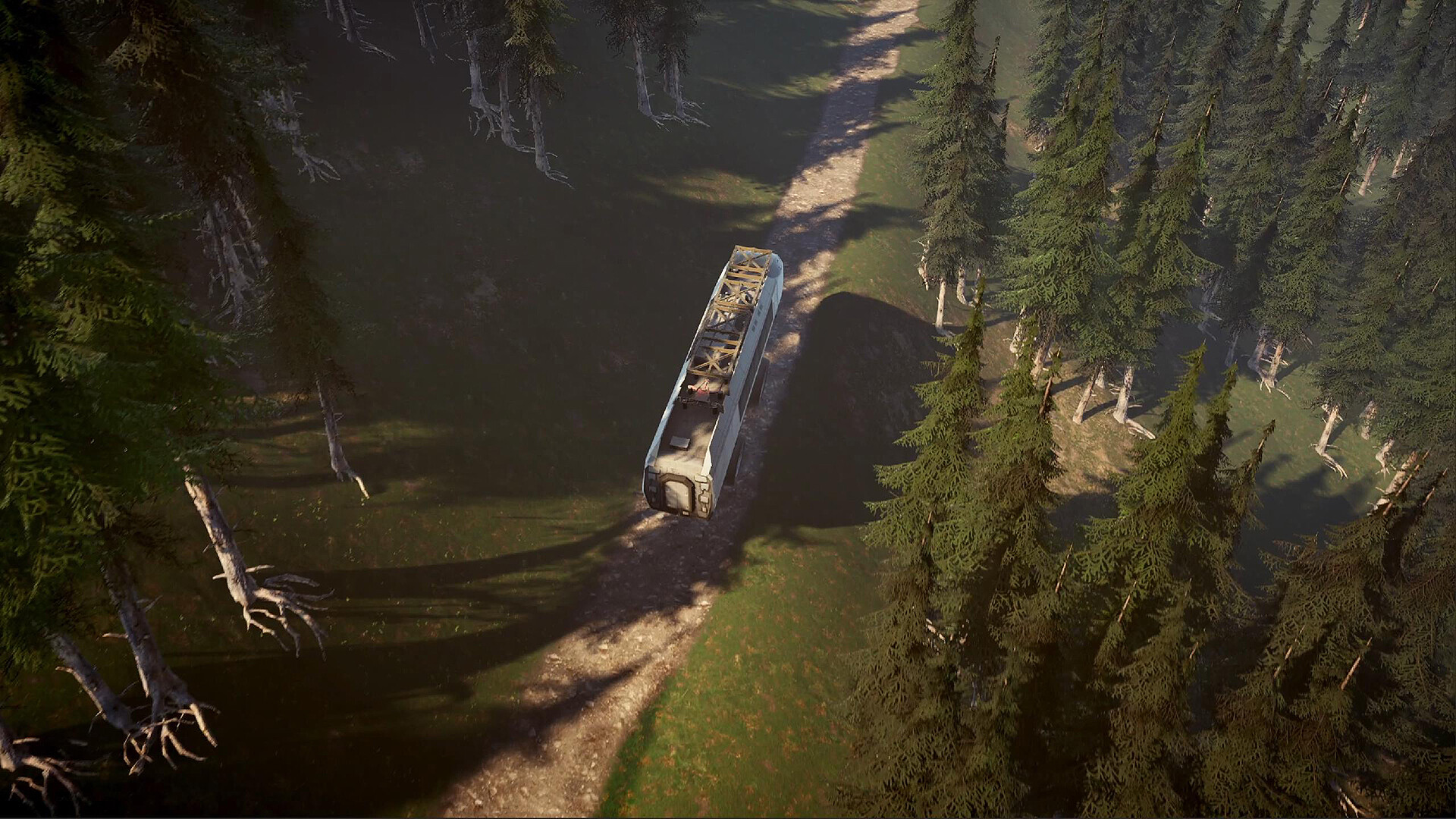
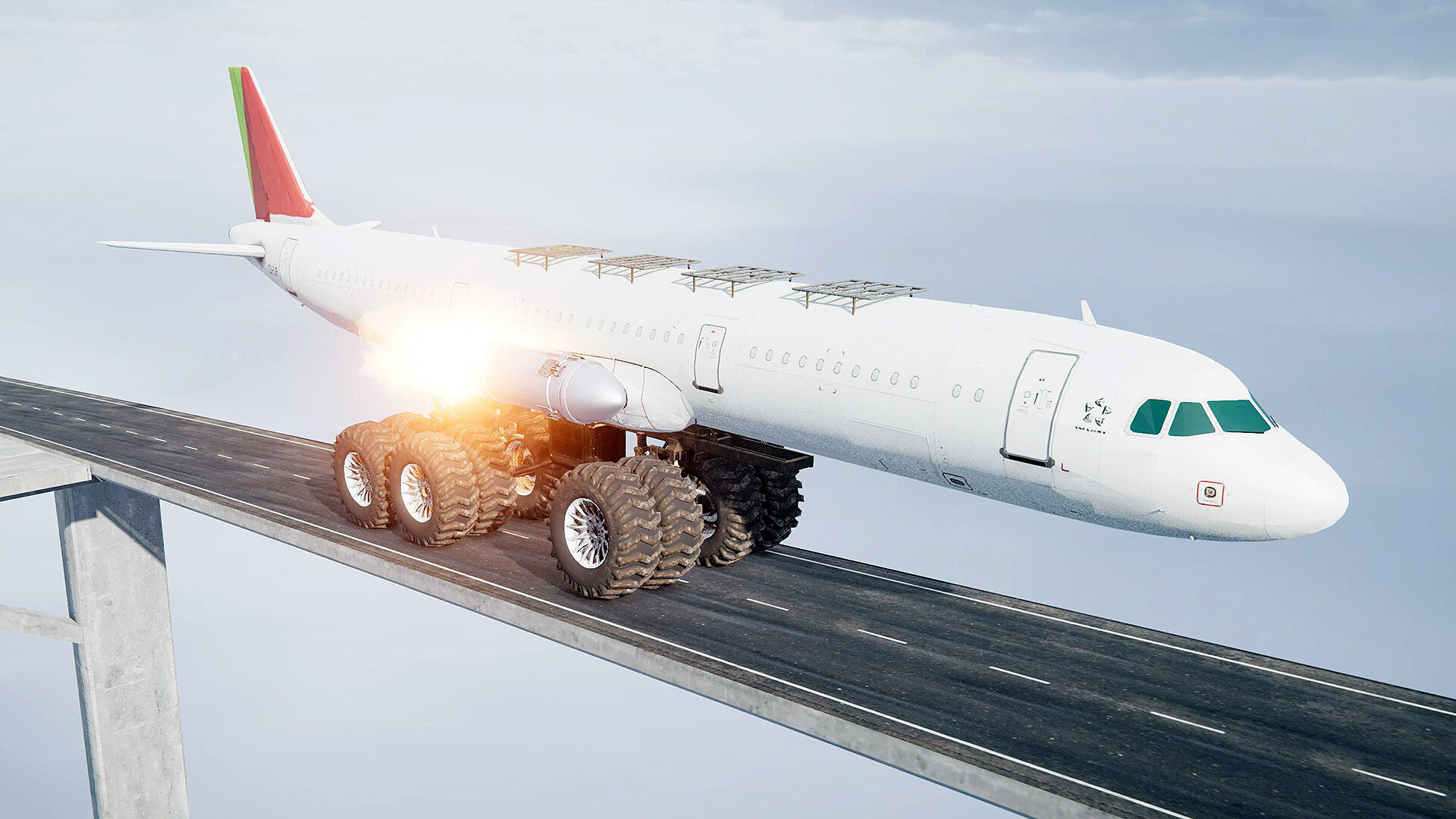
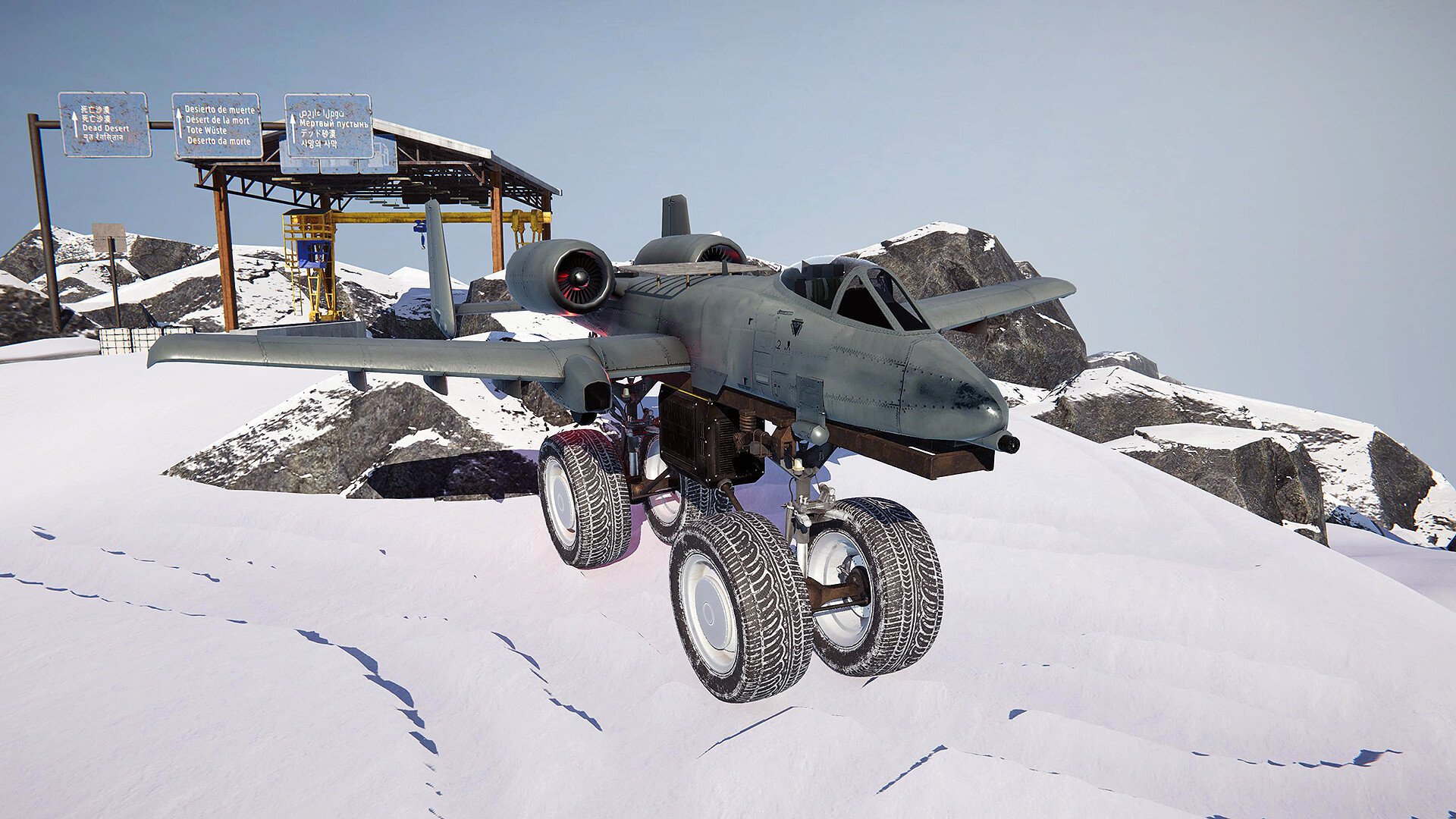
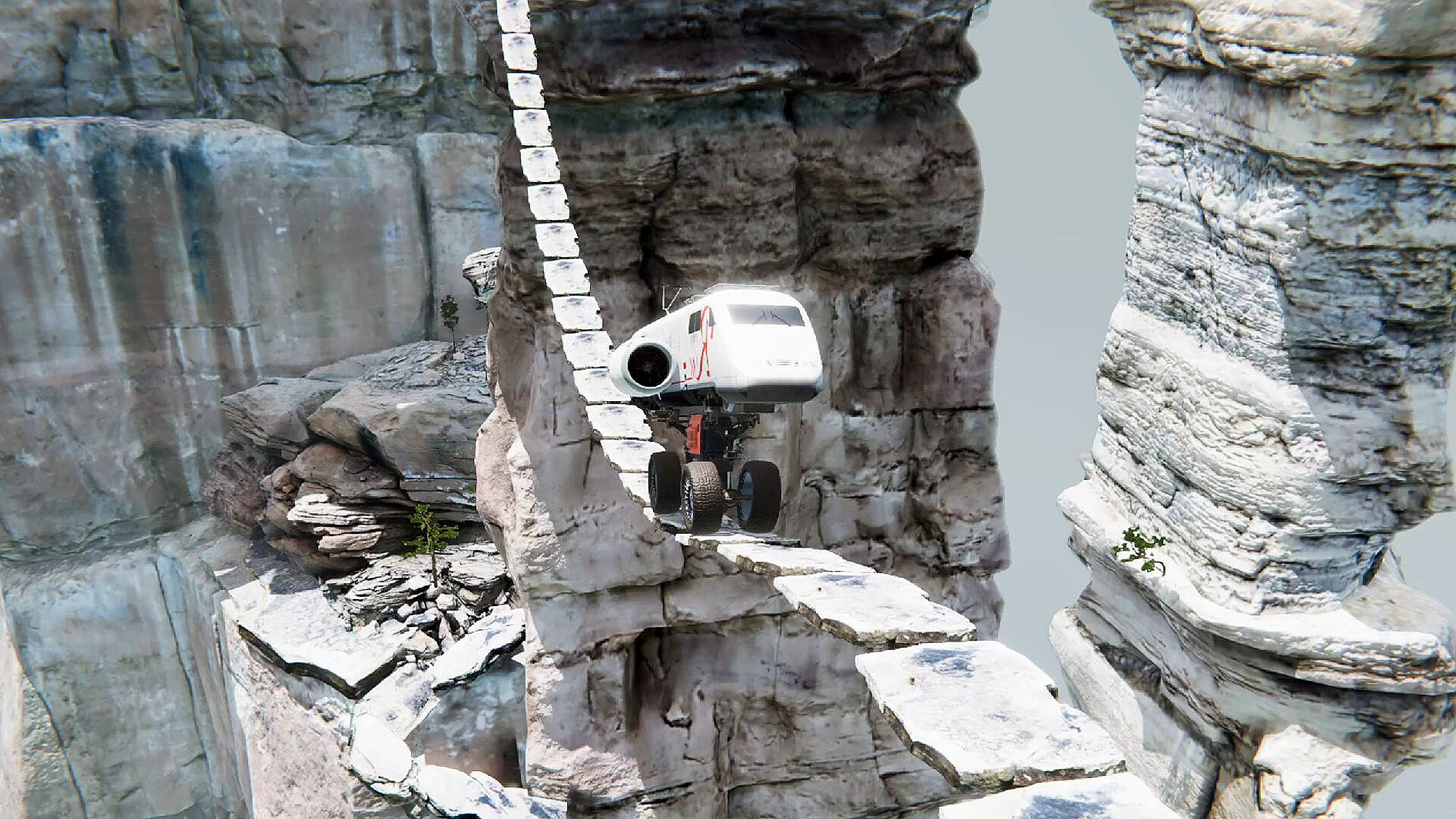
This is a bizarre off-road exploration game where you can drive trains and planes overland!
● Complete tasks in the game to earn 15+ body parts, 20+ tire parts, 10+ engine parts, and 15+ chassis parts. Even more parts will be added continuously for free in subsequent updates.
● The game offers 10 interconnected open worlds with a total area of over 200 square kilometers. You can go anywhere without any restrictions (except beyond the map boundaries).
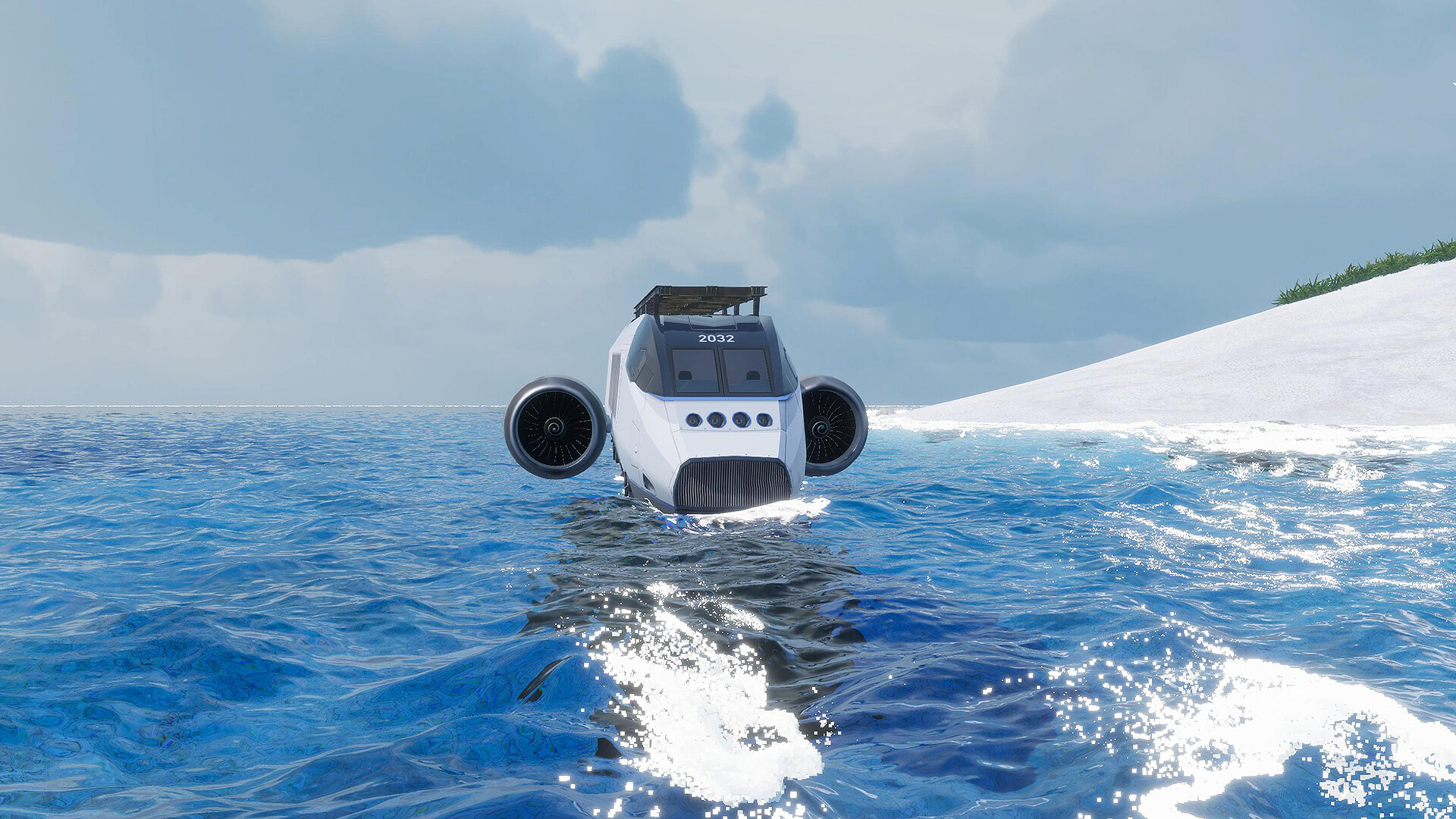
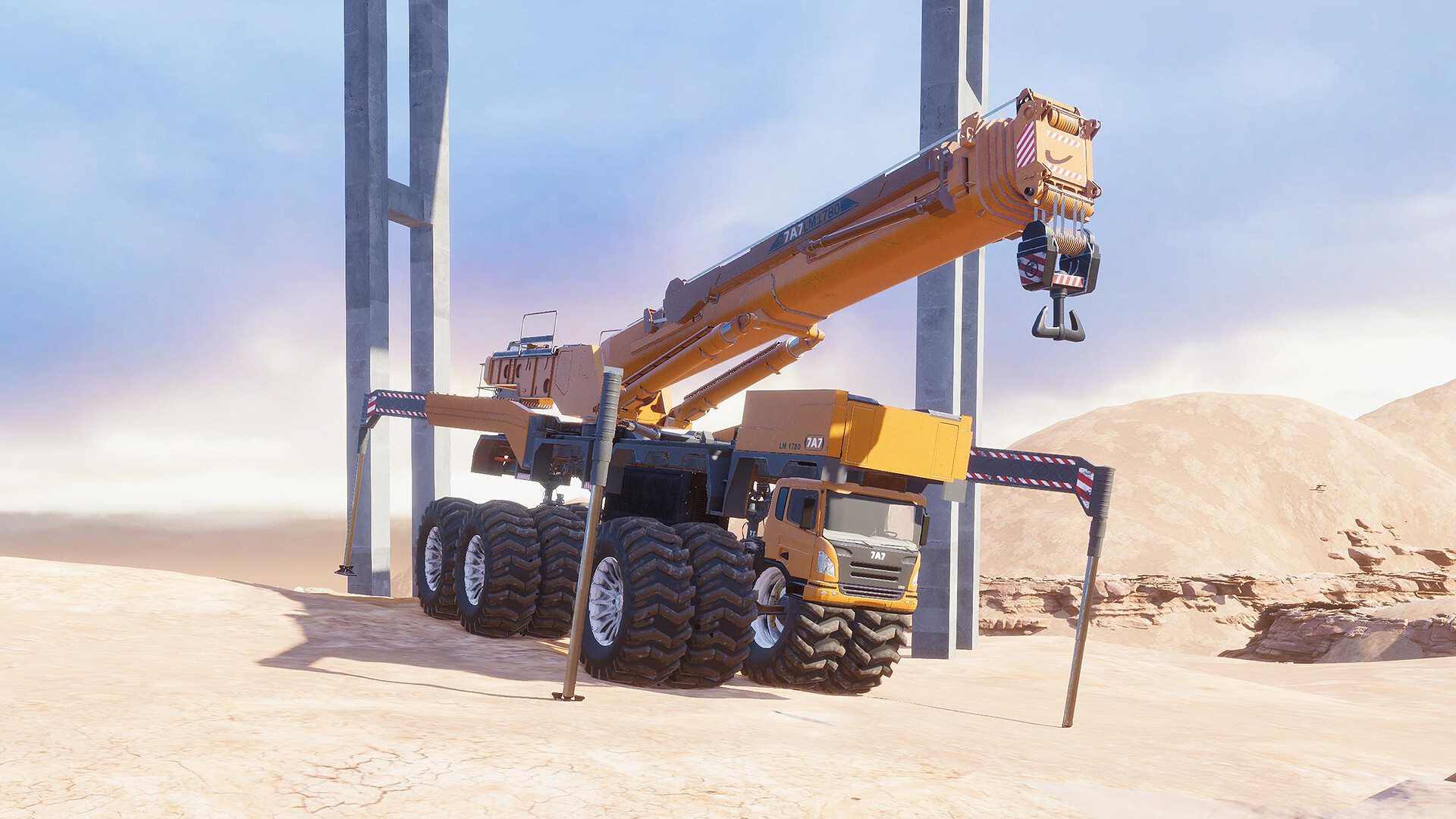
● You can freely assemble a train, plane, or crane, and install diesel engines, jet engines, or rocket engines.
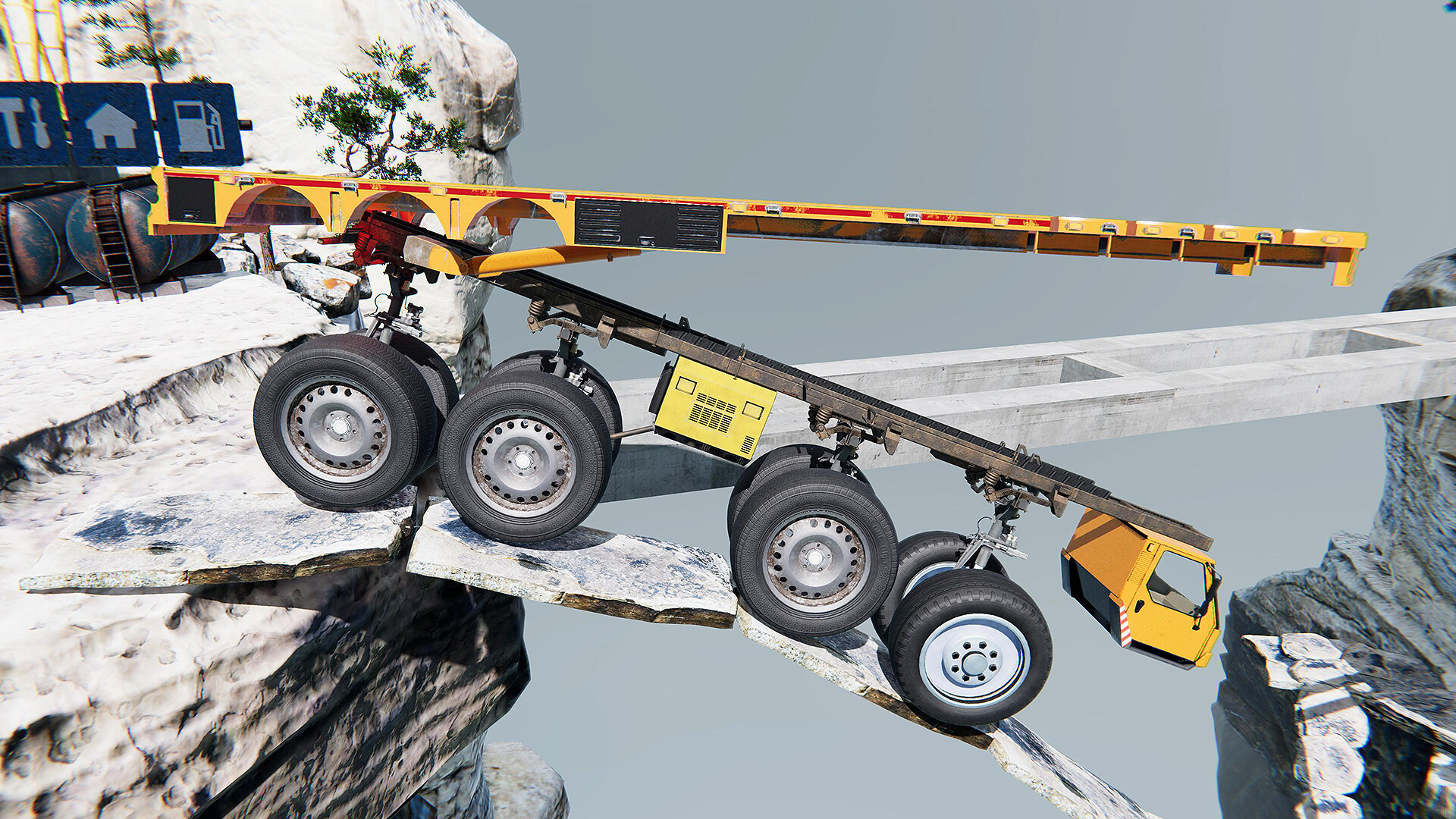
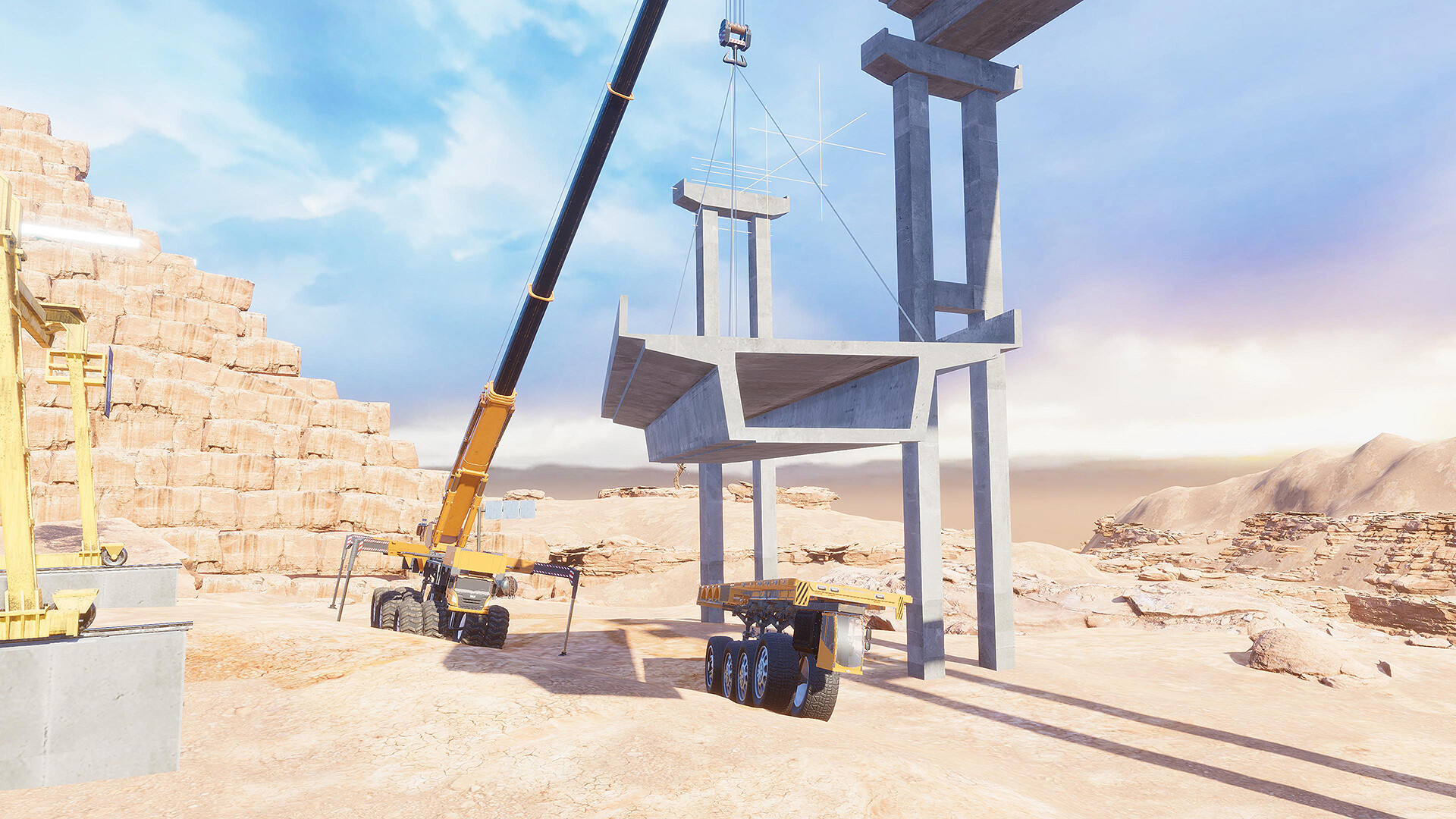
● You can assemble cranes to rescue stranded vehicles or to build bridges, etc.
● Plans for future free updates include a cooperative multiplayer mode and Steam Workshop support.
Gameplay Guide:
Assemble Vehicle
After starting the game, you will arrive at the Assembly Point. Here, you can assemble a vehicle to your liking. Once built, remember to refuel it: diesel engines use Diesel, jet engines use Jet Fuel, and rocket engines use Rocket Fuel. To start aircraft or rocket engines, tap the corresponding icon on the right side of the screen or press the hotkey.Complete Missions
With your vehicle ready, drive to a nearby Mission Point to accept a task (engineering vehicles cannot accept missions). The ground at a Mission Point displays an "i" icon. After accepting, follow the navigation to the destination (marked by a "?" on the ground). Completing missions rewards you with Money and Parts (most rewards will be locked in the demo). Driving on certain rough terrain may increase your chance of getting better rewards. If you lose your way, press the M key to open the Map and find your own route.Vehicle Recovery
If your tires lose traction, you can engage the Differential Lock (DiffLock) to help. If you accidentally fall into a deep pit, off a cliff, or into water, you will need a rescue. You can choose to abandon the current vehicle, return to the Assembly Point to build a new one for towing, or directly assemble a Crane to lift the stuck vehicle.Switch Vehicles
You can press the M key at any time to open the Map and switch to any other vehicle you own.Speed Limit Driving
On complex off-road sections, activate the Speed Limit (SpeedLimit) function for easier control and a more comfortable experience.Map Construction
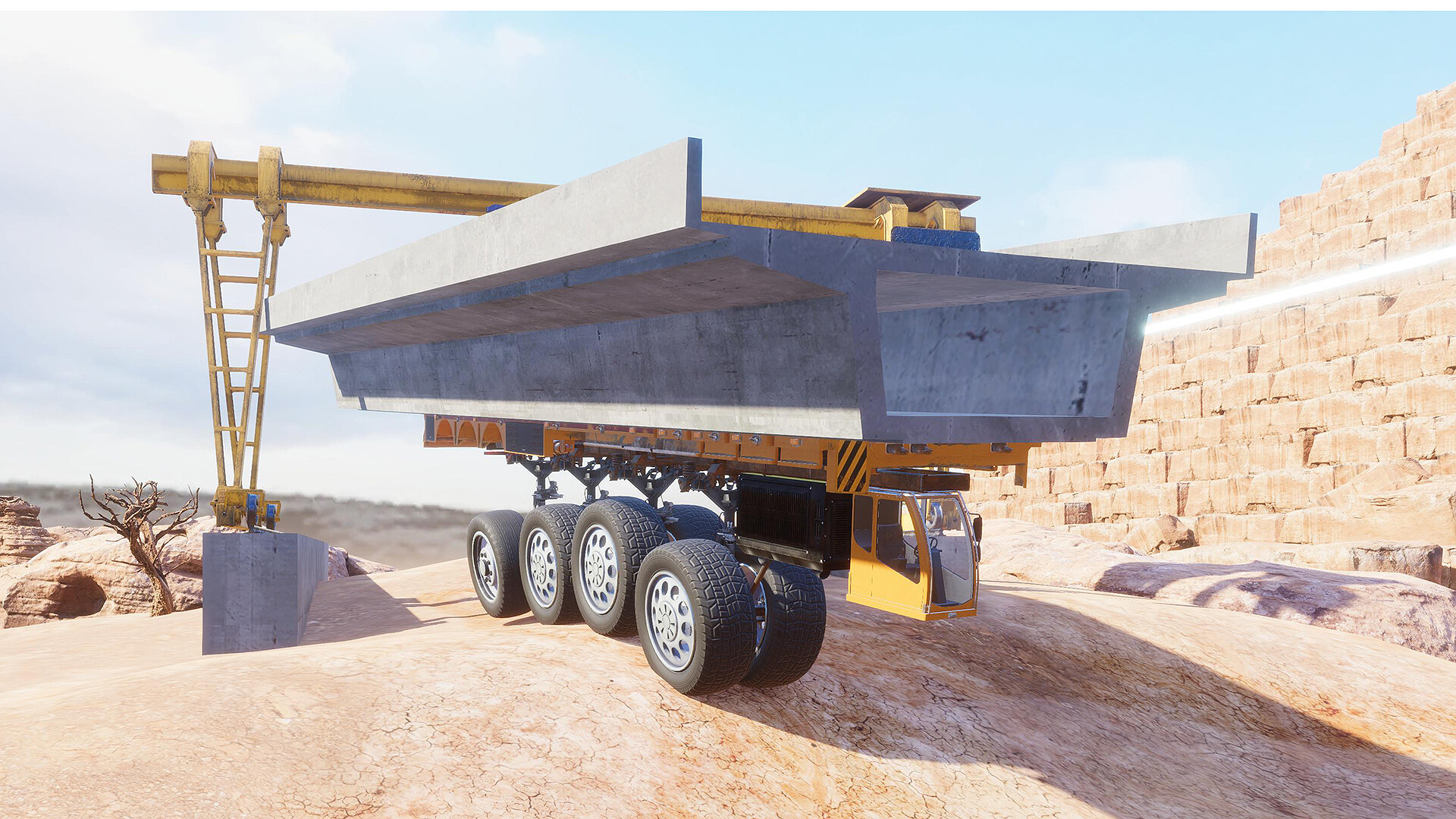
Some mission destinations are inaccessible directly and require Map Construction. Shops are scattered across the map where you can purchase construction materials like concrete prefabs or rocks. Assemble a Flatbed Trailer to transport materials to the designated site, then operate a Crane for construction (its primary use is building bridges), making your future missions easier. Everything you build is saved permanently—unleash your creativity.Sell Vehicle
When short on funds, you can drive your vehicle directly to a Shop to sell it.
Available Tables (0)
View available tables...Events Timeline
View full events timeline...Initial Release