Picklemania: The Ultimate Showdown
About the Game
Step into a high-energy universe where pickleball is literally EVERYTHING. Play as one-of-six Pickleball Hall-of-Fame Legends and show off your expertise in an intense pickleball match. Rally, smash, and outplay your opponent in a fast-paced arcade experience that blends accessible controls with skill-based gameplay.
Designed for both casual and competitive play, the game focuses on tight mechanics, responsive movement, and satisfying shot control. Every match is a test of timing, positioning, and strategy.
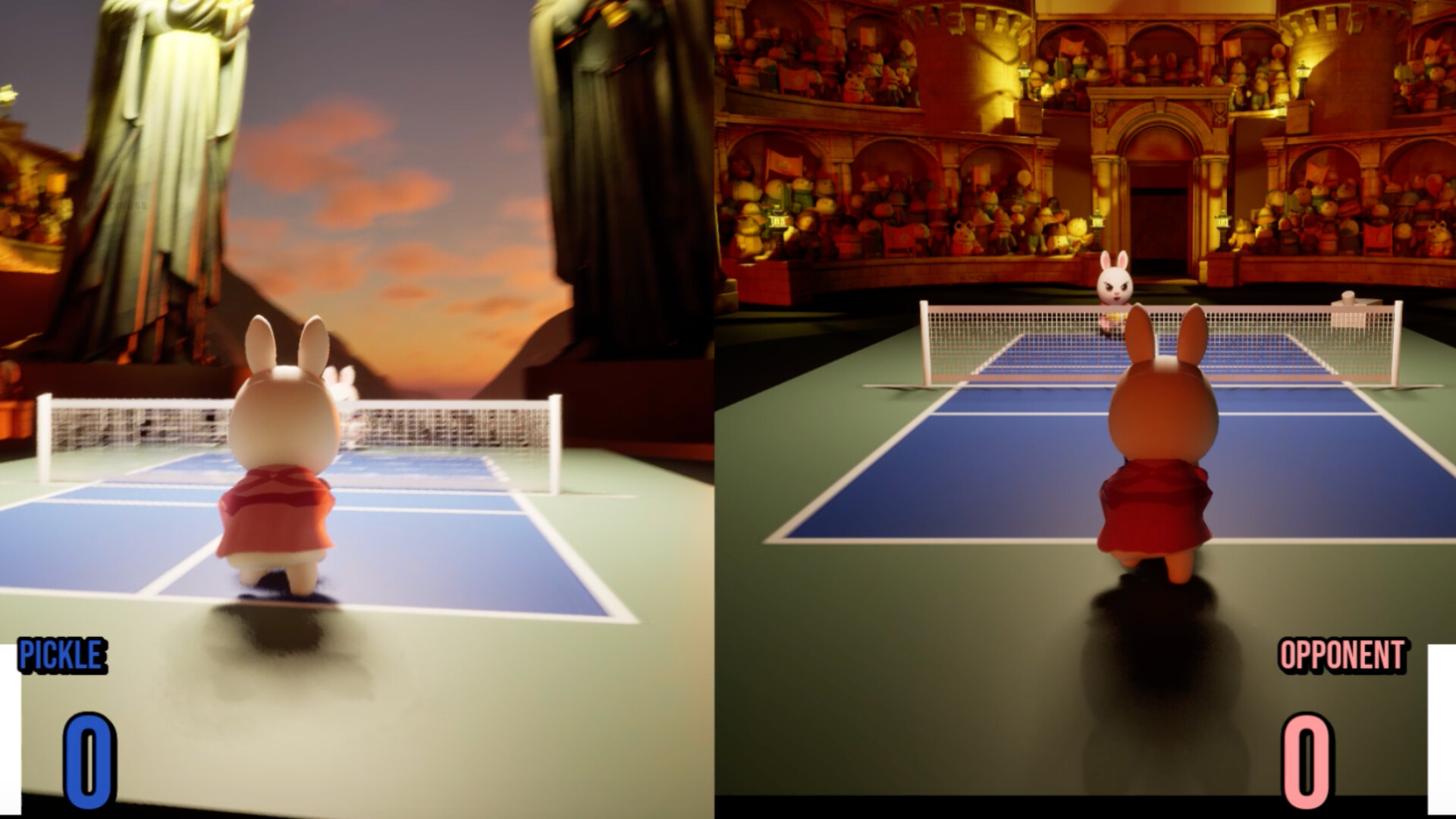
Play solo or challenge a friend in local split-screen multiplayer. Whether you’re practicing your shots or battling it out point-by-point, each match delivers quick, intense gameplay sessions.
Training Grounds & Game Time
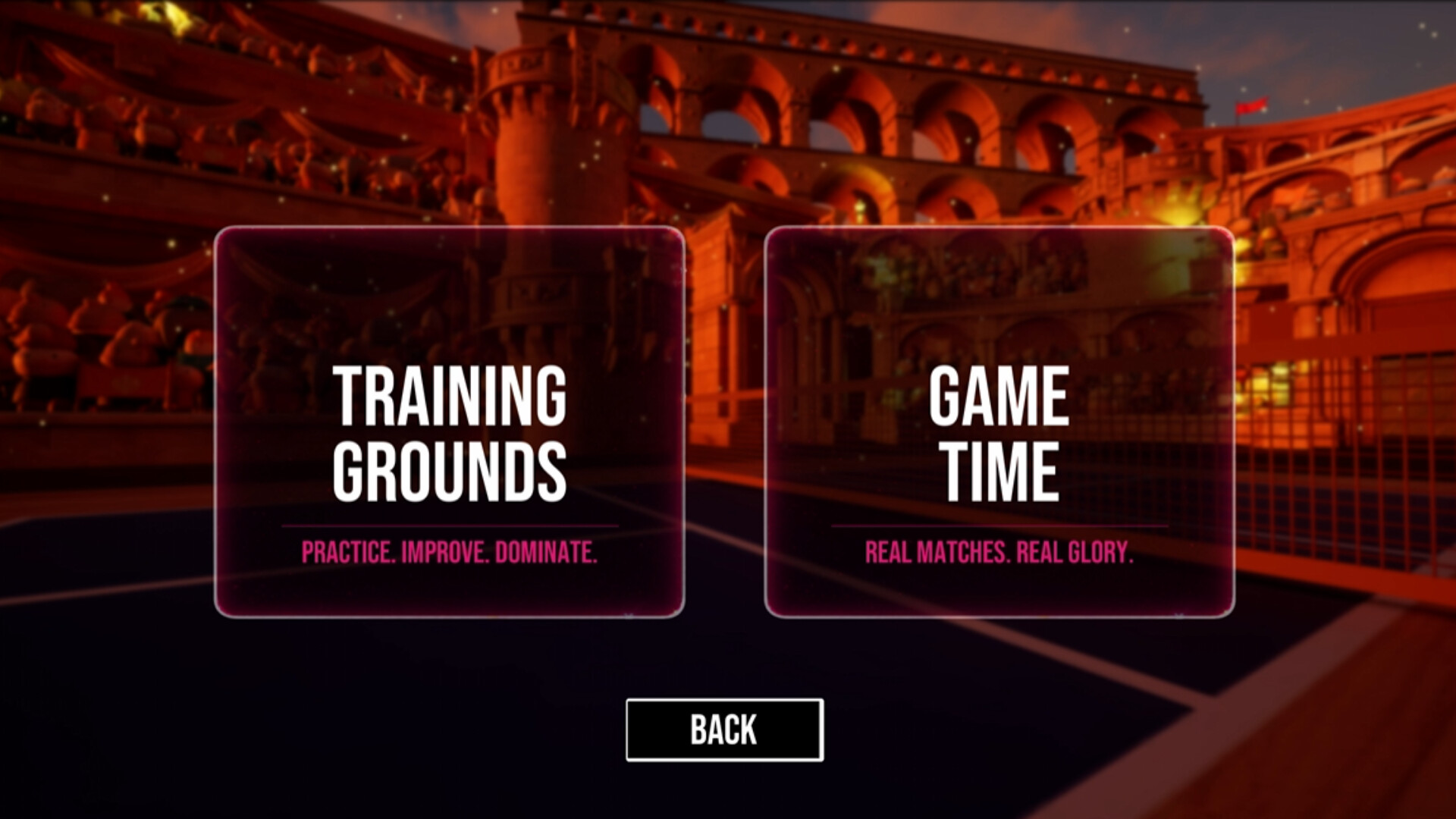
To start a game, select "Game Time".
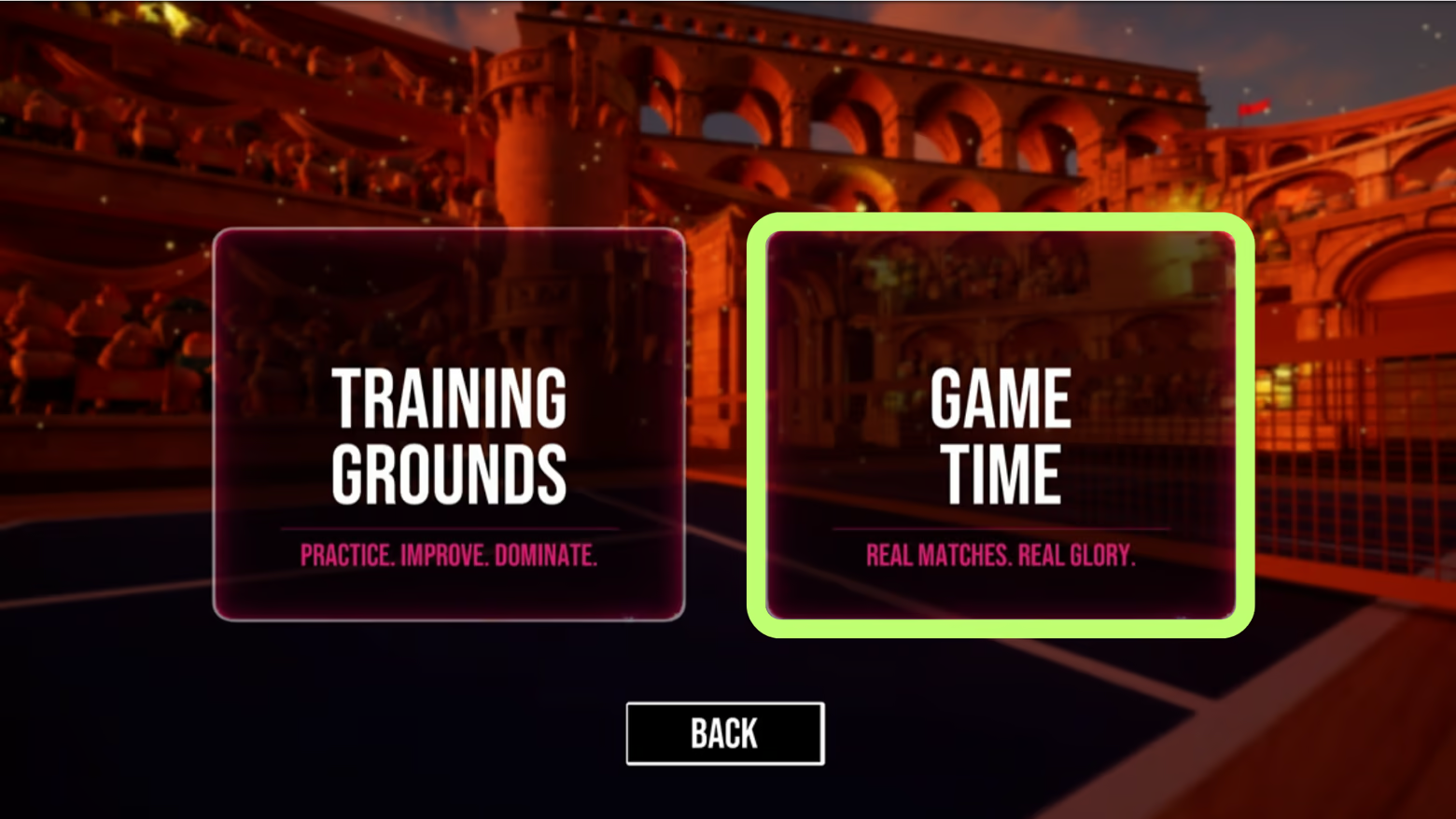
Note that Training Grounds only supports players with PK paddles at this moment.
Single Player & Multiplayer
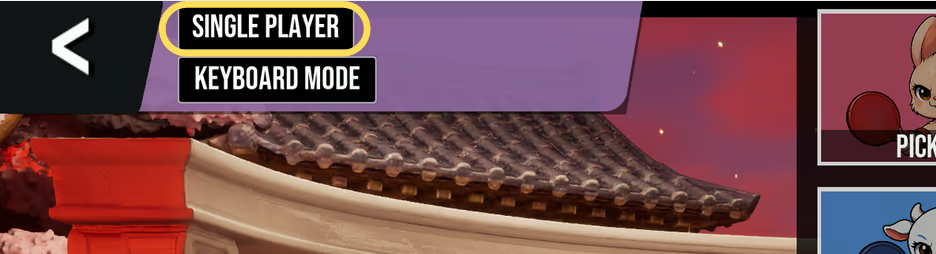
Click on to toggle between Single-player or Multiplayer Mode!
Single-Player: Play against Pickleball Enemy AI. Be ware, they won't go easy on you!
Multiplayer: Play against another player (with your friends!). Local 1V1. Note: Multiplayer only supports paddle mode at the moment.
Keyboard Mode & Paddle Mode
This game can be played on keyboard or using the PK Controller!
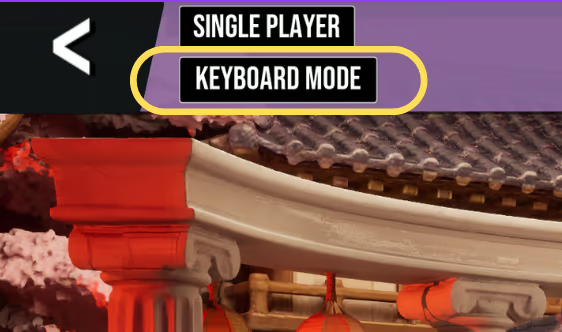
To Play on keyboard, make sure to click the second button to toggle to keyboard mode in the character selection page. Note that only single-player support keyboard mode at the moment.
To play with PK controller, enter the IP address(es) of the paddle(s) in Main Menu -> Settings. Make sure the paddles and the Computer is on the same WiFi network.
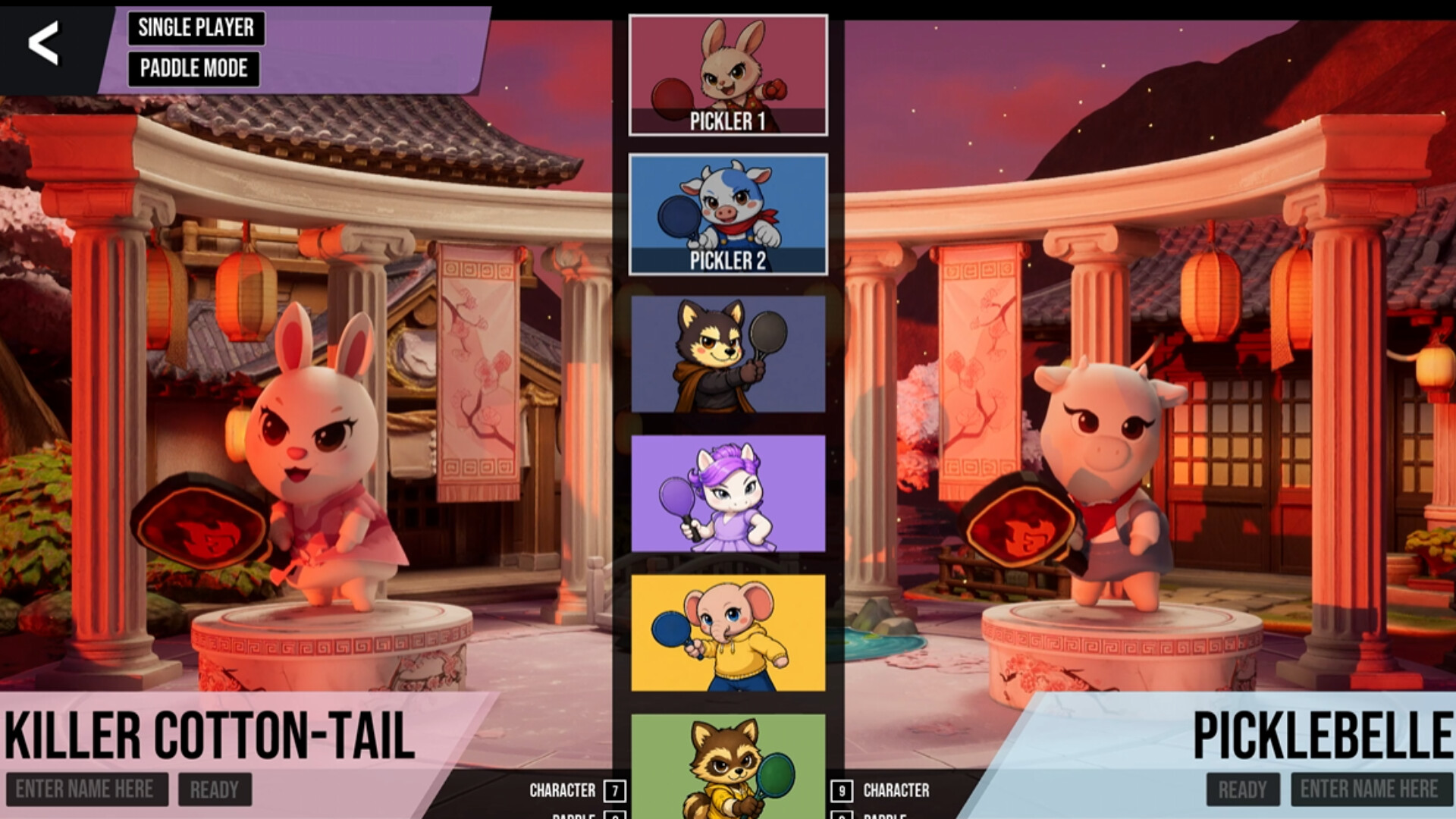
Select Characters & Paddles
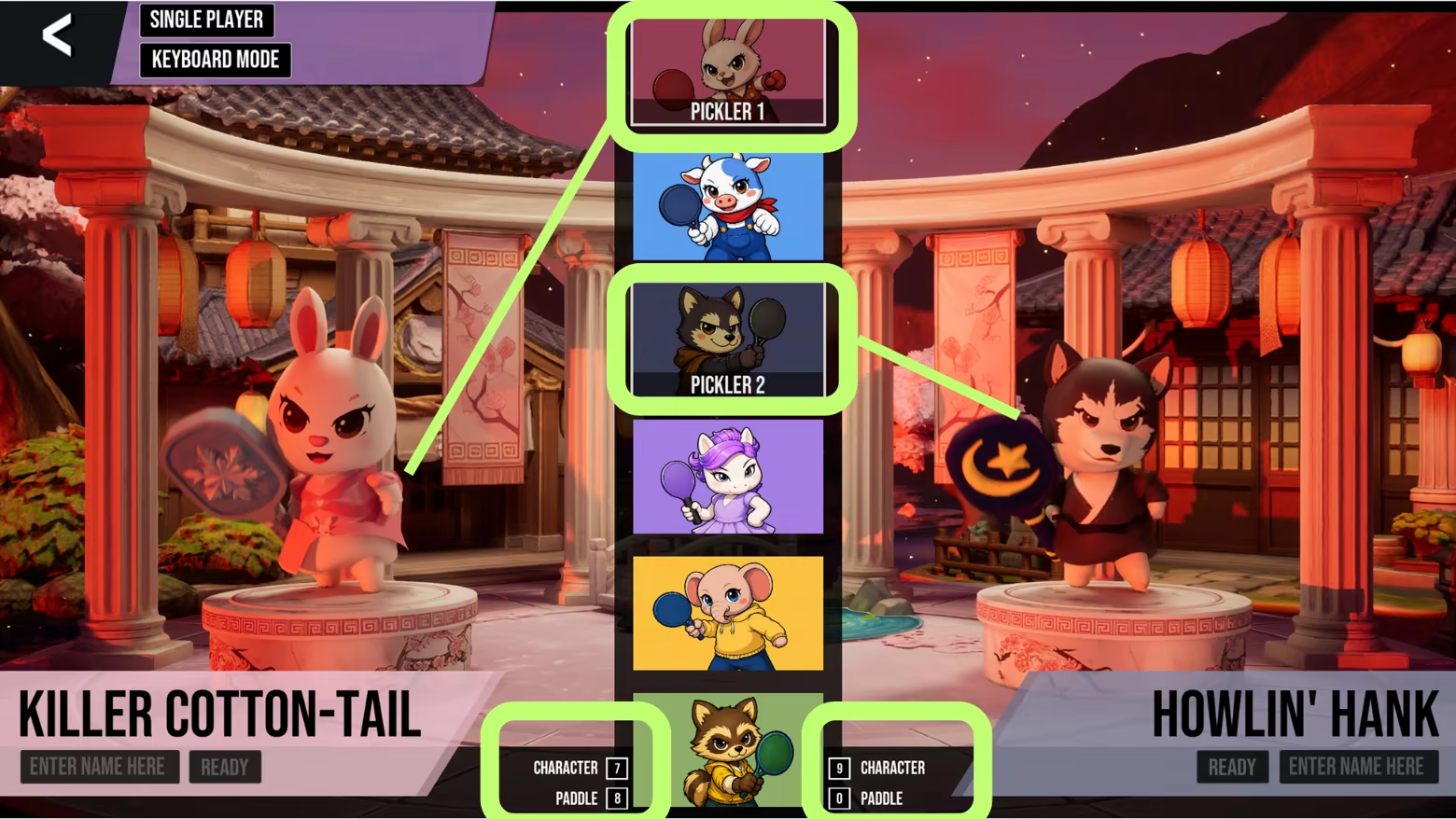
Keyboard Mode: toggle through characters with key 7 and the paddles with key 8. They can also choose the opponent character (with key 9) and paddle (with key 0).
Paddle Mode: toggle characters by pressing button, and toggle through paddles by lighting swing the PK paddle.
Ready & Play!
Once you're ready, click the two ready buttons under the character's name, and the pickleball game will begin shortly!
(Note that in Single-Player mode, you still need to click both of the ready button)
*Optional: Enter name(s) in the bottom corners as you want it to appear on the local leader board!

Paddle Users: Press and hold the button to set yourself as "Ready."
How to Play (Single-Player Keyboard Mode)
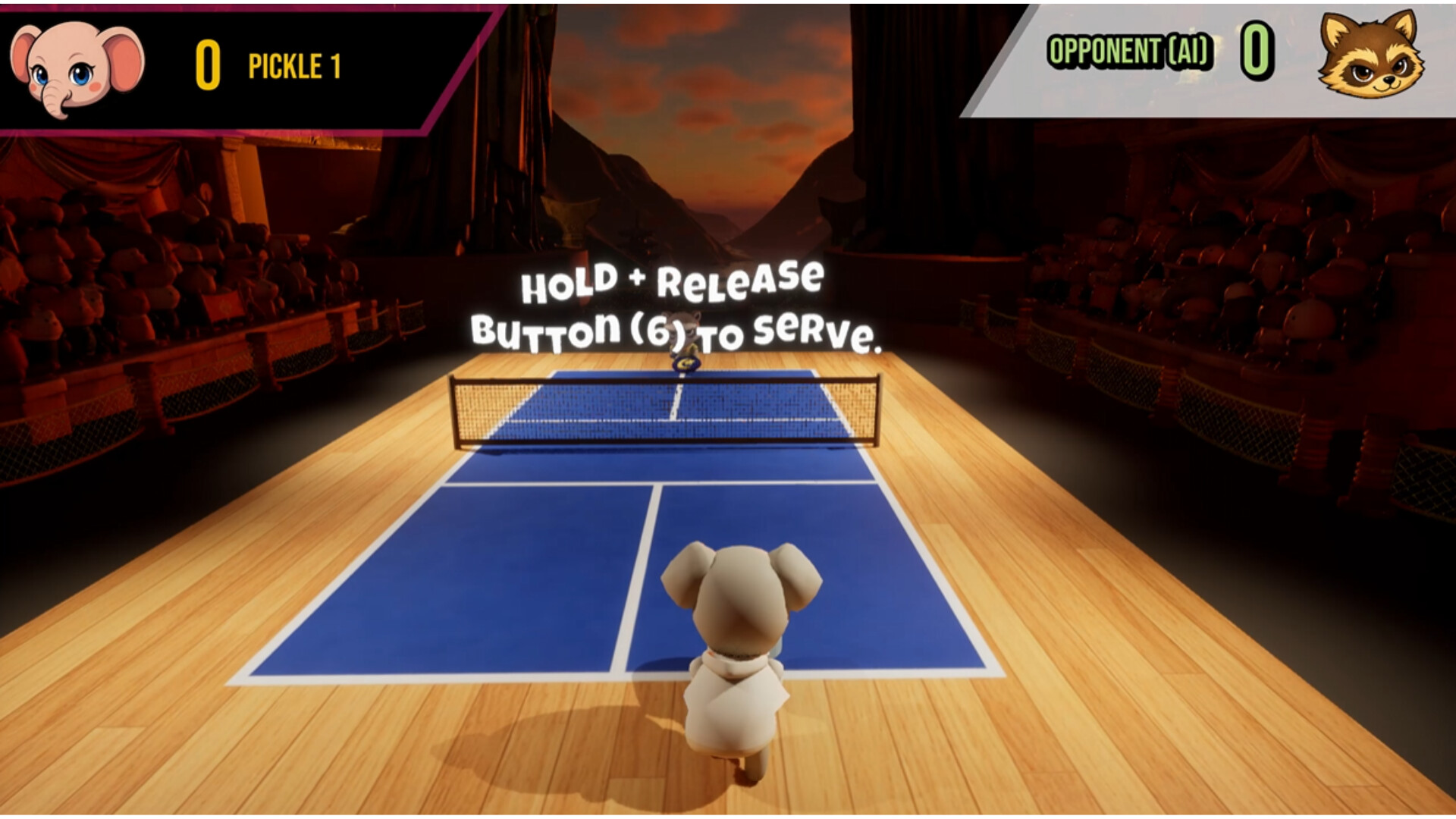
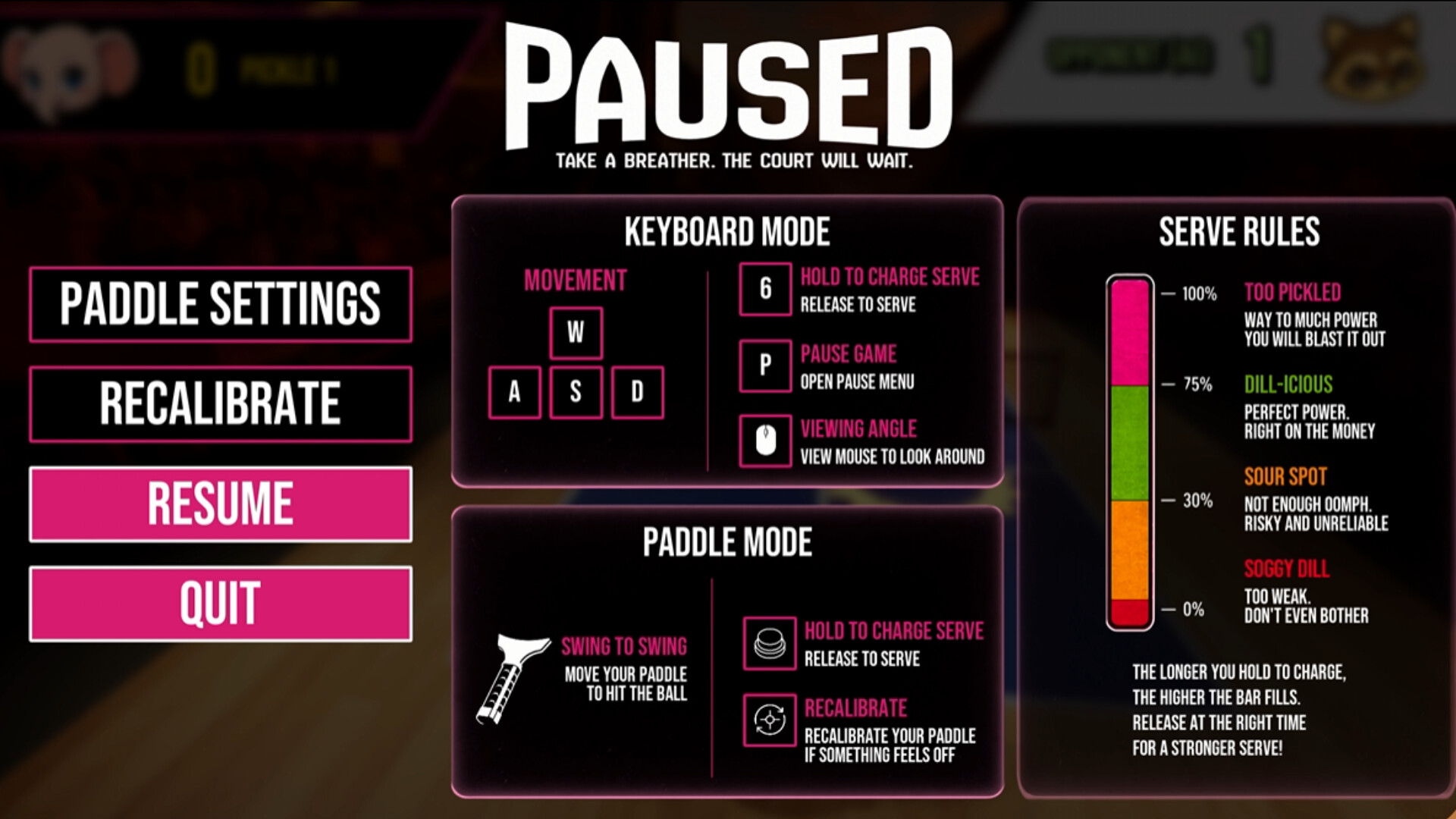
Play the game until somebody score 3 points! Remember, in Pickleball, you can only score on your serve!
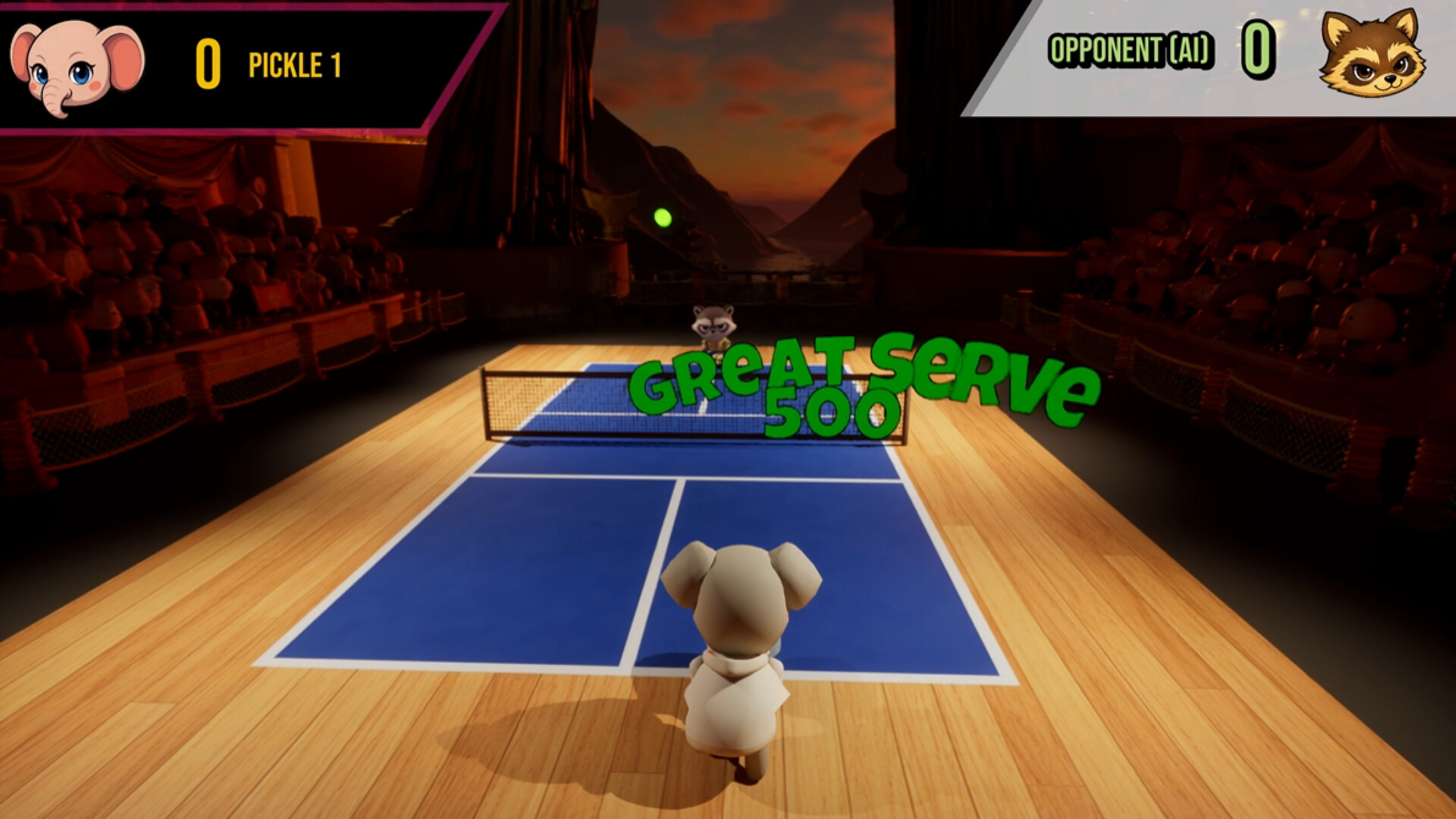
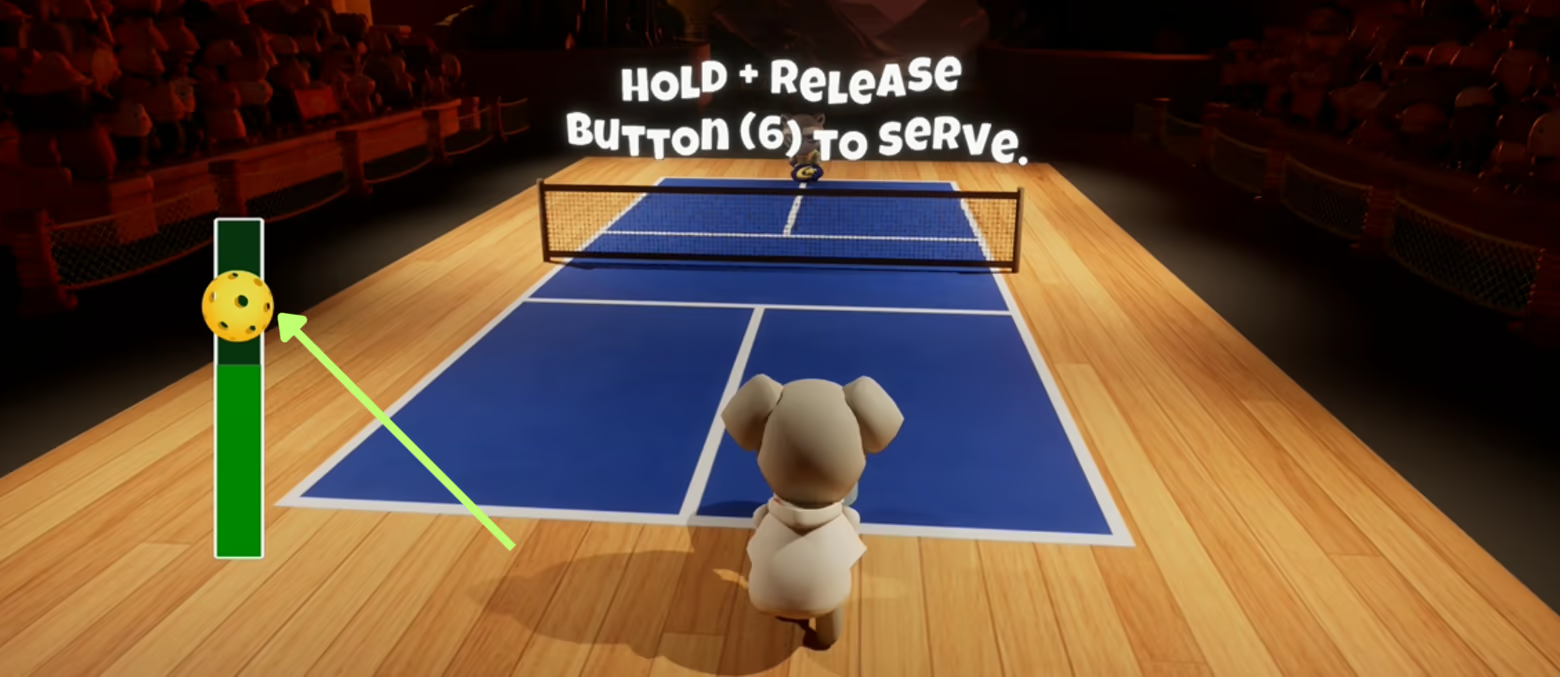
Start with press and holding key 6 to serve. A serve bar will appear on the screen. Try to aim for the bar to fill to the yellow ball for a perfect serve.
Move around the court with WASD. When it's time to return the ball, a circular ring will appear on the floor. Try to run to it for a perfect swing hit!
Control viewport with mouse and Swing the paddle with left click.
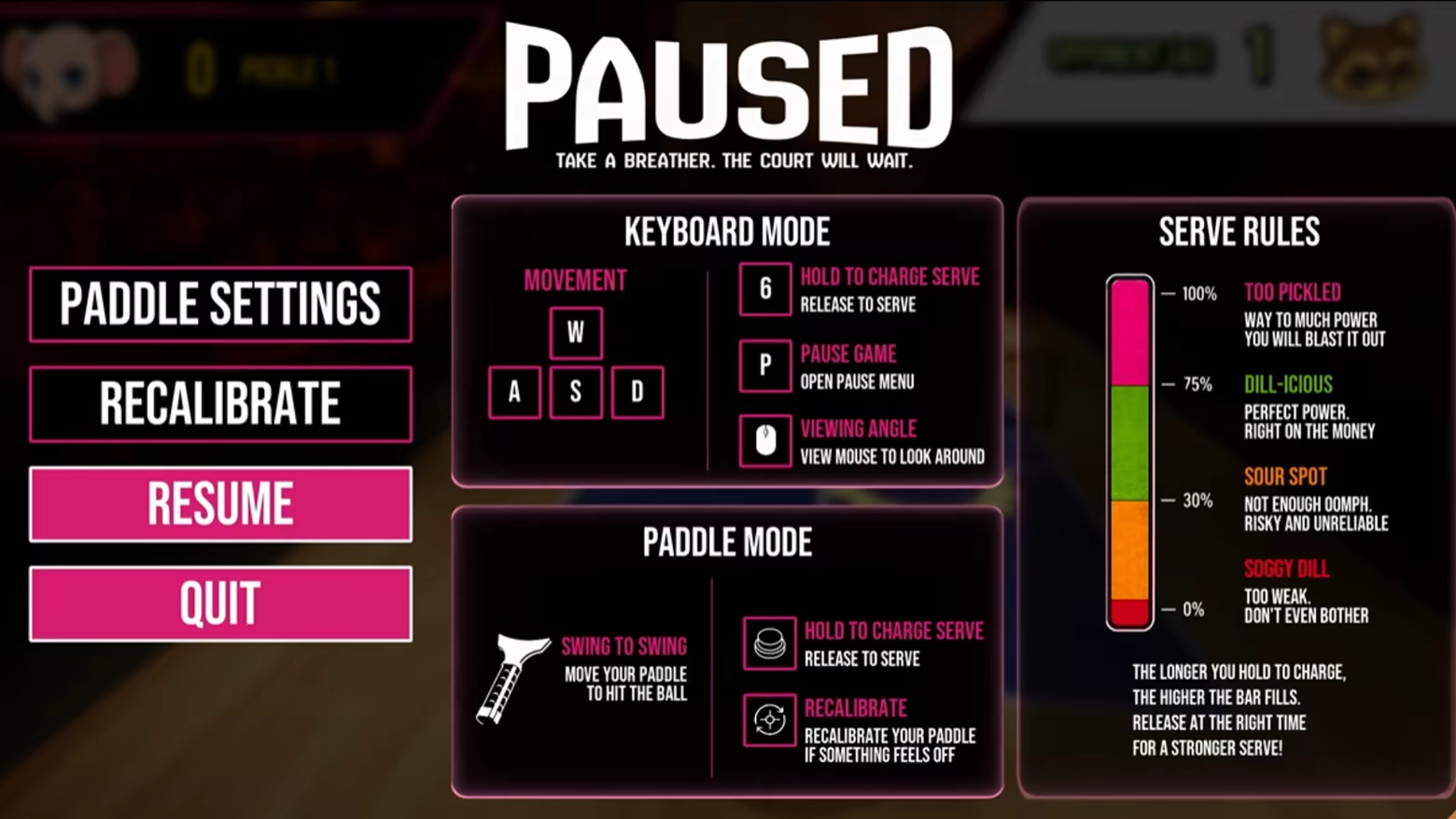
Pause the game with key P to review the controls or navigate the menus.
Learn More
Website: picklemania.store
Contact: team.pickle.inc@gmail.com
Available Tables (0)
View available tables...Events Timeline
View full events timeline...Initial Release