Nekurogahara: Psycho Ronins
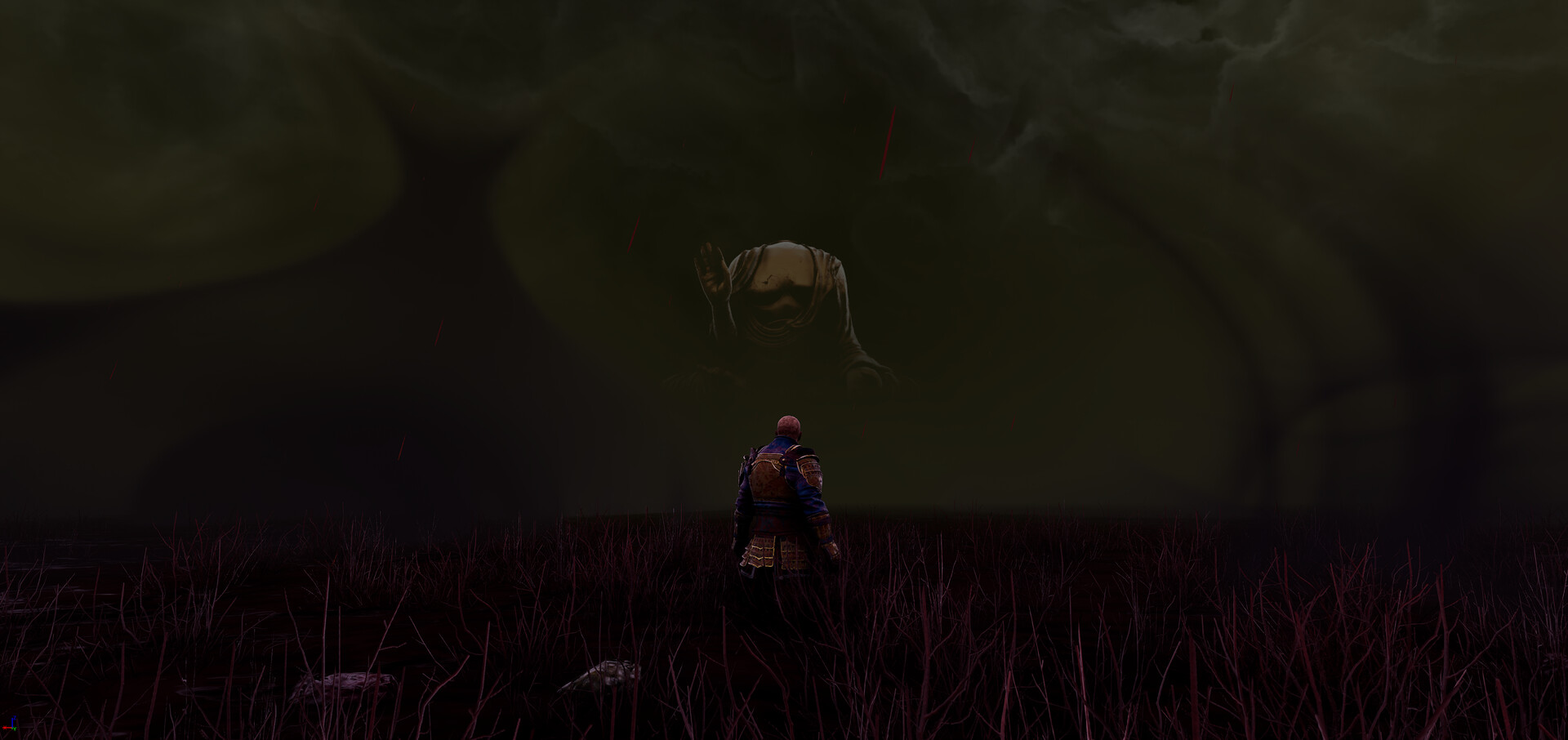
About the Game
INITIALIZING TERMINAL...
///
DONE - INITIALIZING TERMINAL
CONNECTING SYRINGES...

///
DONE - INITIALIZING TERMINAL
DONE - CONNECTING SYRINGES
INJECTING SUBJECT 5...
0920091909131615191909020120520150405190318090205
2008051619250308151215070903011223011806011805
2008012009060103050401091225
0618151320080513151305142009230111052116
20150522051825190914071205140907082013011805
090625152118051805010409140720080919
09131315192012091105122504050104
20080525110912120504130502050301211905
20080525111415230911141523
14052420200913052515211215151101202008051920011819
020503051820010914200805250118051215151109140702010311
0120251521
///
-----------
Core Features:
intellectually demanding combat system: no 1 button to parry, no iframes vs everything
Many characters: each with its own properties affecting how they perform in combat
Several classes: each with its own custom gameplay
Dynamic Stats: stats update based on your performance, level up/down in real-time
Difficulty modes: casual and ranked; ranked uses randomized movesets and combat inputs
Dynamic inventory: weapons represent movesets; pick up/drop AND equip/unequip them using
inputs dynamically - no menusPlayer-like Ai: enemies are coded to behave like players so it feels like multiplayer
Tutorials: step-by-step tutorials
Dynamic Lock On: move the character freely while locked on to a target
Keyboard/Mouse and Controller support: select your device in game to display the correct icons;
also select your input layout; each difficulty mode has its own custom layoutCustomize your UI: hide/show the panels for a more immersive experience
-----------
Important:
UE5 requires Microsoft C++ redistributables to be installed in order to run the game; the first time you open the game it checks to define whether to install Microsoft C++ redistributables or not: if it has to install it then a wizard will open and you will be guided through the installation - it takes less than a minute, no internet/downloading required. After the installation, the game will continue to load. If installing through Steam then Steam will automatically install the redistributables needed.
The game requires agreeing to a EULA before you can play the game.
If playing on the Steamdeck: please select the optimization settings for the Steamdeck when the game first opens so you can have a 60-90 fps experience with minimum quality loss on the Steamdeck. If you miss-select the initial optimization option, you can reselect it in the main menu, in the optimizations tab, in the initial settings tab.
-----------
Available Tables (0)
View available tables...Events Timeline
View full events timeline...Initial Release