Neith
About the Game

Neith is a free modular platform for productivity, note-taking, and everyday utilities. It brings together full-featured apps and quick-access widgets in one place, allowing you to build a workspace that adapts to your workflow. Each extension works independently but integrates seamlessly, creating a flexible and connected experience.
Work privately on your PC for free, or sync your workspace across devices if you choose.*
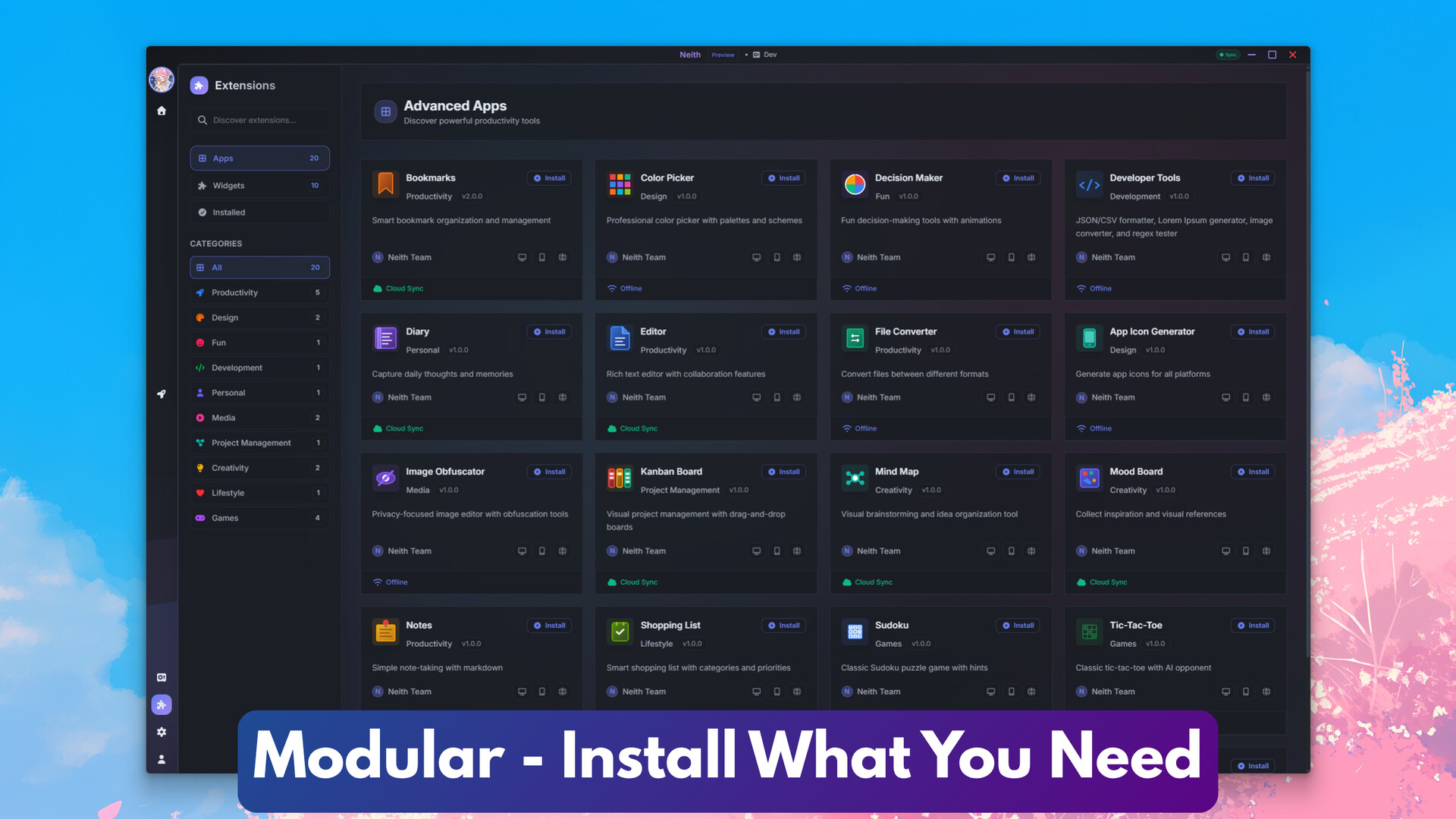
Neith’s extensions are divided into apps, full-featured productivity tools, and widgets, small utility tools for quick access. You can install exactly the tools you need.
*Optional cloud sync is available through a paid plan.

Full-featured apps for productivity, creativity, and organisation include:
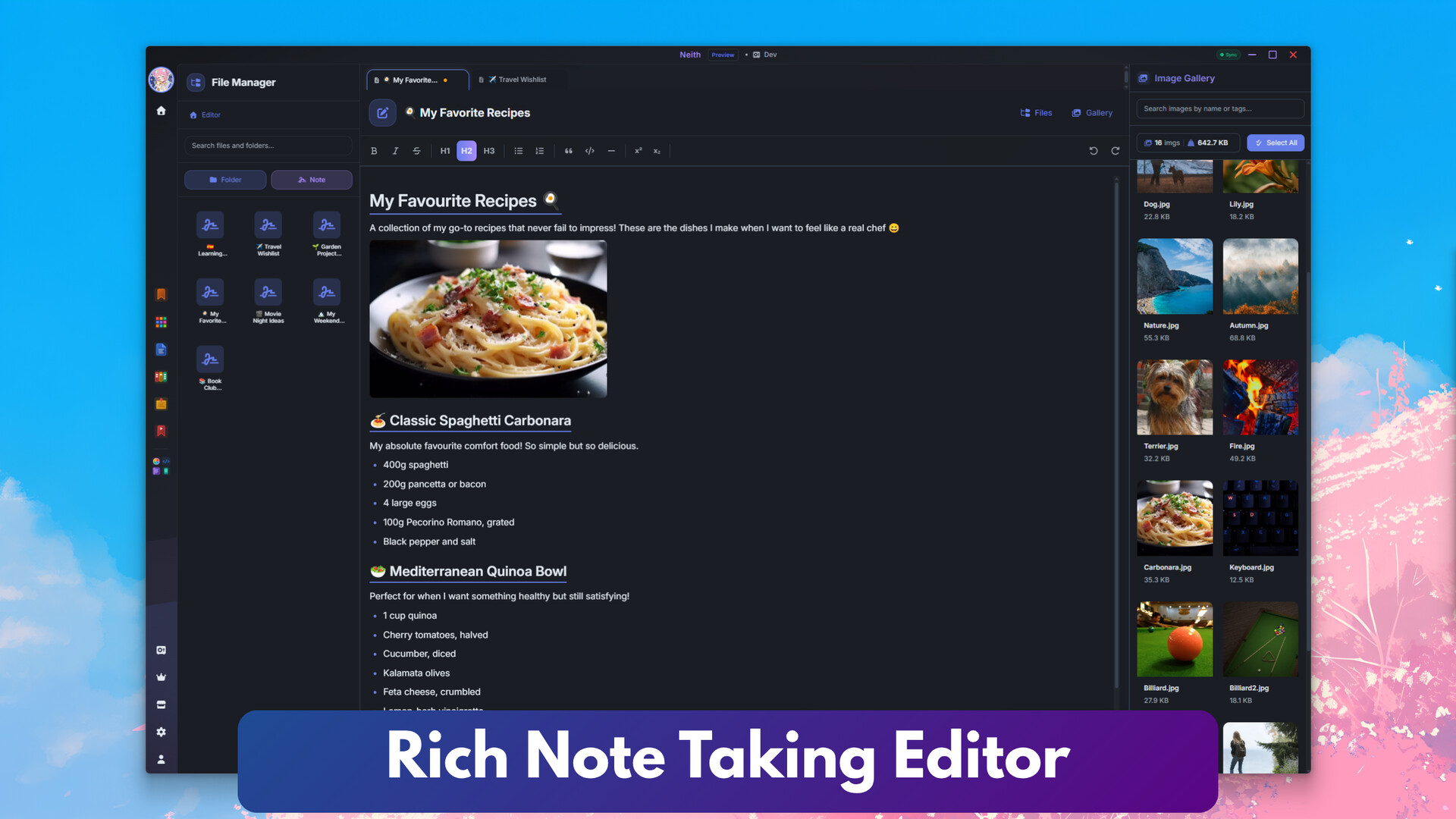
Rich Text Editor: Write and format notes with ease
Kanban: Visual project and task management
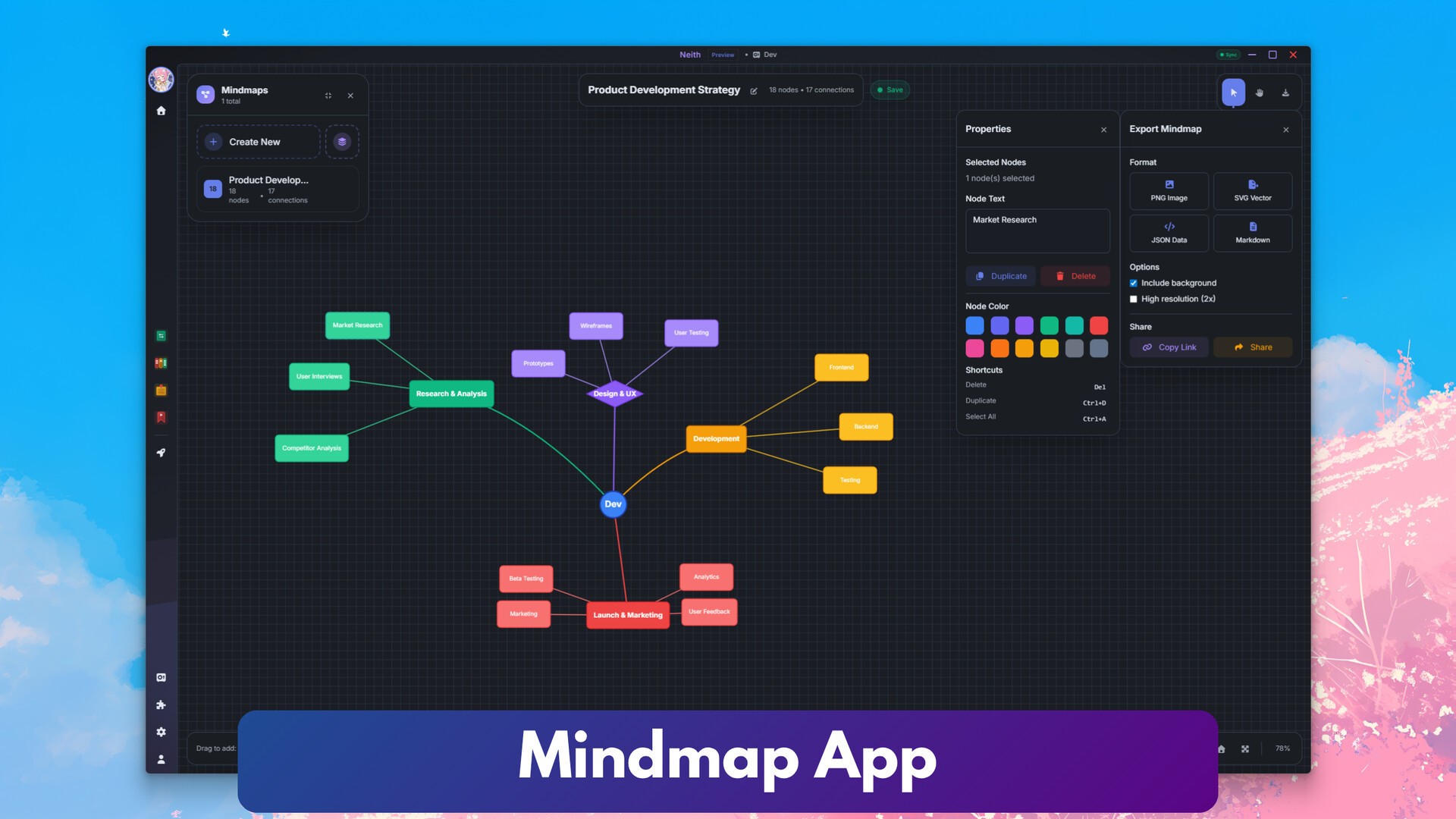
Mind Map: Brainstorm and organise ideas
Shopping List: Manage groceries and tasks
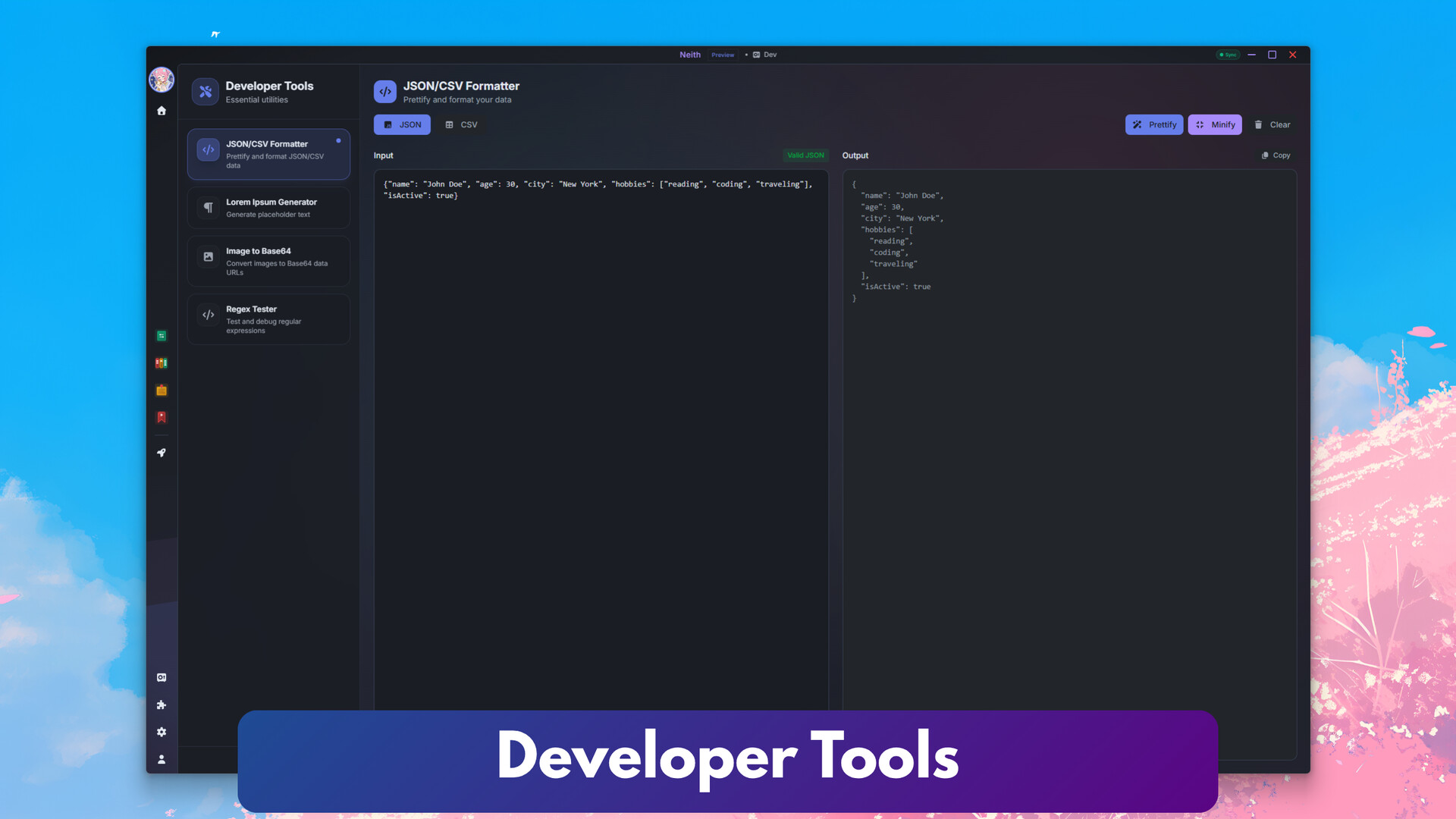
Developer Tools: Snippets, JSON formatter, regex tester, and more
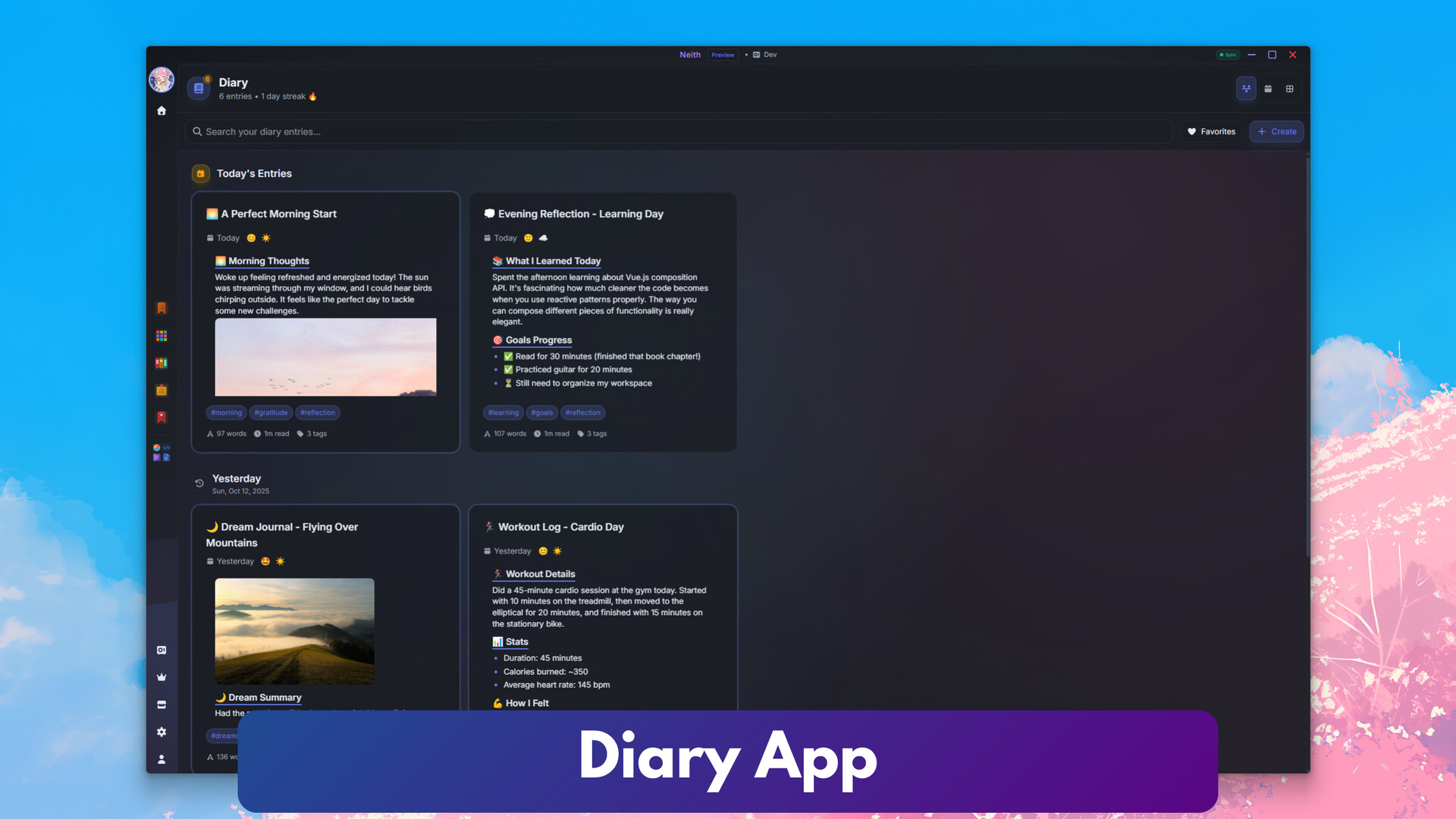
Diary: Journaling with reflection templates
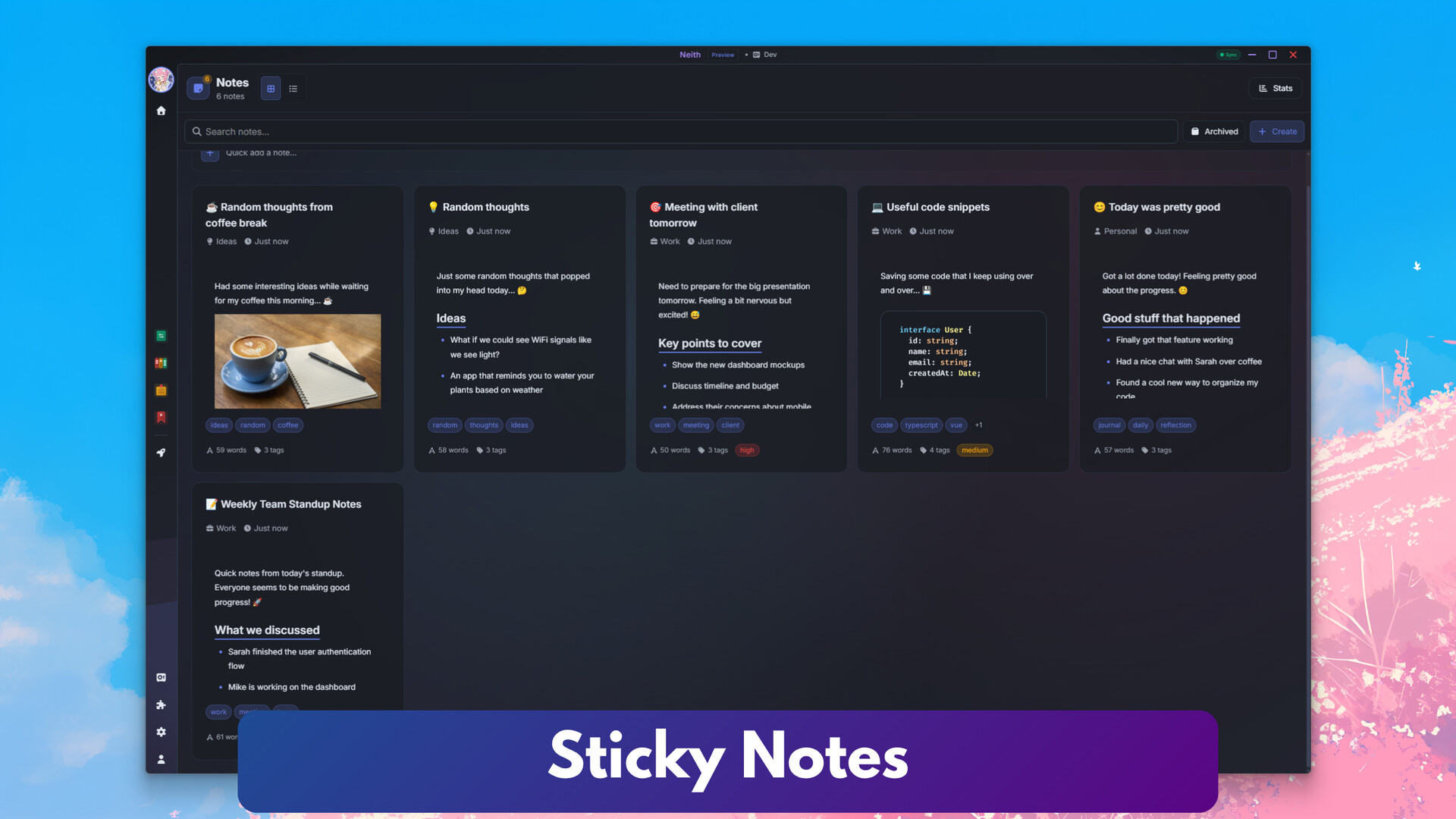
Notes: Quick notes with a familiar, card-based layout
File Converter: Convert between multiple formats
Mood Board: Create visual mood boards
Todos: Manage tasks and to-dos
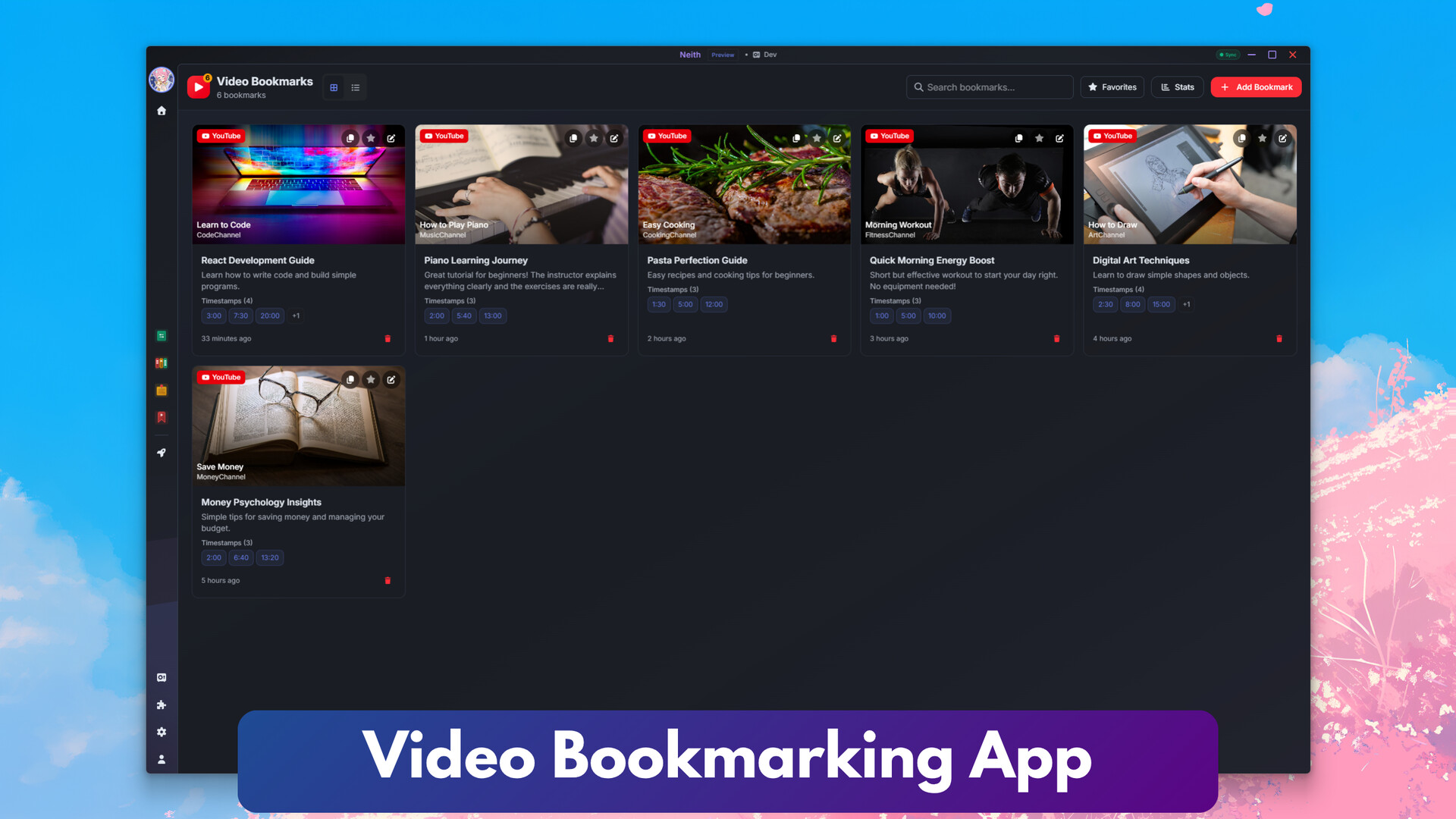
Video Bookmarker: Save and organise videos with timestamps
…and many more

Widgets include:
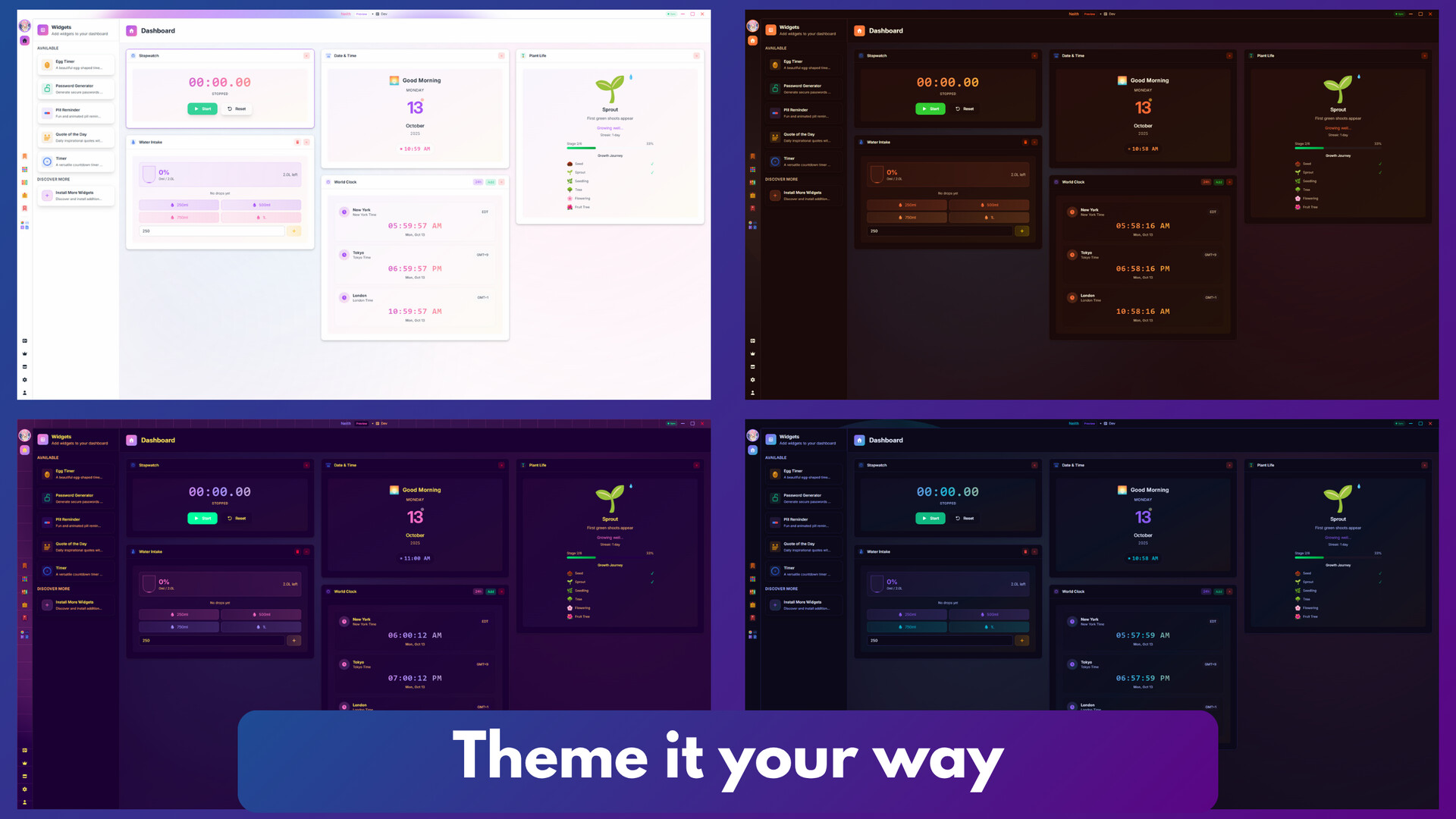
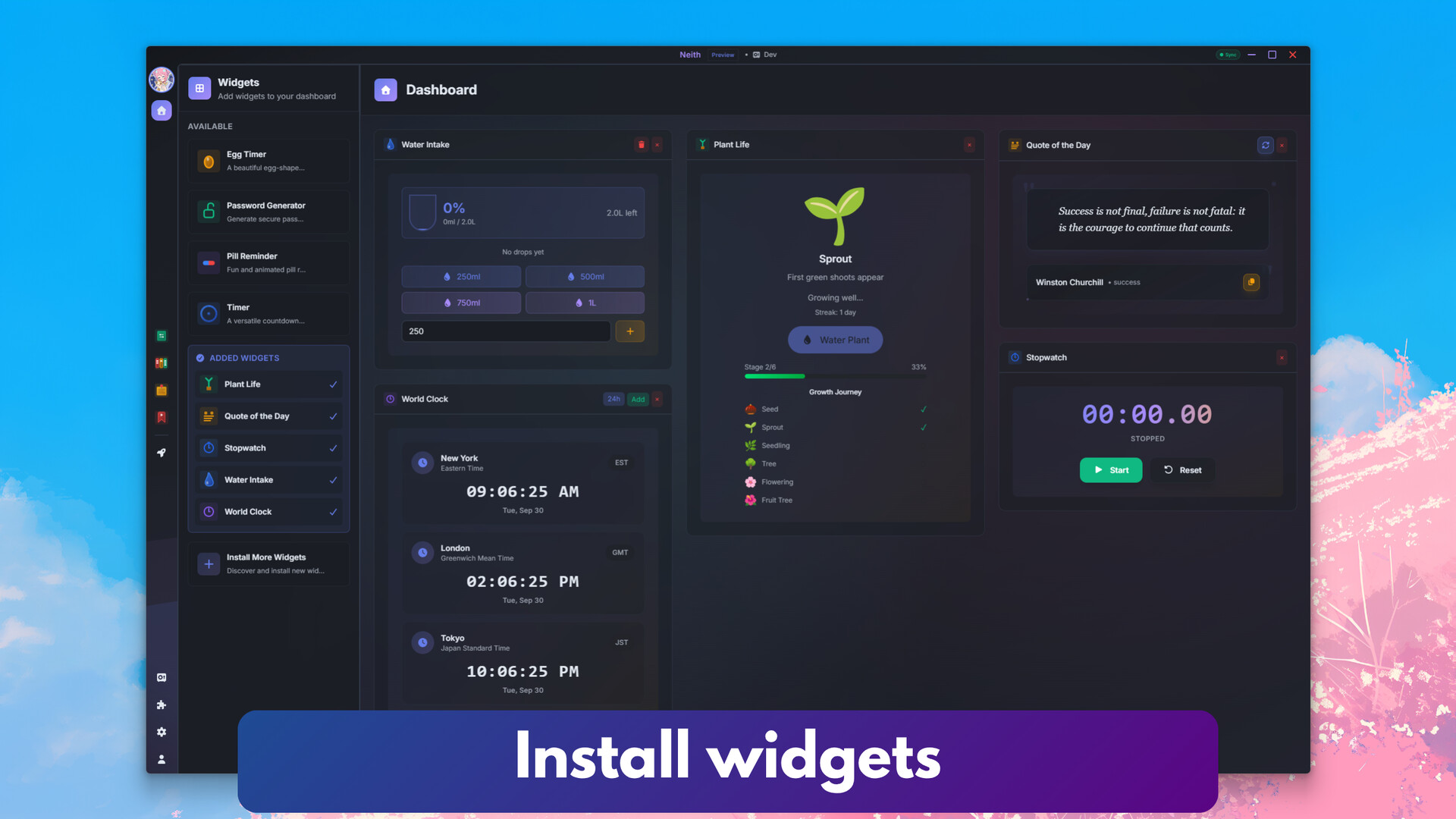
Date: Beautiful date and time display with timezone support
Egg Timer: Specialized timer for perfectly cooked eggs
Password Generator: Create secure passwords with customization options
Water Intake: Track daily water consumption with goals and reminders
World Clock: Display time in multiple timezones
…and many more

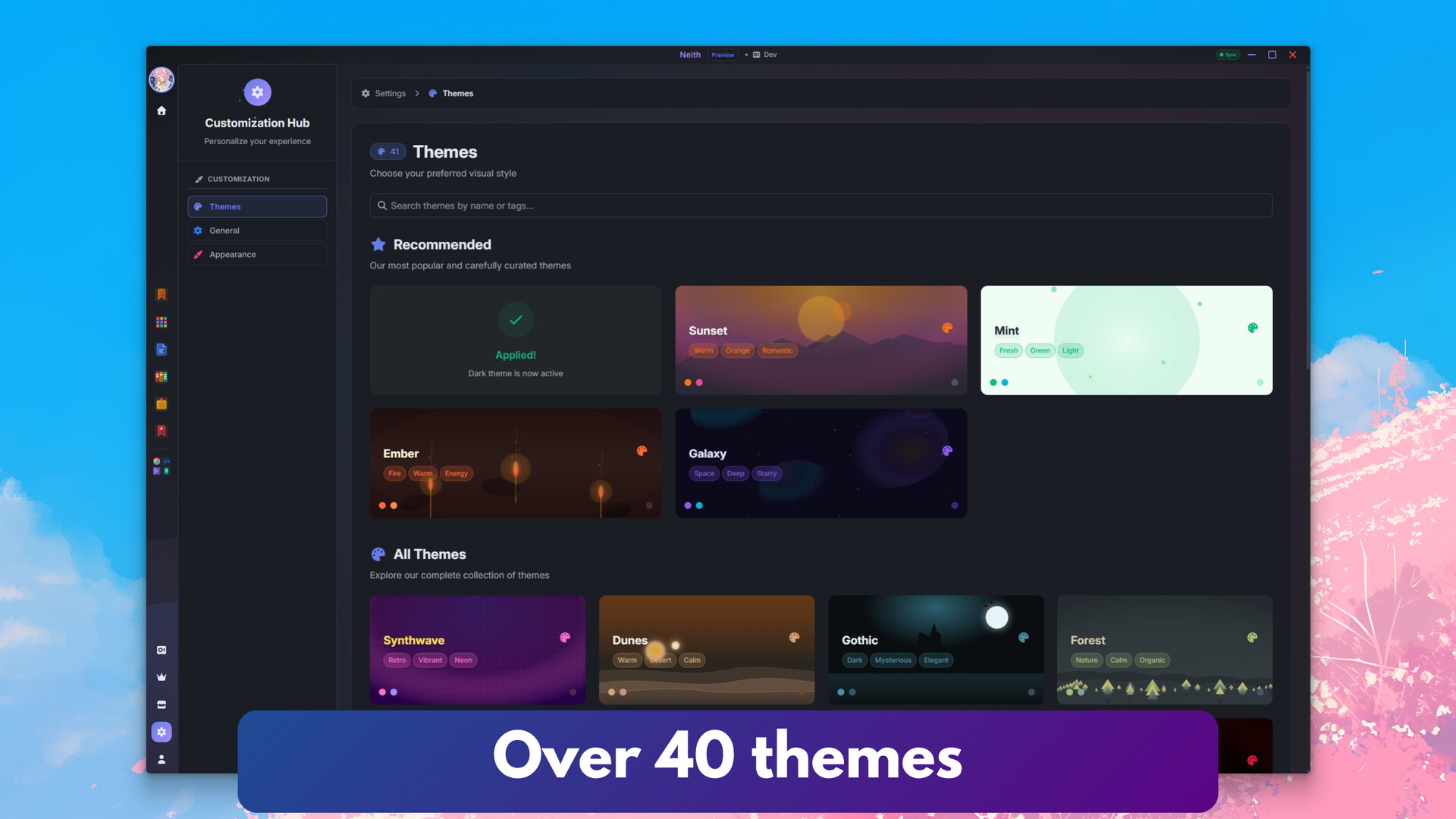
Neith is fully customisable and themeable, letting you express yourself while working. Choose from over 40 themes to create a workspace that reflects your style.

Q: Will Neith be available on other platforms?
A: Yes! Other platforms are coming, including a mobile version.
Q: Do I need to buy Neith or pay for it?
A: Neith is free to use and lets you work privately on your PC. Cloud sync is available if you choose to use it.
Q: Do I need an account to get started?
A: No. You can start using Neith immediately on your PC without creating an account.
Q: Will more apps and widgets come?
A: Yes! Neith is constantly evolving, and we’ll be adding new apps and widgets over time.
Q: Why release Neith on Steam?
A: Steam Early Access gives us a great way to reach users and gather feedback. You might encounter bugs along the way, and your input will help us build Neith together.
Available Tables (0)
View available tables...Events Timeline
View full events timeline...Initial Release