MykrosCursor
About the Game
Overview
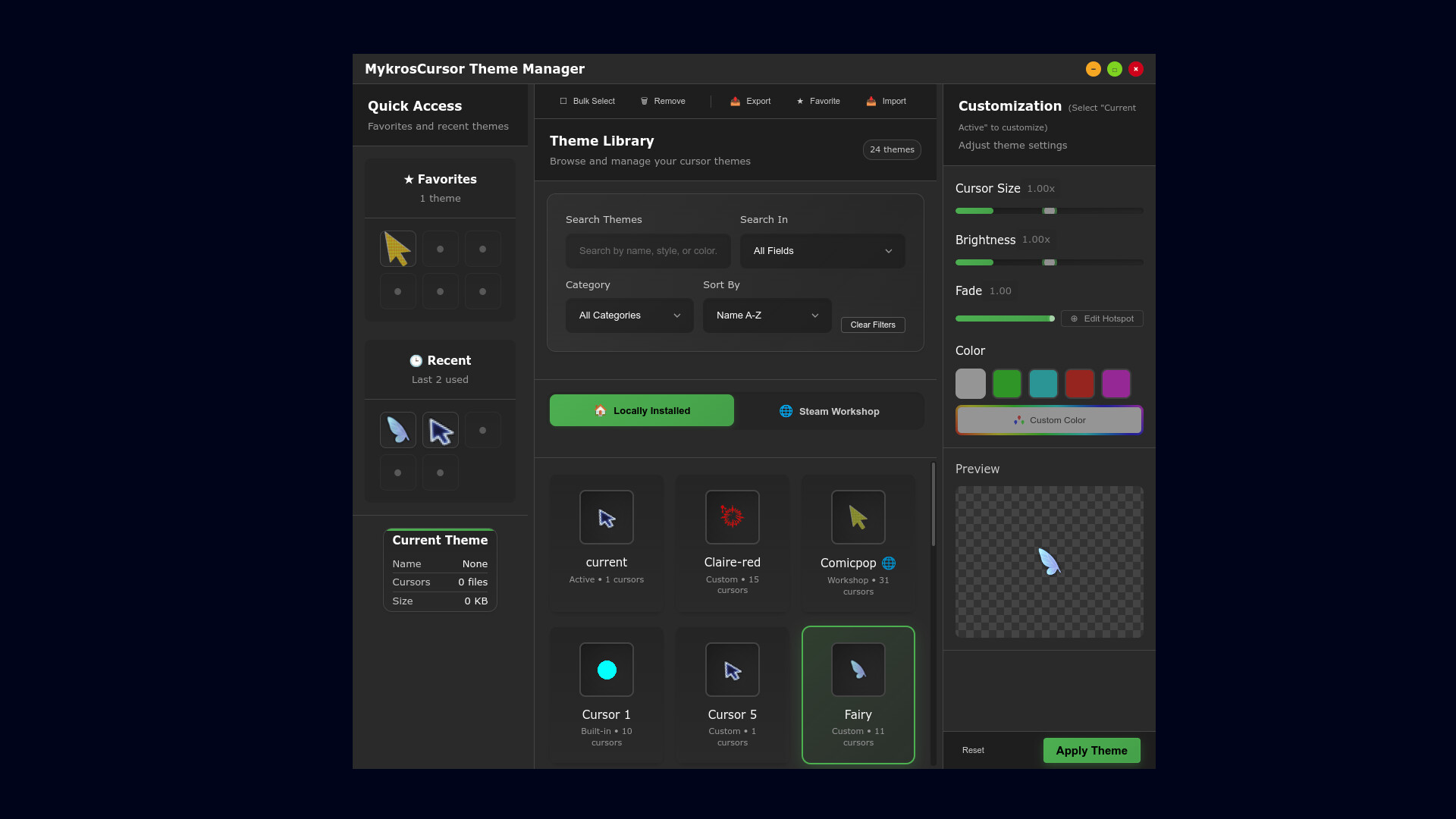
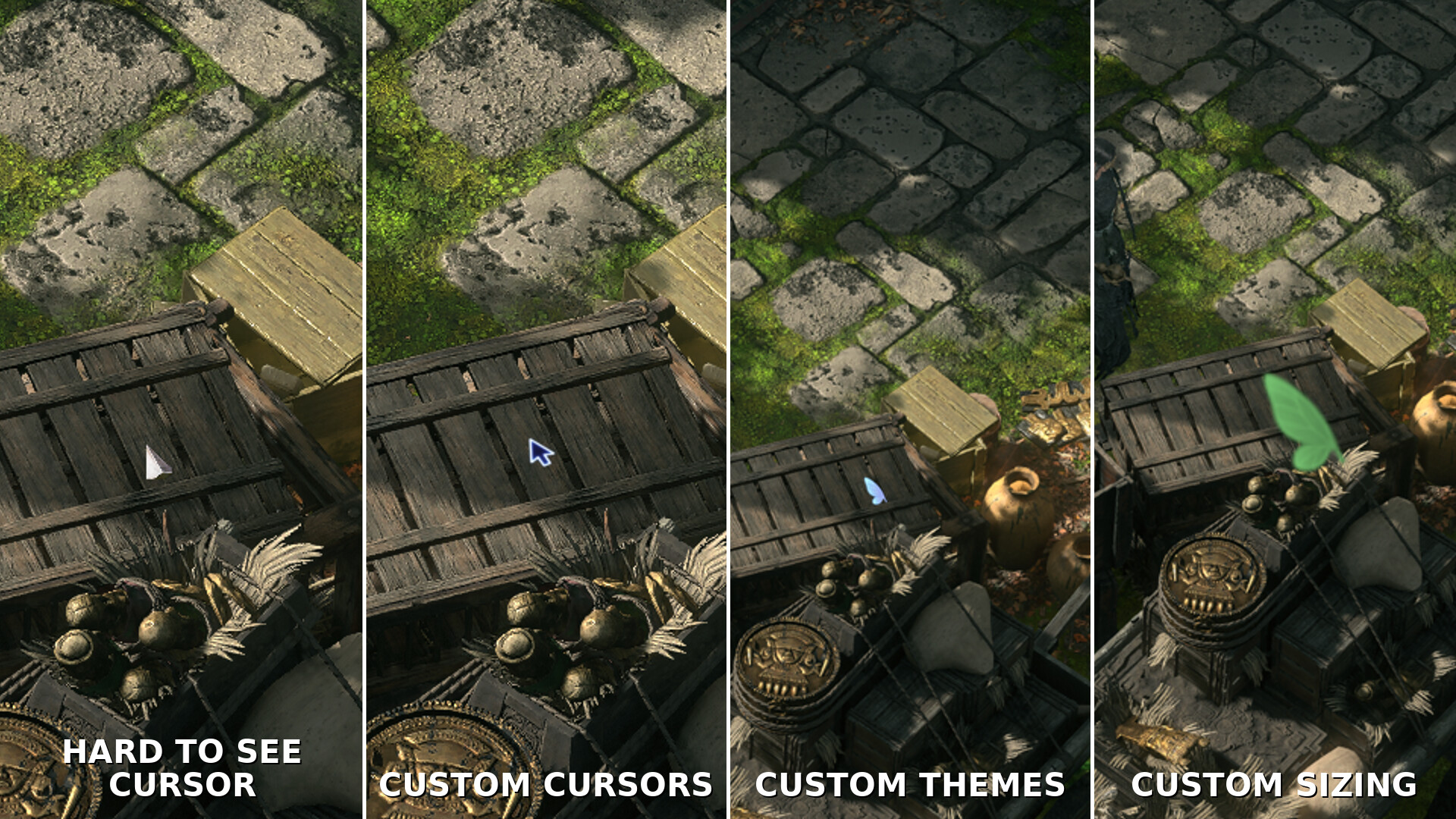
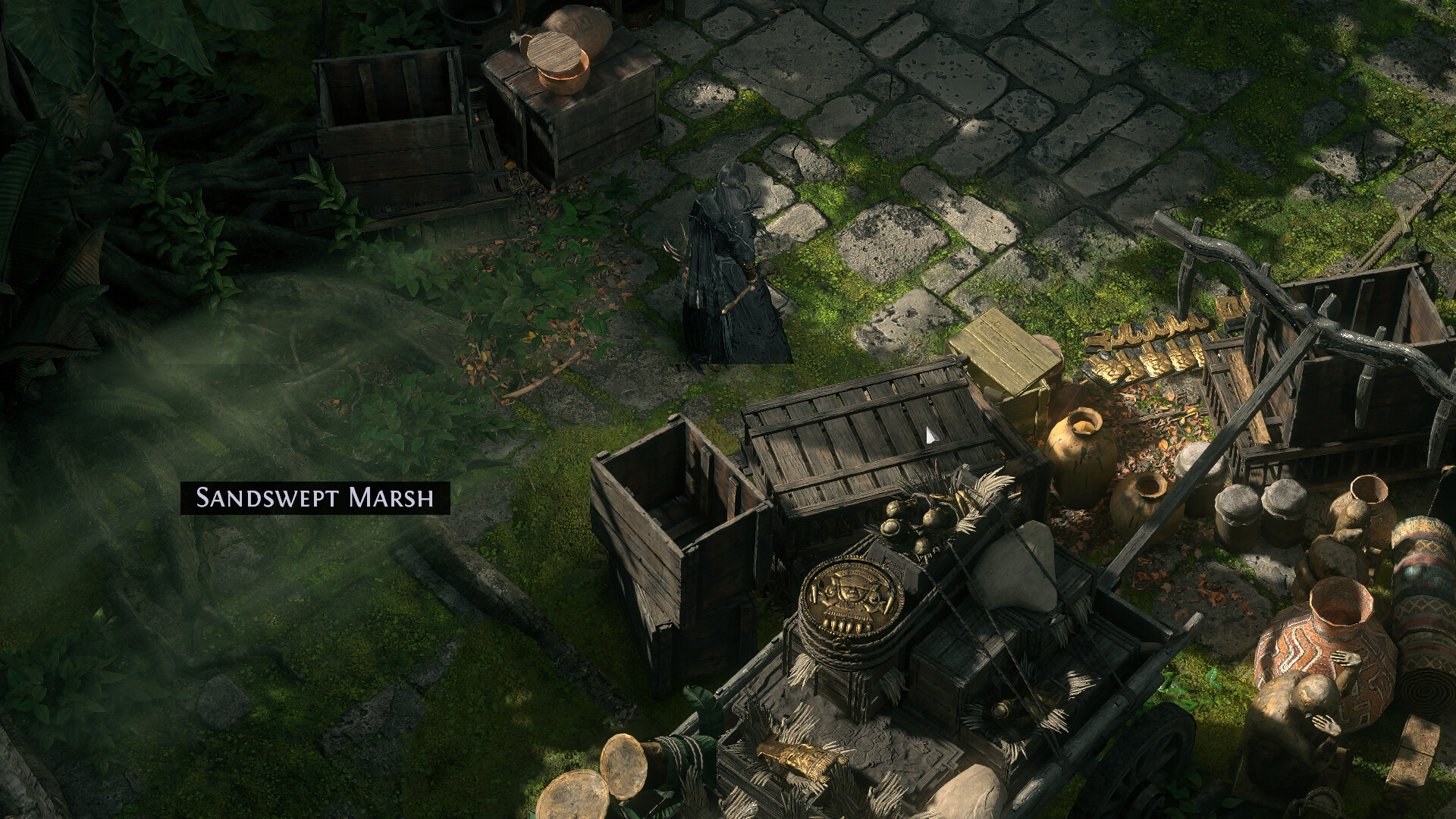
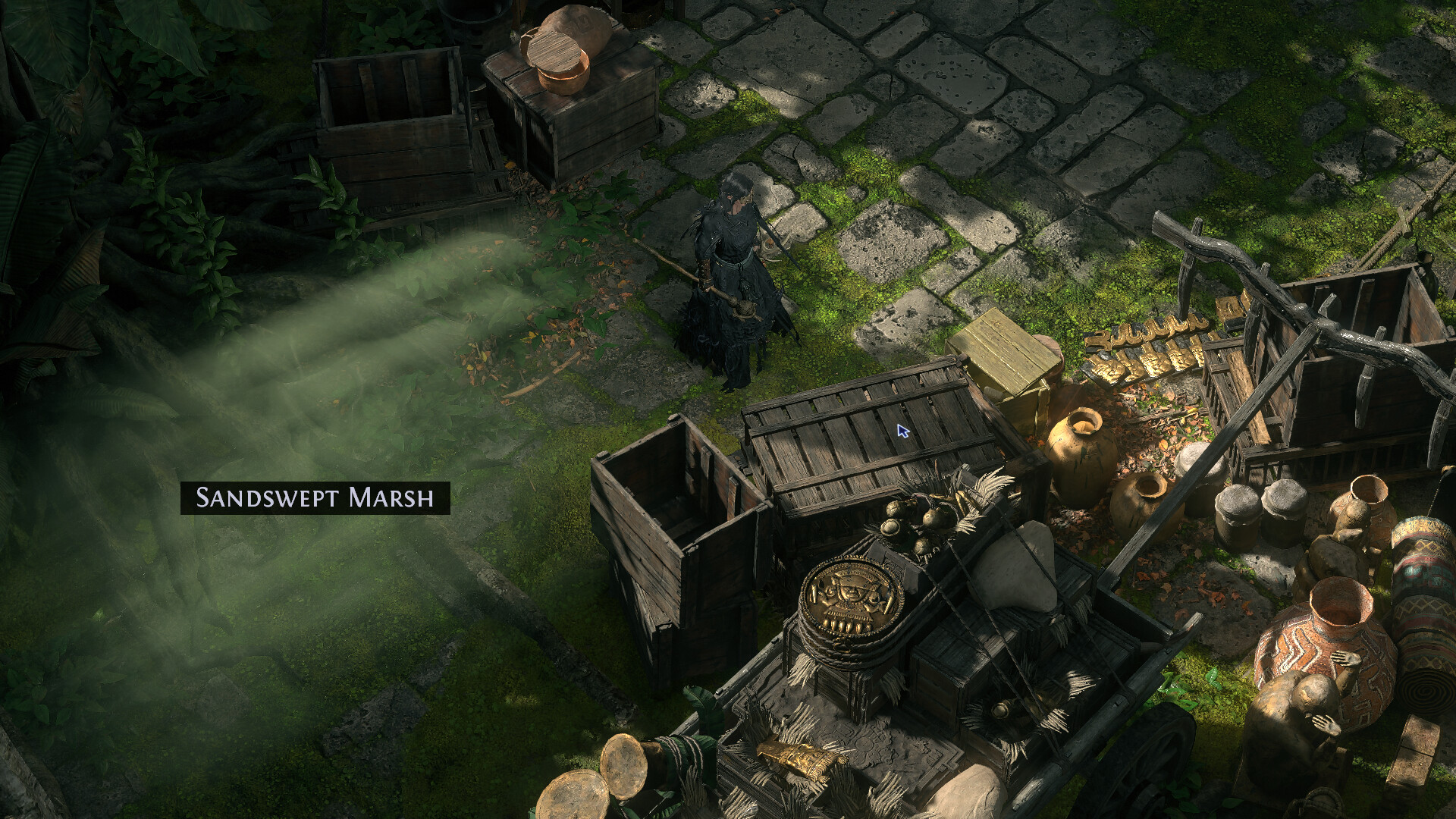
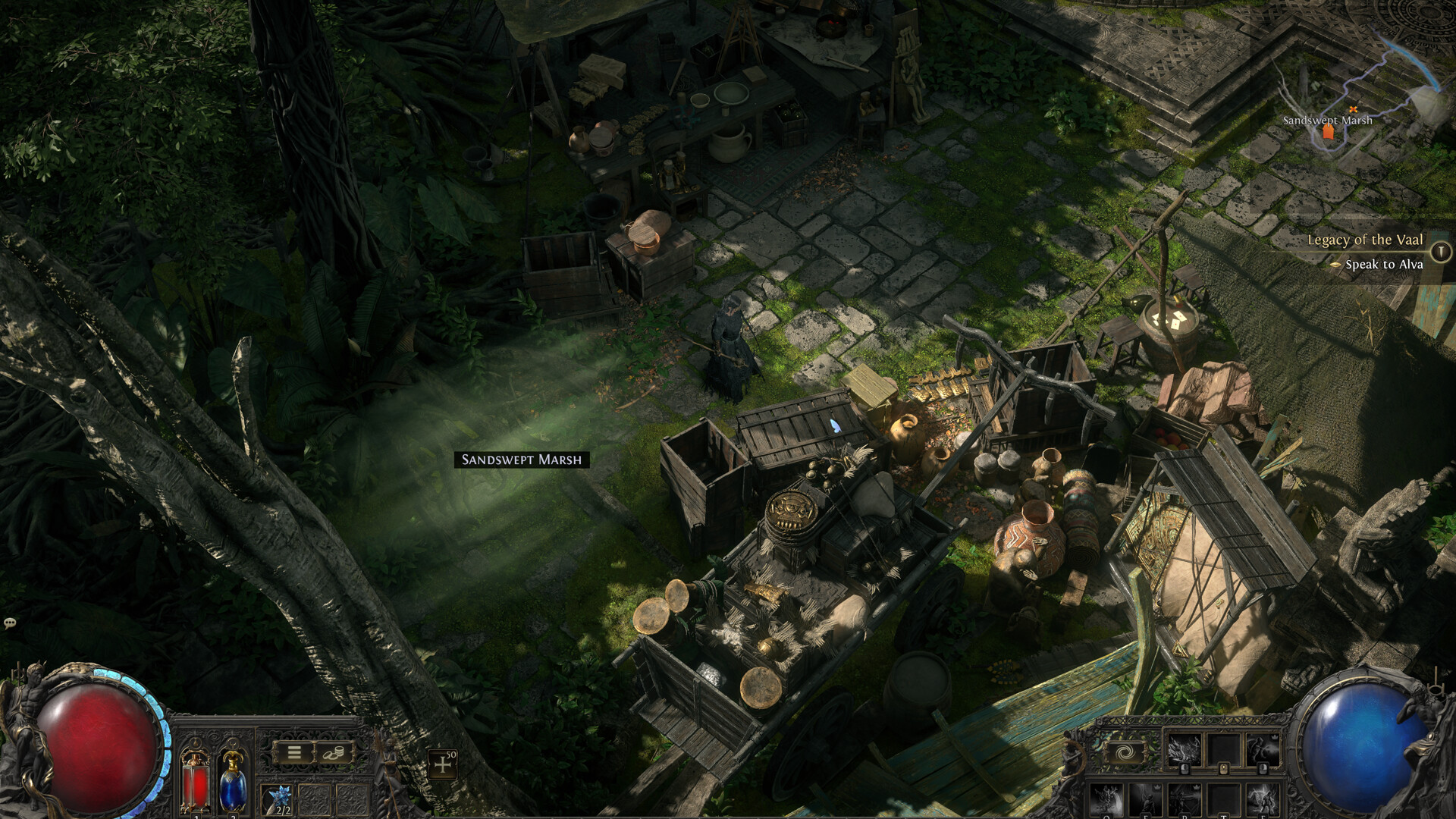
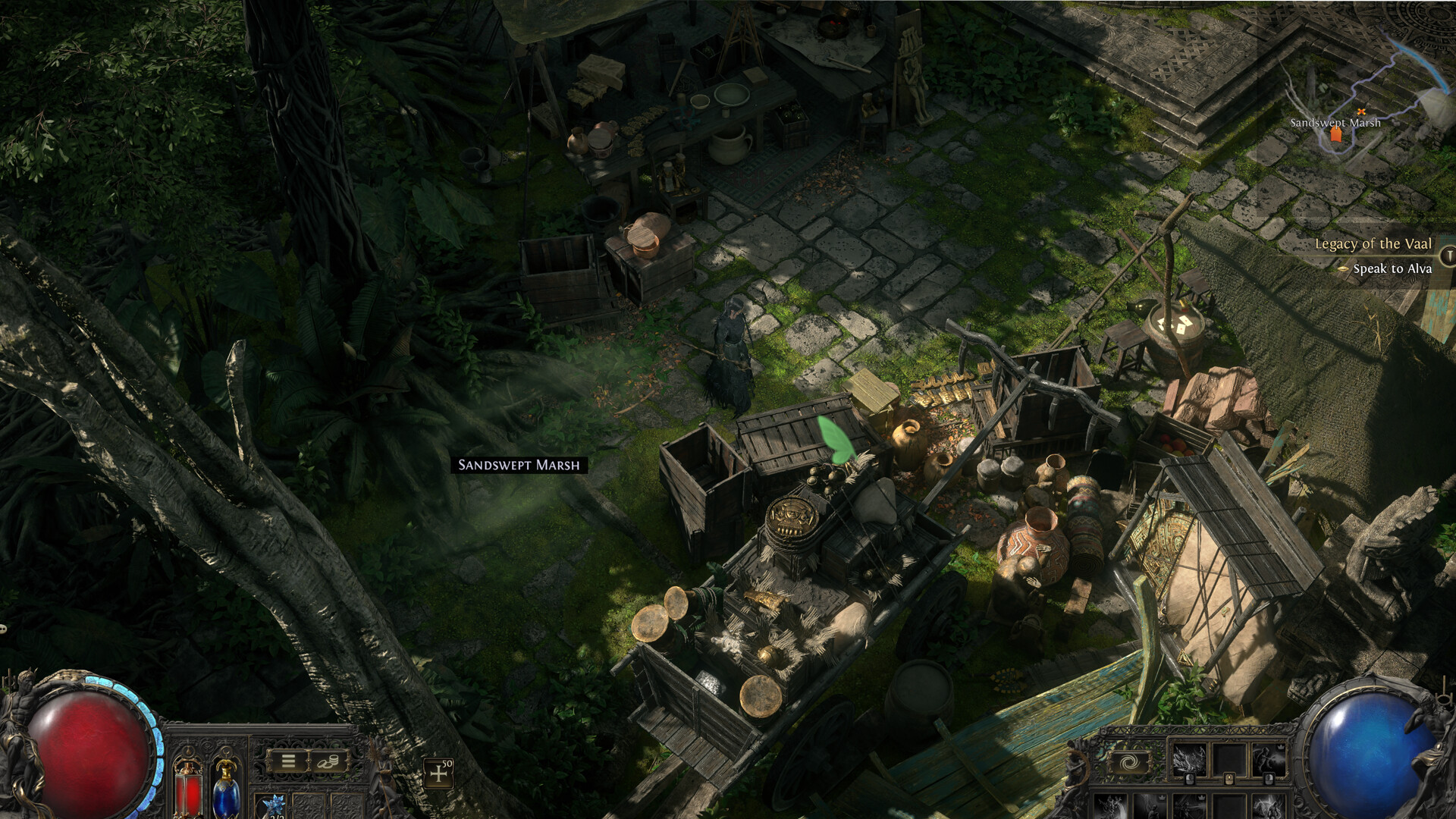
MykrosCursor is an OS-level cursor replacement (not an overlay) for Linux and Steam Deck. Swap out obscure or hard-to-see cursors—even in games that include their own cursors—with the theme you choose. This functionality was previously almost exclusive to Windows; MykrosCursor bridges the gap, working seamlessly in both Desktop and Gaming Mode.
Key Features
Lag-free swap – hooks standard X11 / XWayland calls; zero added input delay.
Built-in theme pack – Ships with several ready-to-use themes.
Import or create – load Linux XCursor themes, Windows CUR files, or generate a cursor from any image.
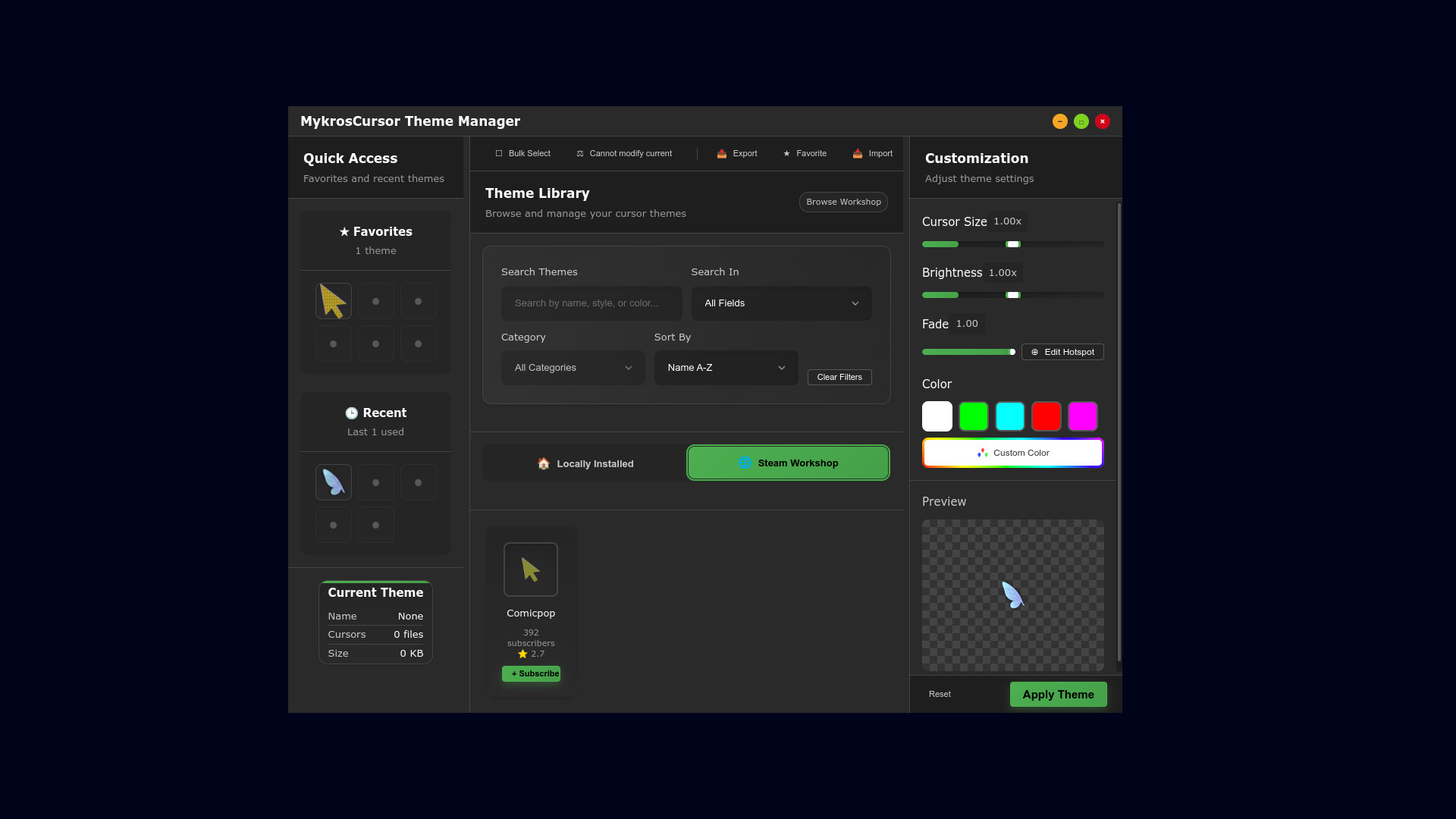
Steam Workshop integration – browse and subscribe to new themes inside the app.
Resize and customize – Resize or recolor any of the cursors.
Works everywhere – Linux desktop apps, Proton/Wine games, and Steam Deck (Desktop & Gaming Mode).
Multi-monitor support - Multi-monitor support with no FPS impact.
User-space only – no kernel drivers; compatible with common anti-cheat services.
Anti-cheat compatibility
MykrosCursor operates strictly at the desktop/input layer on Linux and Steam Deck. It replaces the cursor with your chosen pointer whenever a game asks the system to display one—without touching game memory, altering gameplay logic, or requiring elevated (root) privileges.
We’ve tested MykrosCursor with the various anti-cheat systems and encountered no issues. Policies can change, so please review your game’s Terms of Service before use.
Available Tables (0)
View available tables...Events Timeline
View full events timeline...Initial Release