Mnemonimov
About the Game
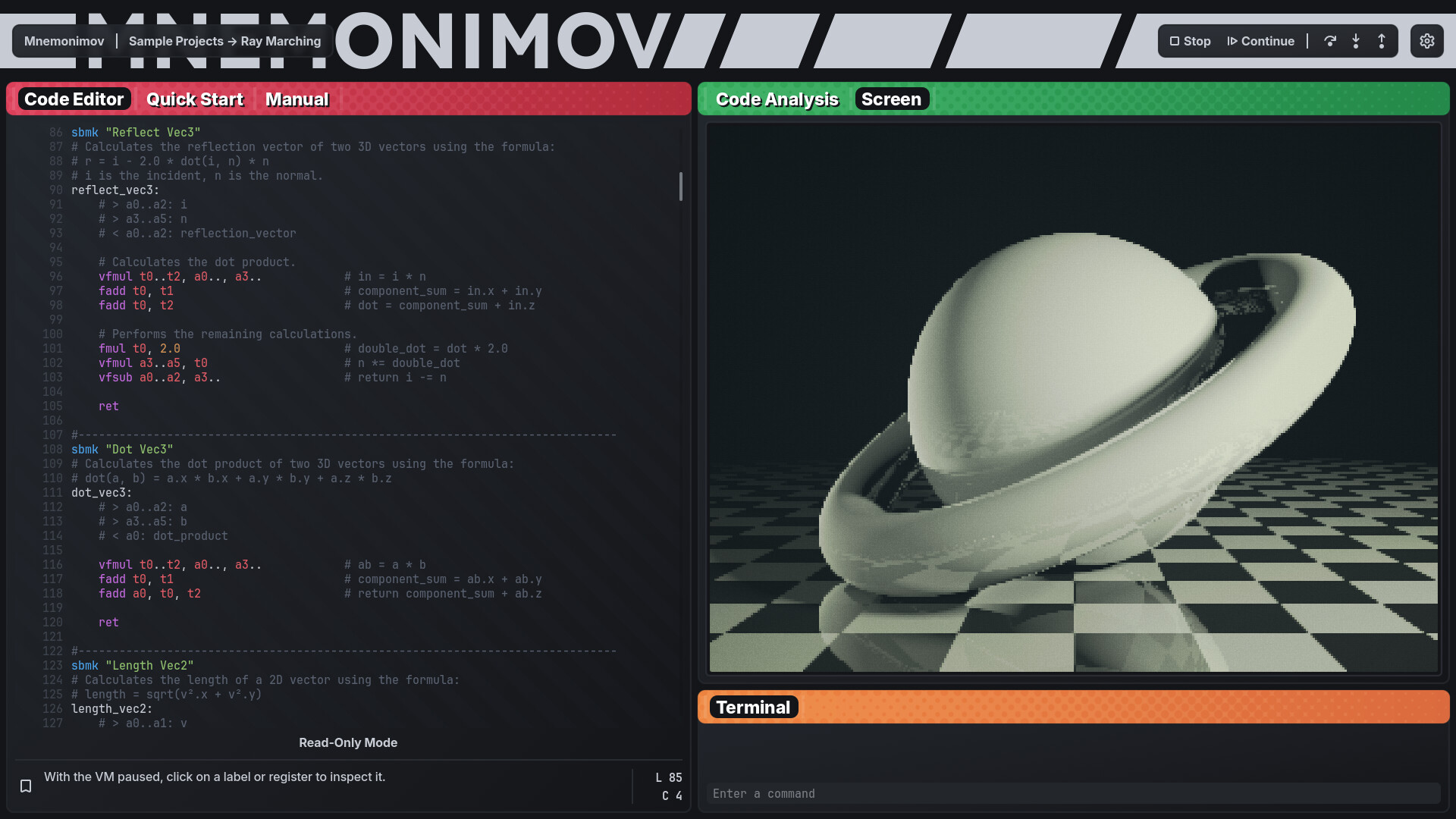
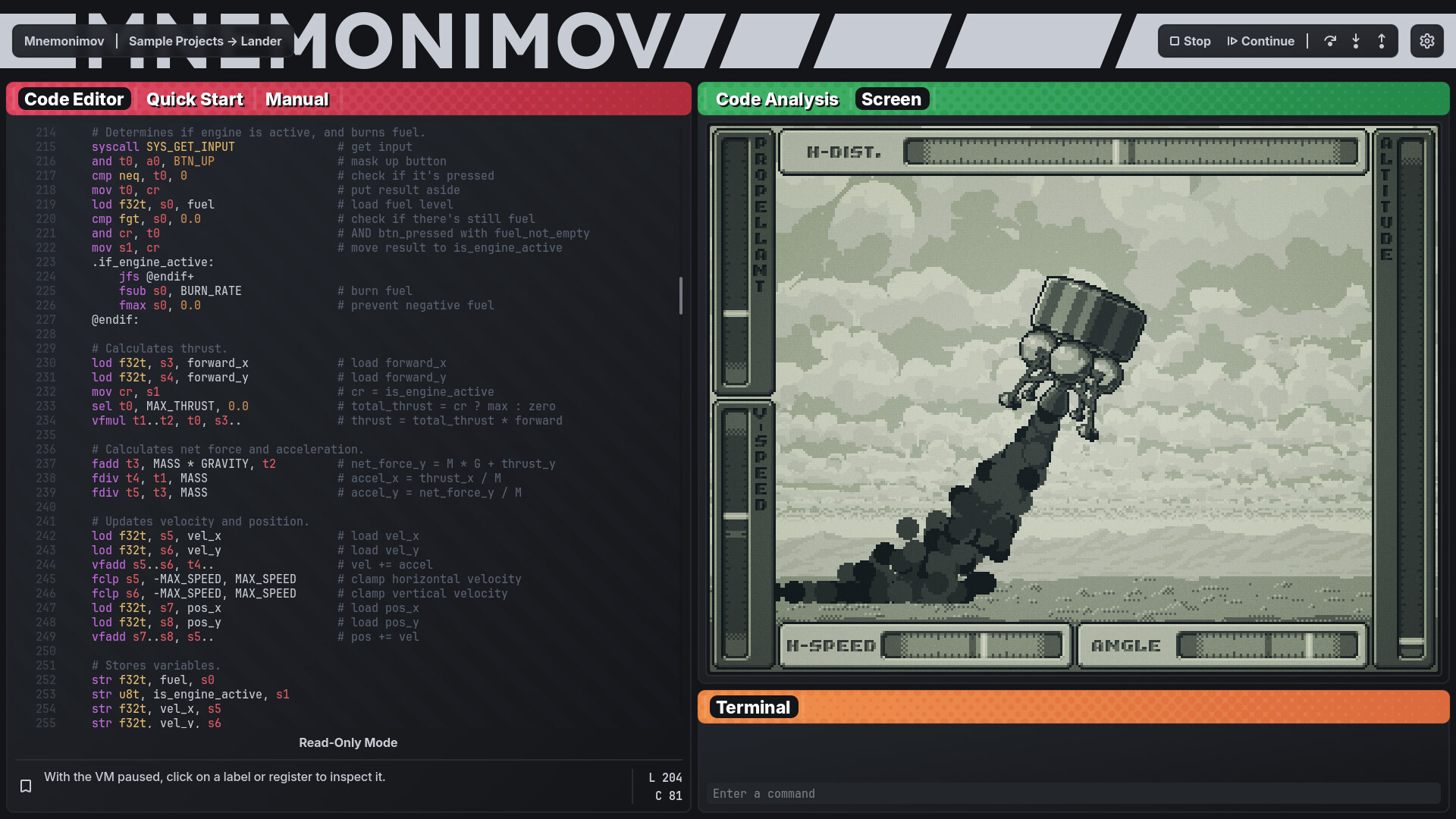
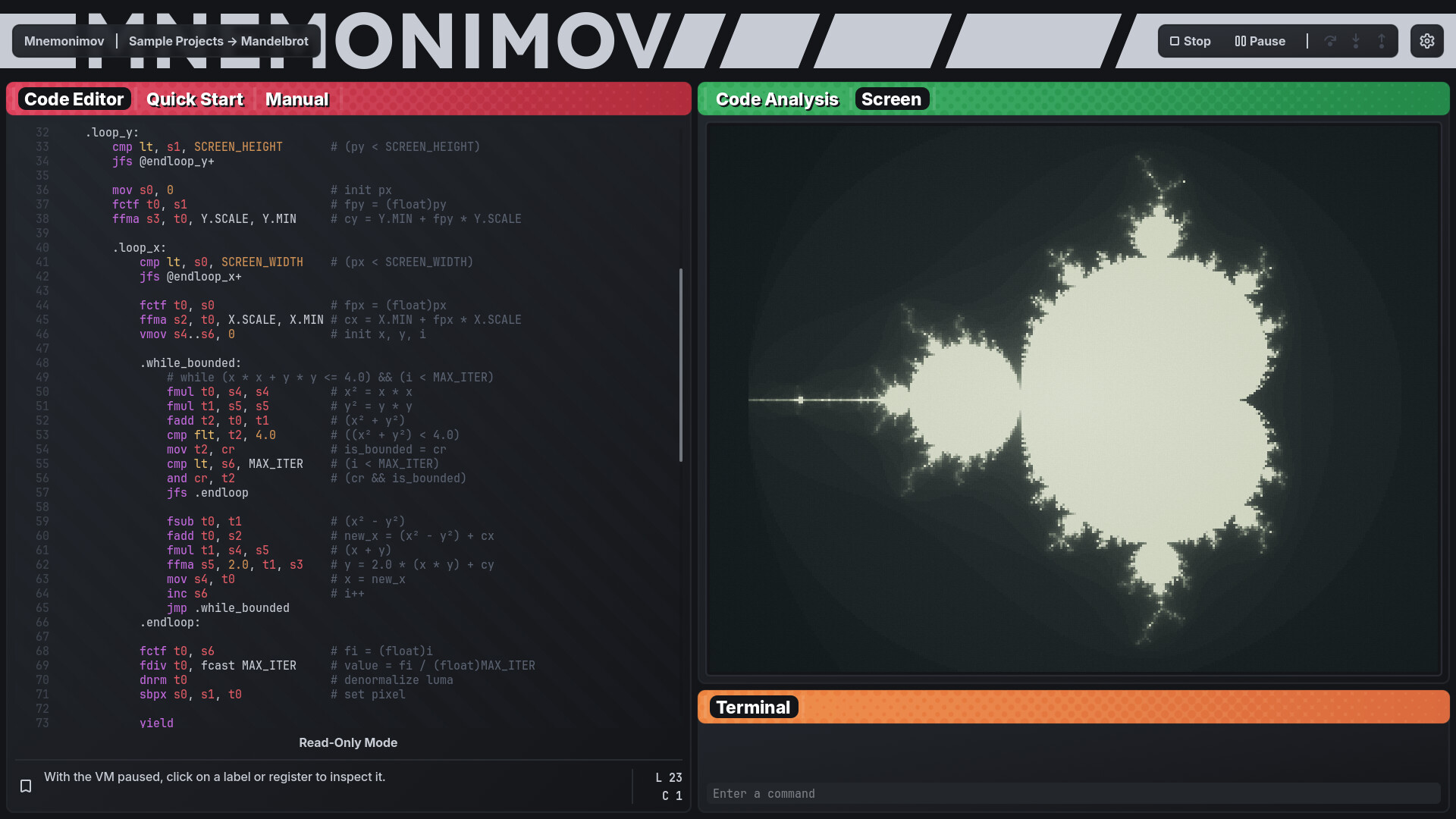
Mnemonimov (pronounced nee-mo-ni-move) is a low-level programming sandbox inspired by early game consoles. In this fantasy console, you program in assembly language with full control over execution, rendering your games and other creations to a retro monochrome screen.
Start by building simple games or exploring the included sample projects, then expand into more complex systems as you build everything from scratch. With no tutorials or challenges, you work things out by experimenting. Read the manual, write code, run it, debug it, and repeat as you go.

Expressive assembly language with RISC-style memory access, floating-point operations, and vector instructions.
32-bit register-based virtual machine with a rich instruction set.
Labels, constants, bookmarks, and related directives for structuring large programs.
Support for referencing external assets, including images and binary files.
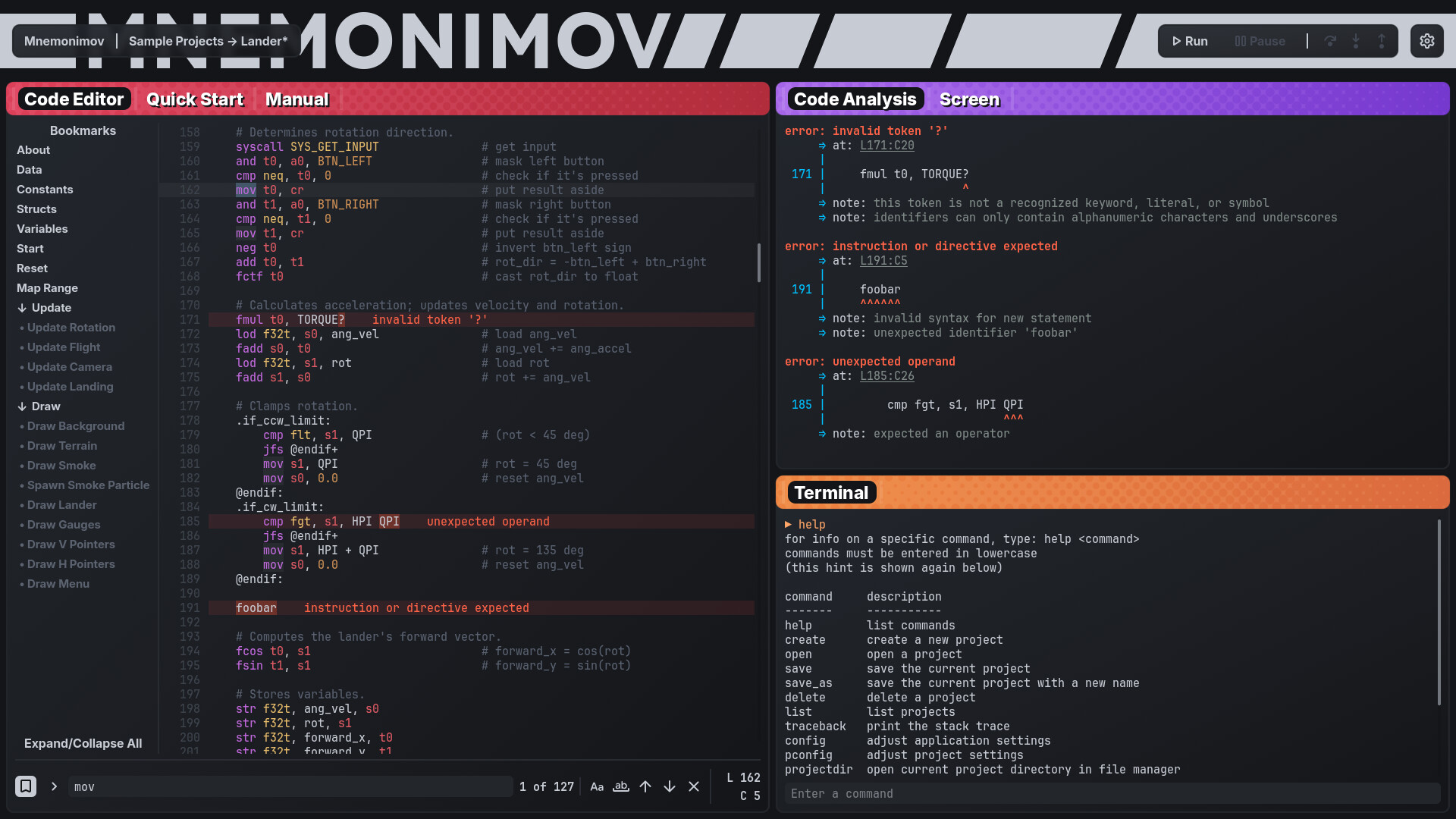
Integrated code editor with syntax highlighting and detailed error reporting.
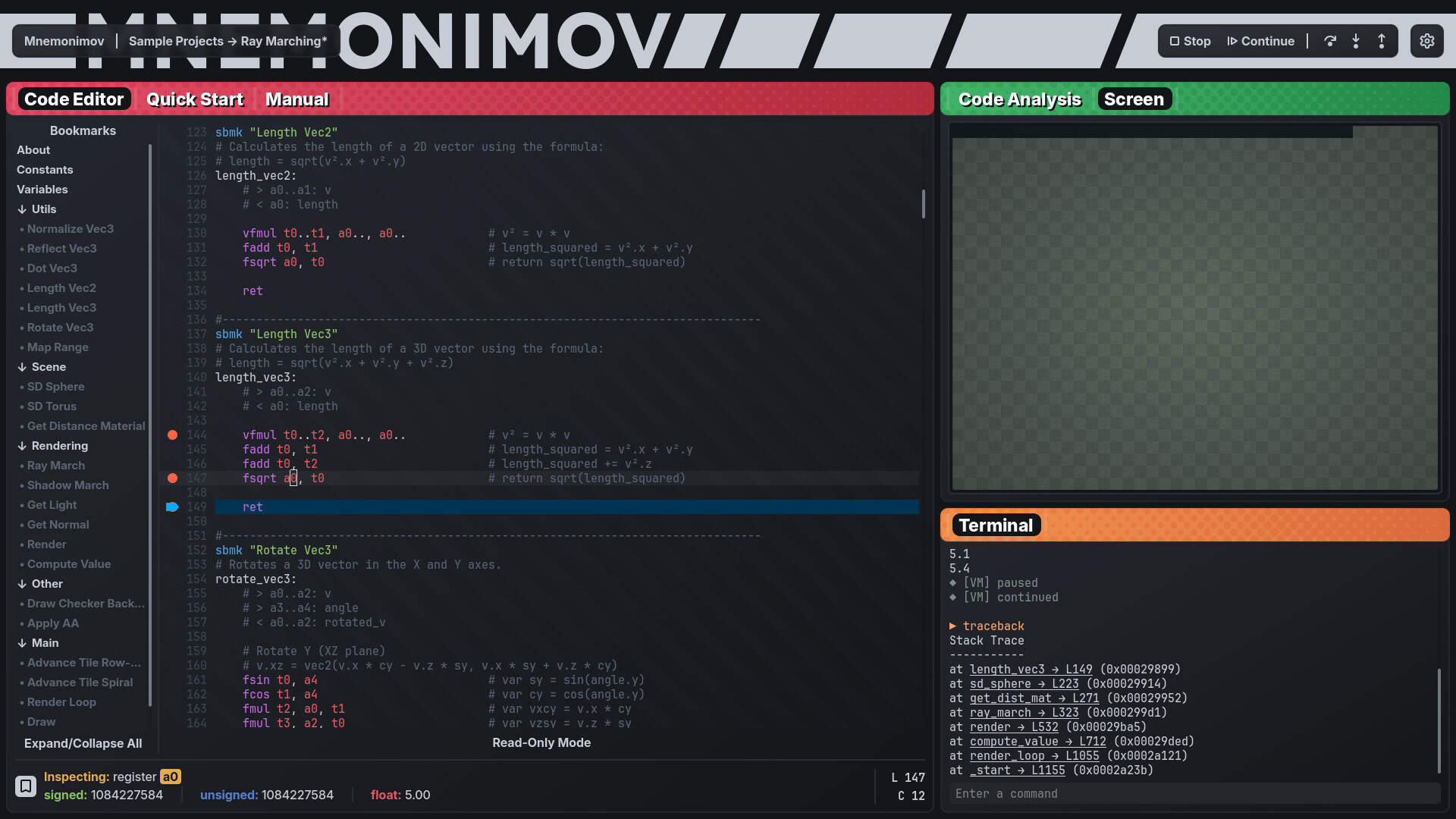
Debugger with step-by-step execution, breakpoints, and inspection of registers and memory.
Command-line interface for managing projects and configuration.
Retro monochrome screen with 320x240 resolution at 60 Hz.
System calls for user input, rendering, terminal output, and system interaction.
Persistent memory storage for saving program data across runs.
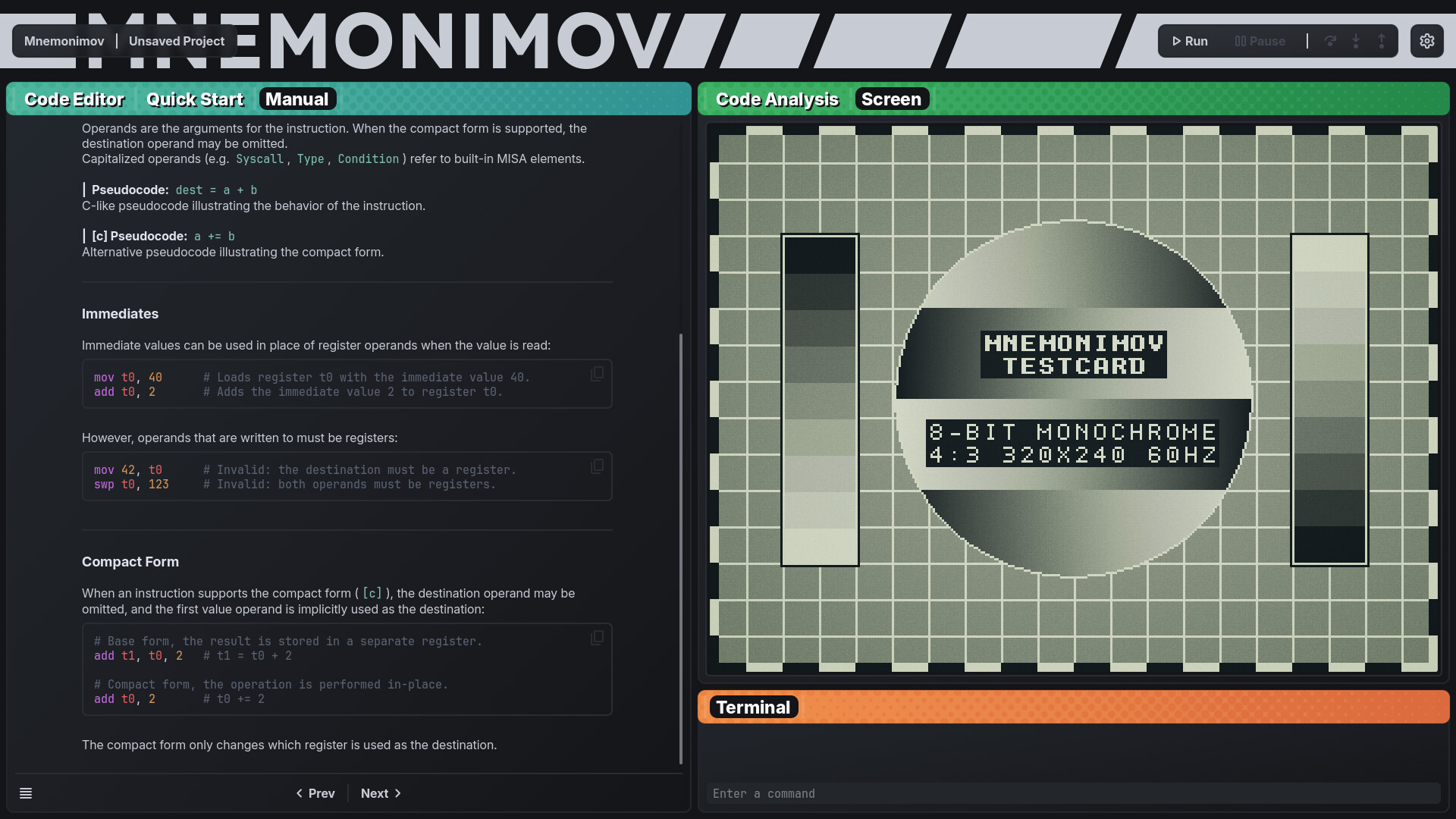
Integrated technical reference covering the architecture, assembly language, and ABI conventions.
Large memory limits with no restrictions on code length or execution speed.

Mnemonimov is not a guided learning tool. Like a painting program won't teach you how to draw, or a 3D editor won't teach you how to model, Mnemonimov will not teach you programming logic, assembly, or game development. There are no tutorials or levels, and the manual is strictly a technical reference for the console.
Mnemonimov is focused entirely on programming and debugging. It does not include a sprite editor, sound editor, map editor, or any asset creation tools. The console currently does not feature sound output or standalone exporting.
Available Tables (0)
View available tables...Events Timeline
View full events timeline...Initial Release