Mini Continental Saga
About the Game
We now support automatic transfer of save data from the demo to the full version!
More details can be found at the end of this "ABOUT THIS GAME".
Game Description
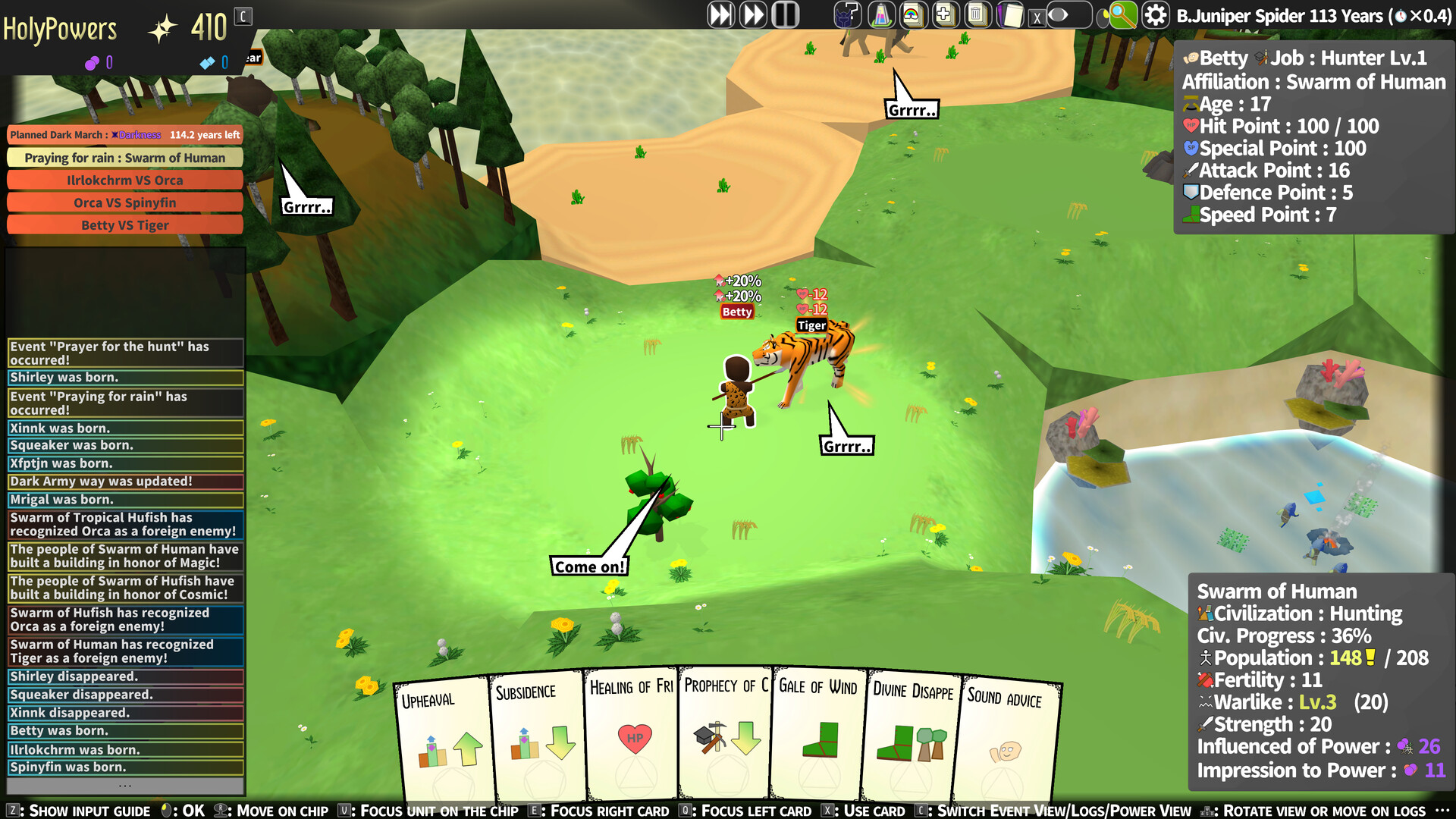
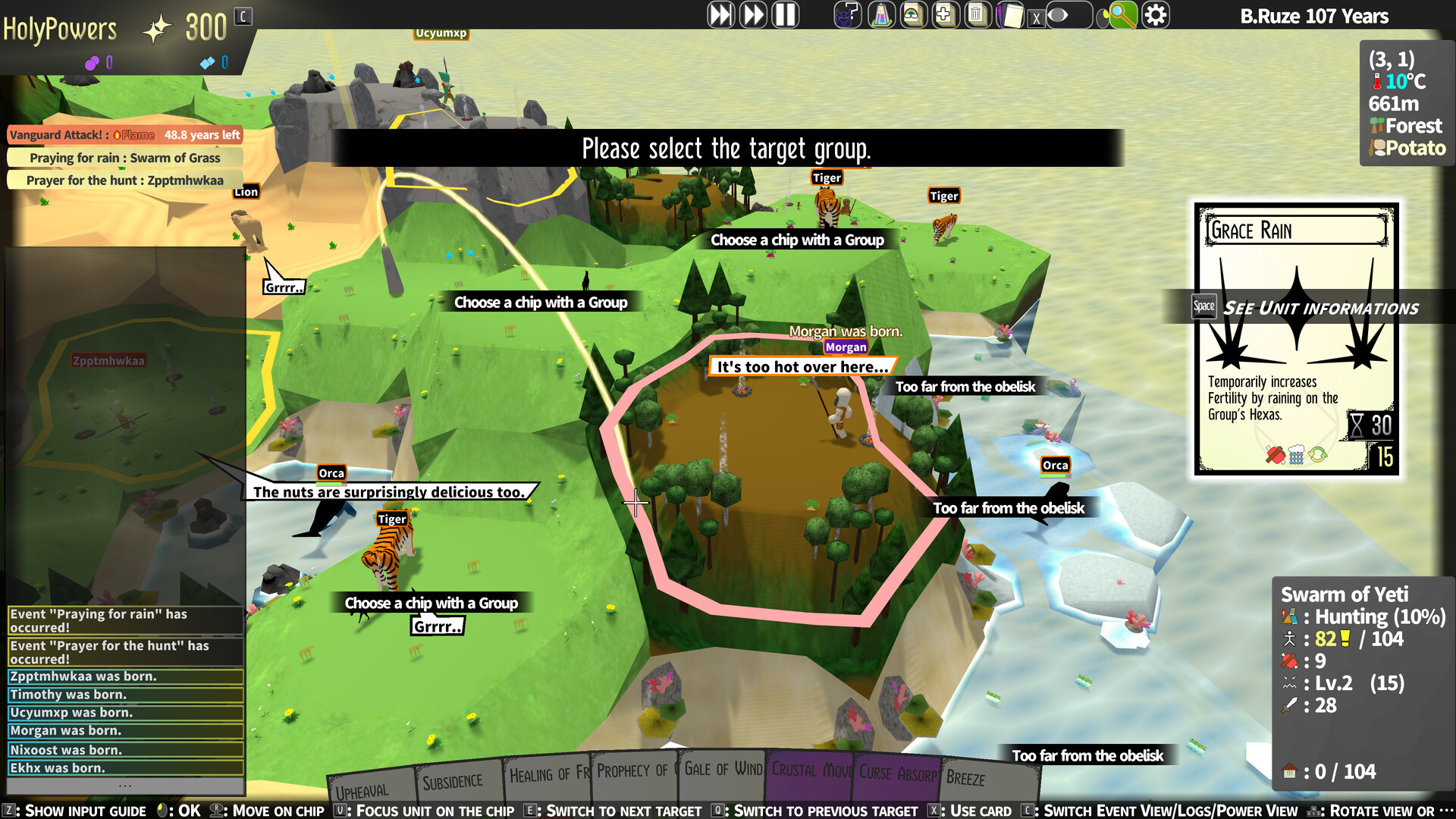
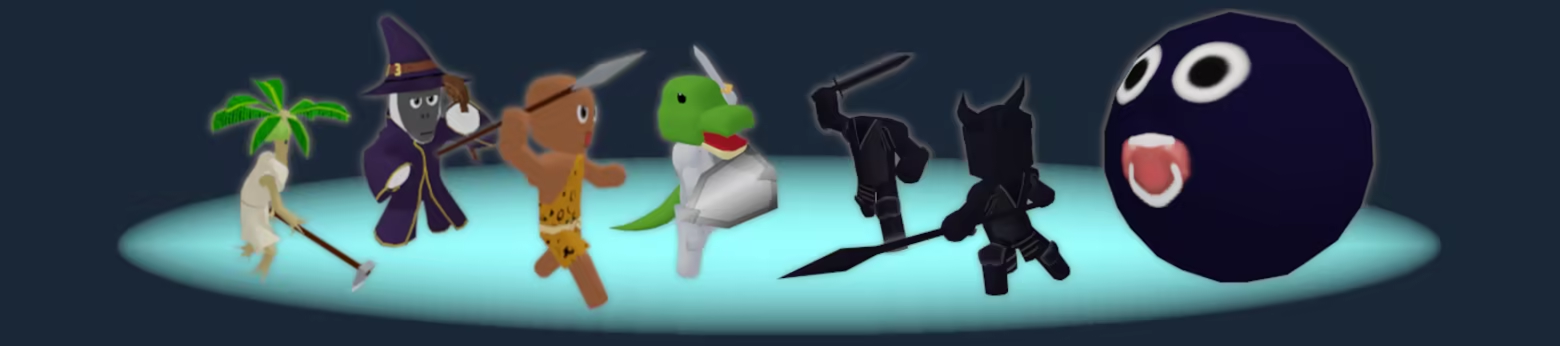
This world is made up of small continents, each inhabited by a variety of creatures.
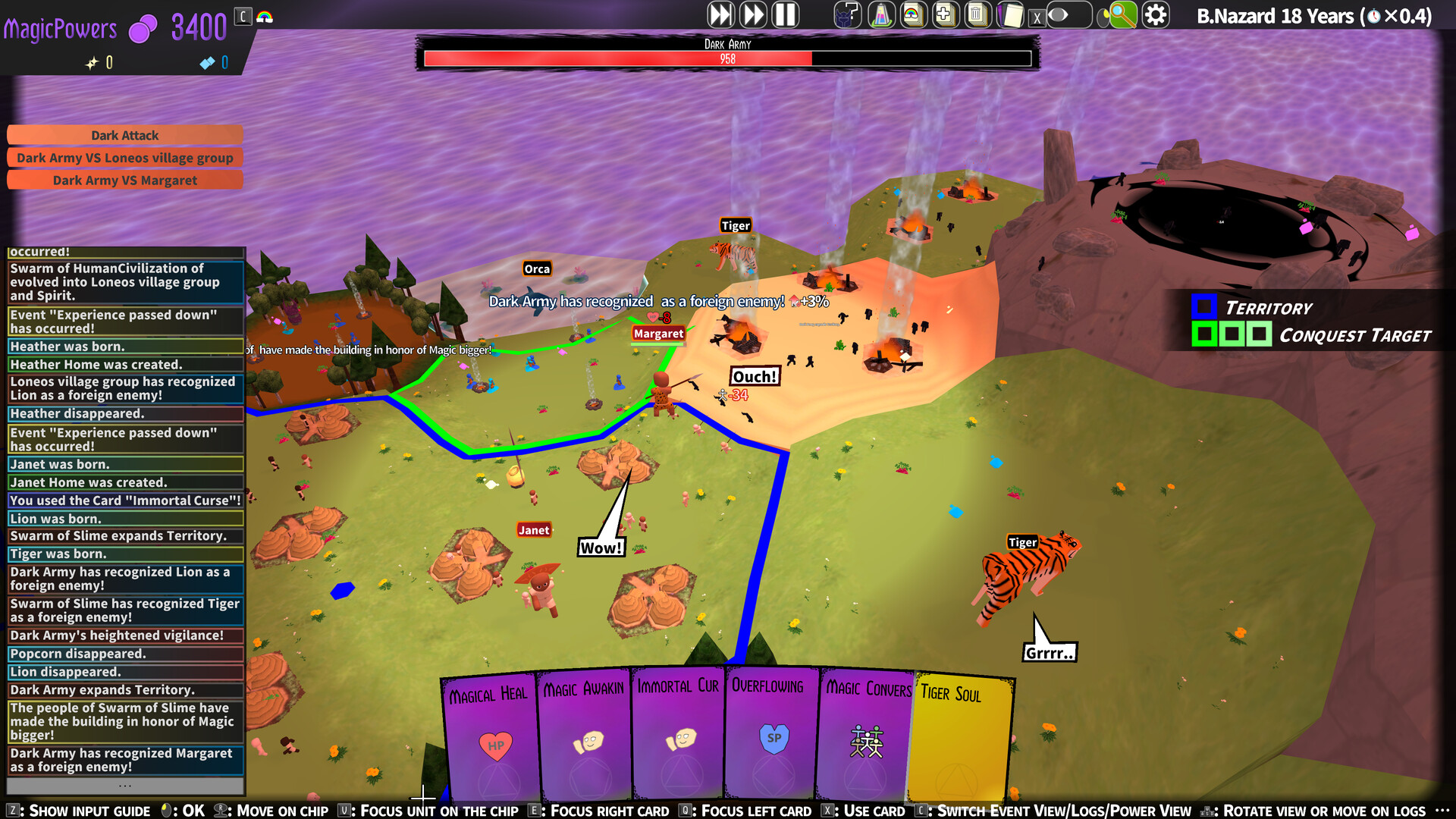
The Dark Army has been lurking in the shadows, waiting for the right moment to consume the world.
As the guardian deity, you have risen to protect these small continents from their evil grasp!
This game is a card-based simulation strategy game where you defend the world from the Dark Army.
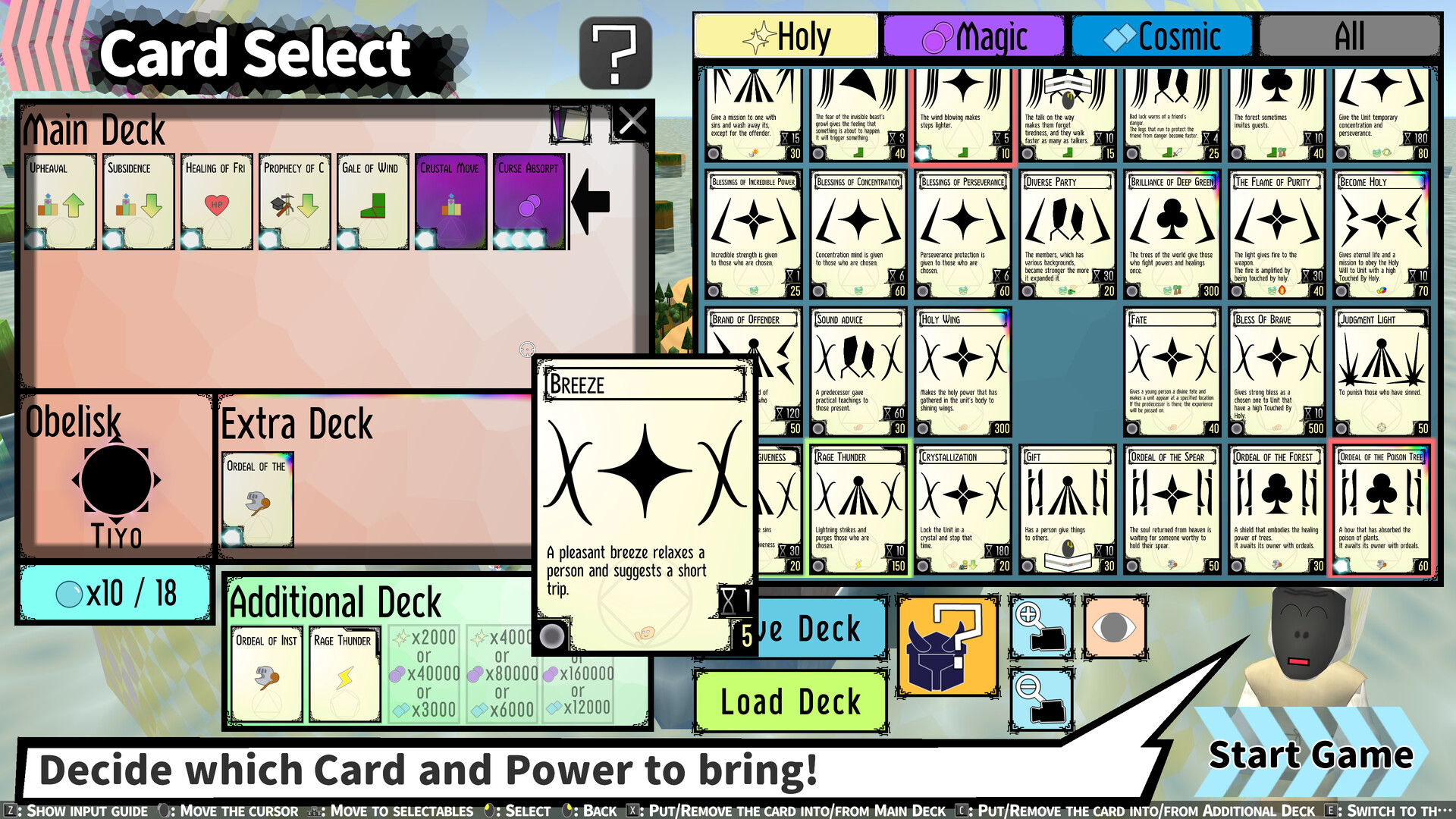
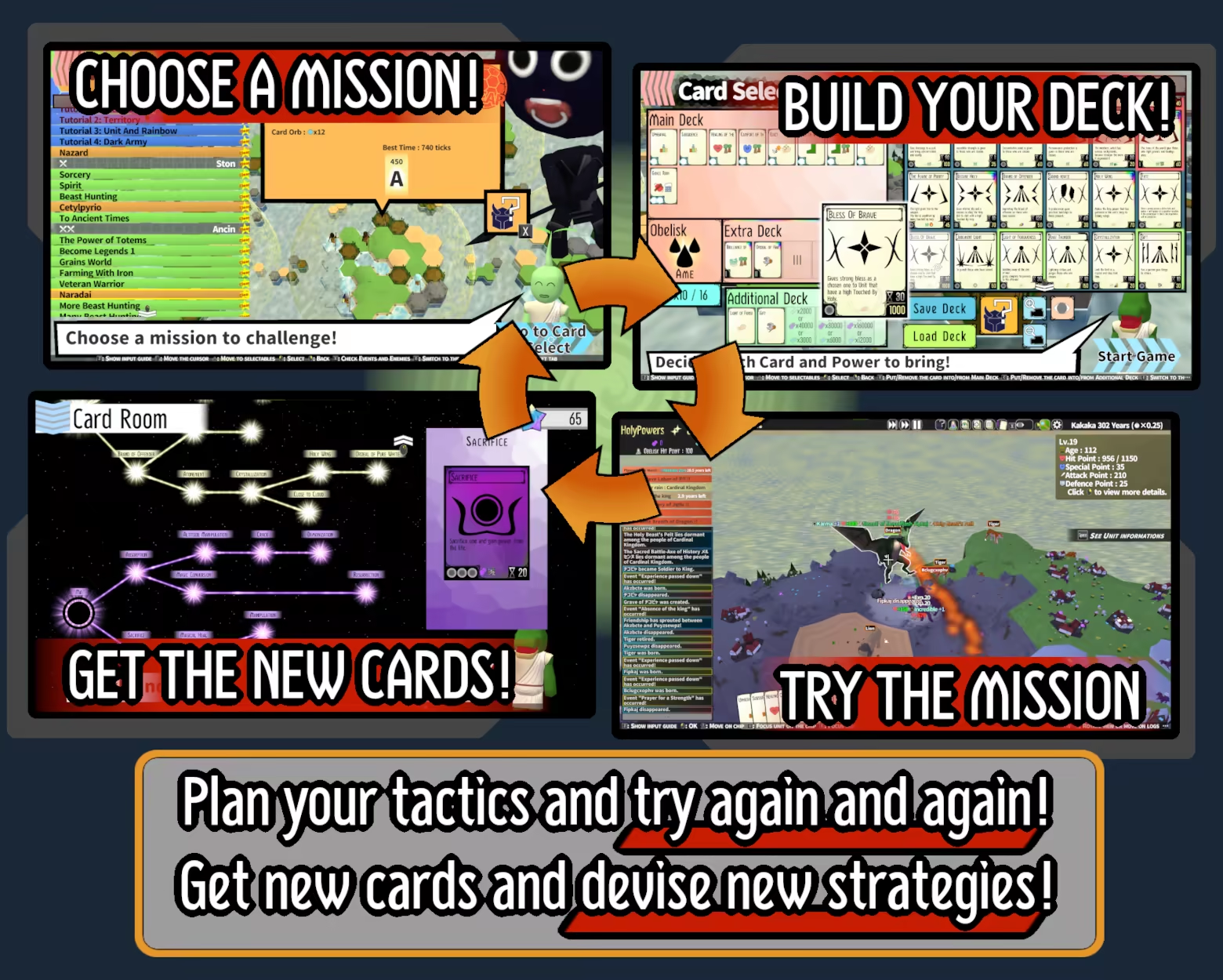
Once you’ve chosen a mission to take on, pick your favorite cards, build your deck, and jump into the battle!
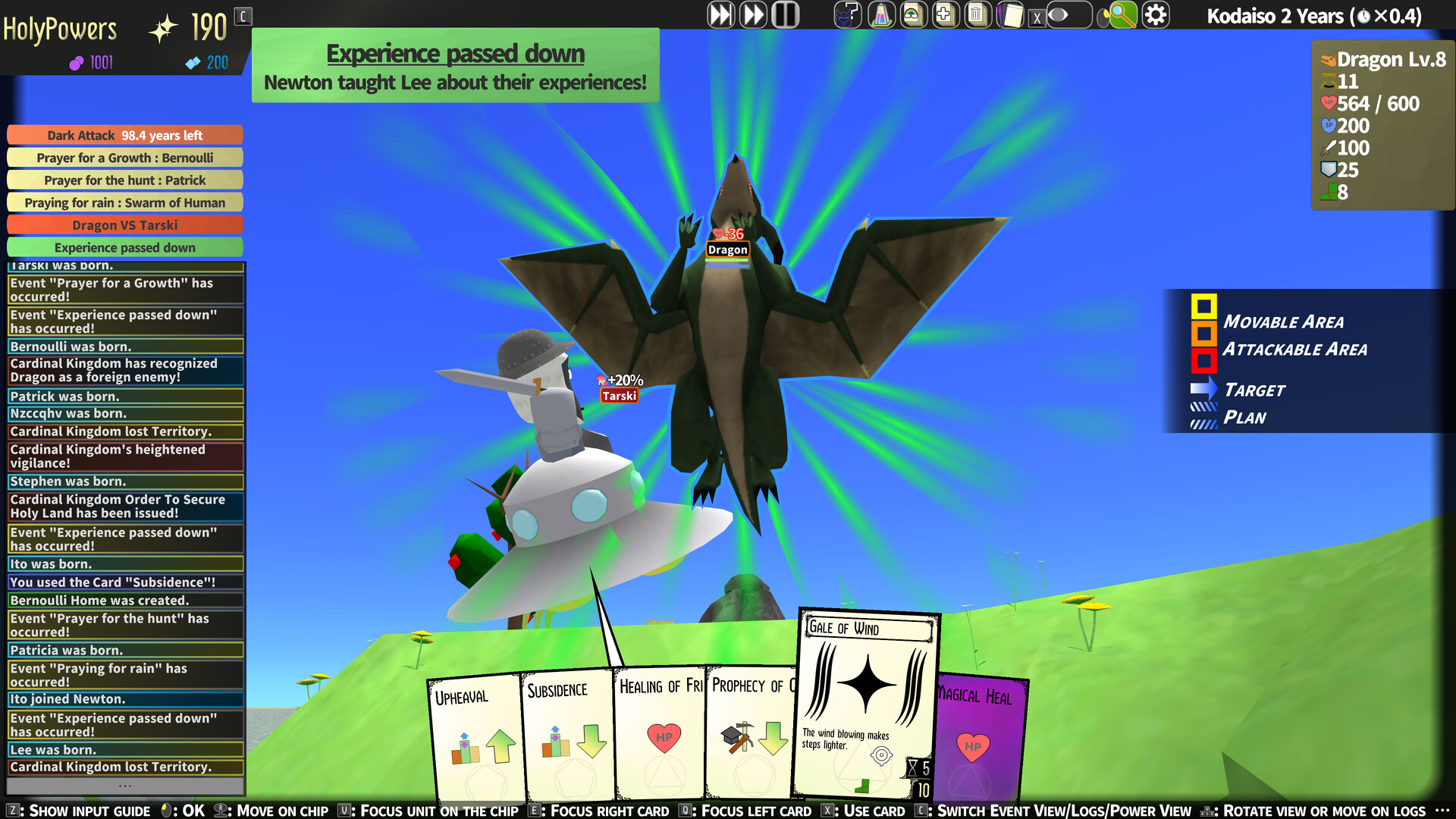
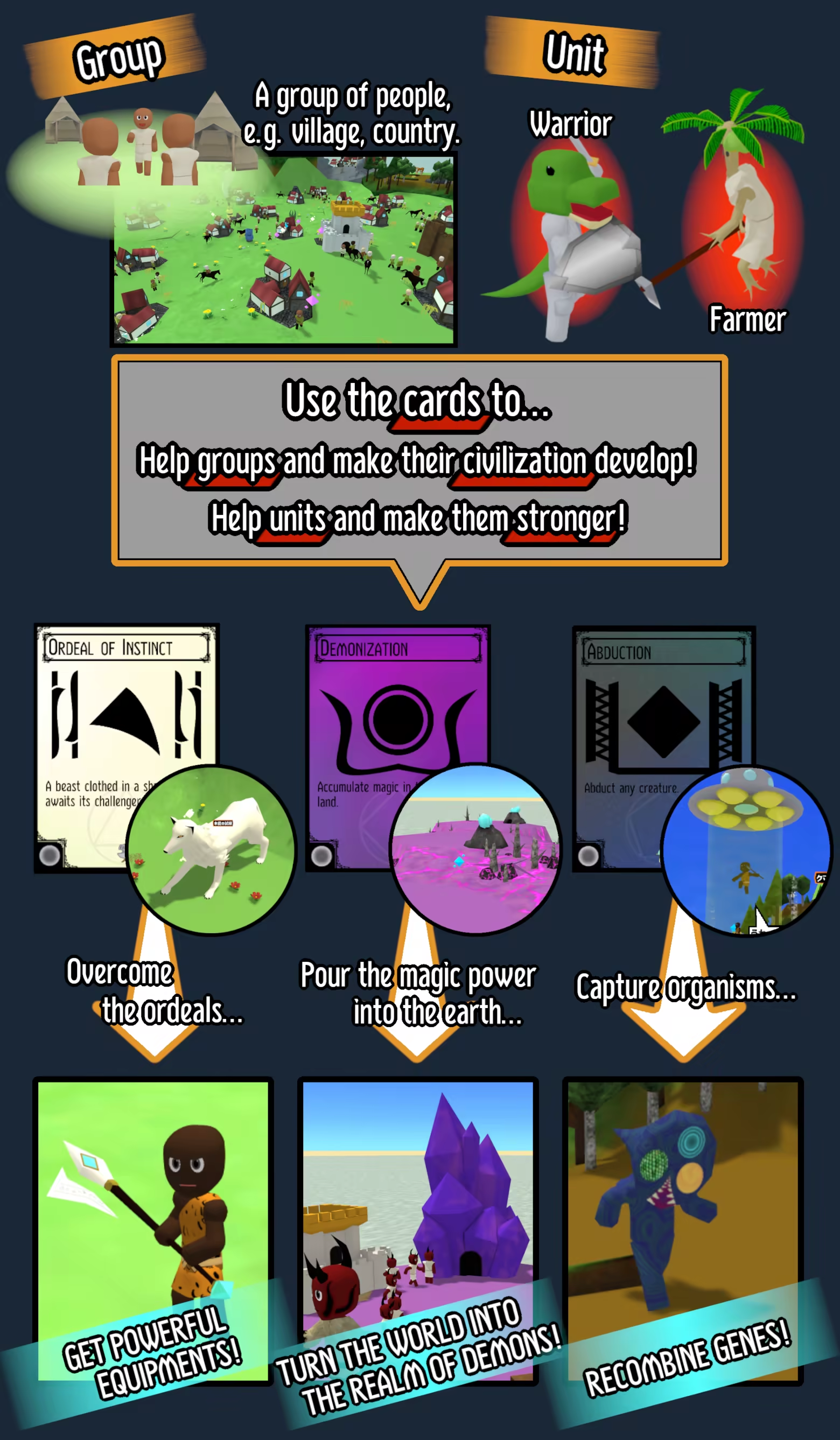
The controls are very simple—just select a card and choose its target! Use your cards to reshape the terrain, grant blessings or impose trials upon the people, and prepare the land for the threats to come!
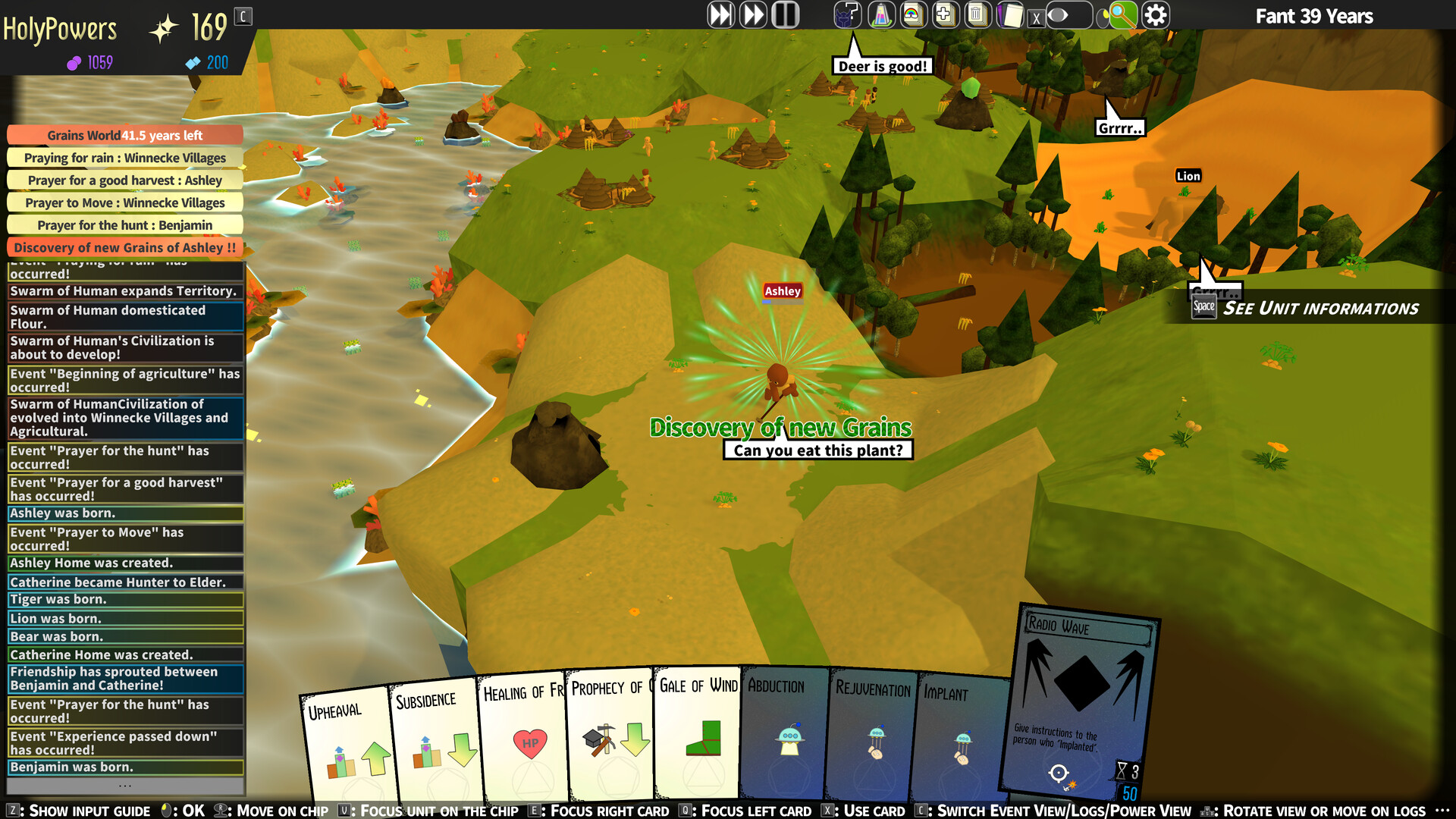
You can influence the world only through the cards. Use three types of cards to expand Groups, advance their development, and guide Units on their path to becoming legendary heroes!

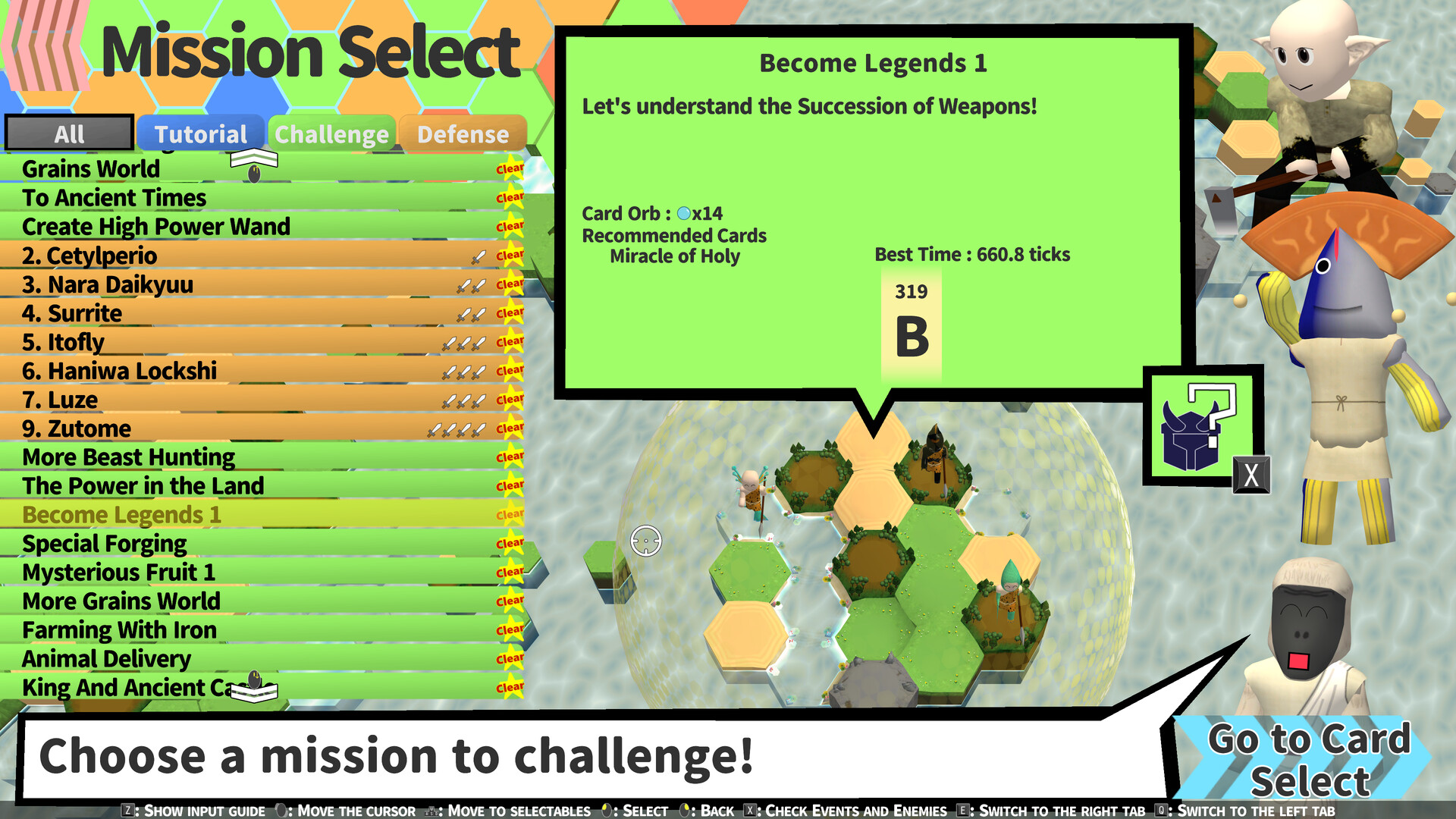
Defense Mission: Protect the continent from the Dark Army.
Challenge Mission: Take on a variety of unique challenges.
Free Play: Enjoy the game with no time limits or objectives.
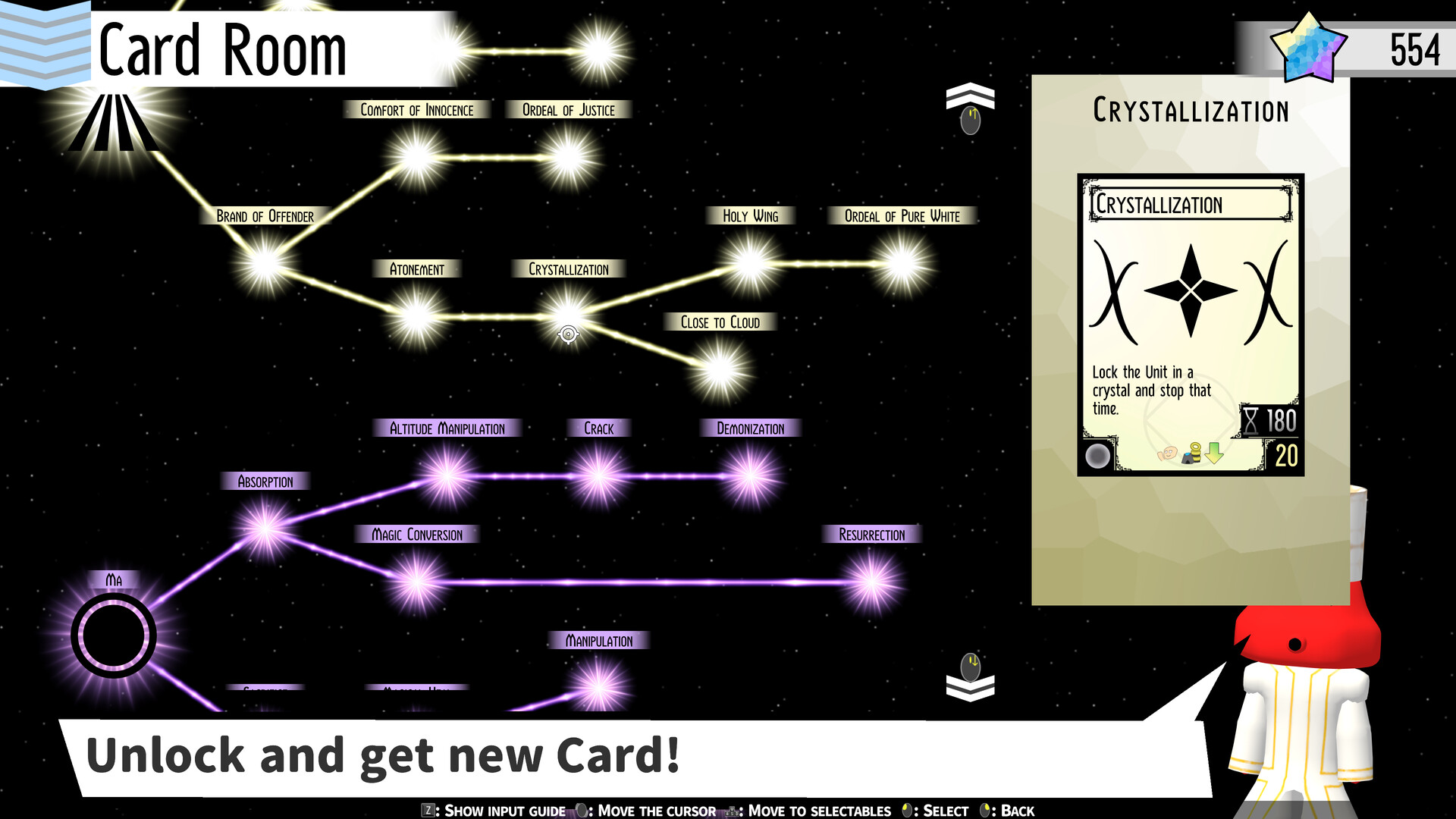
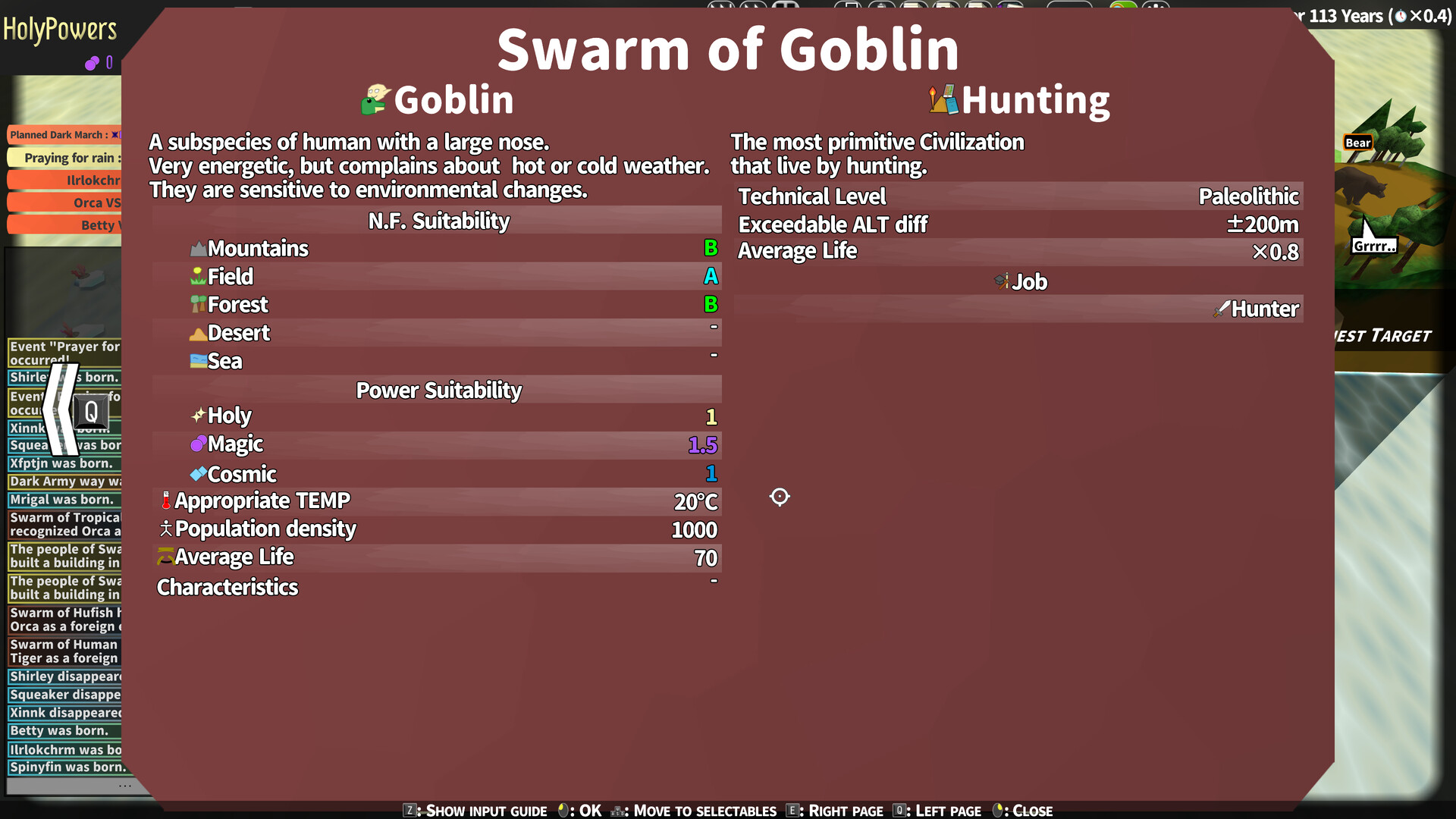
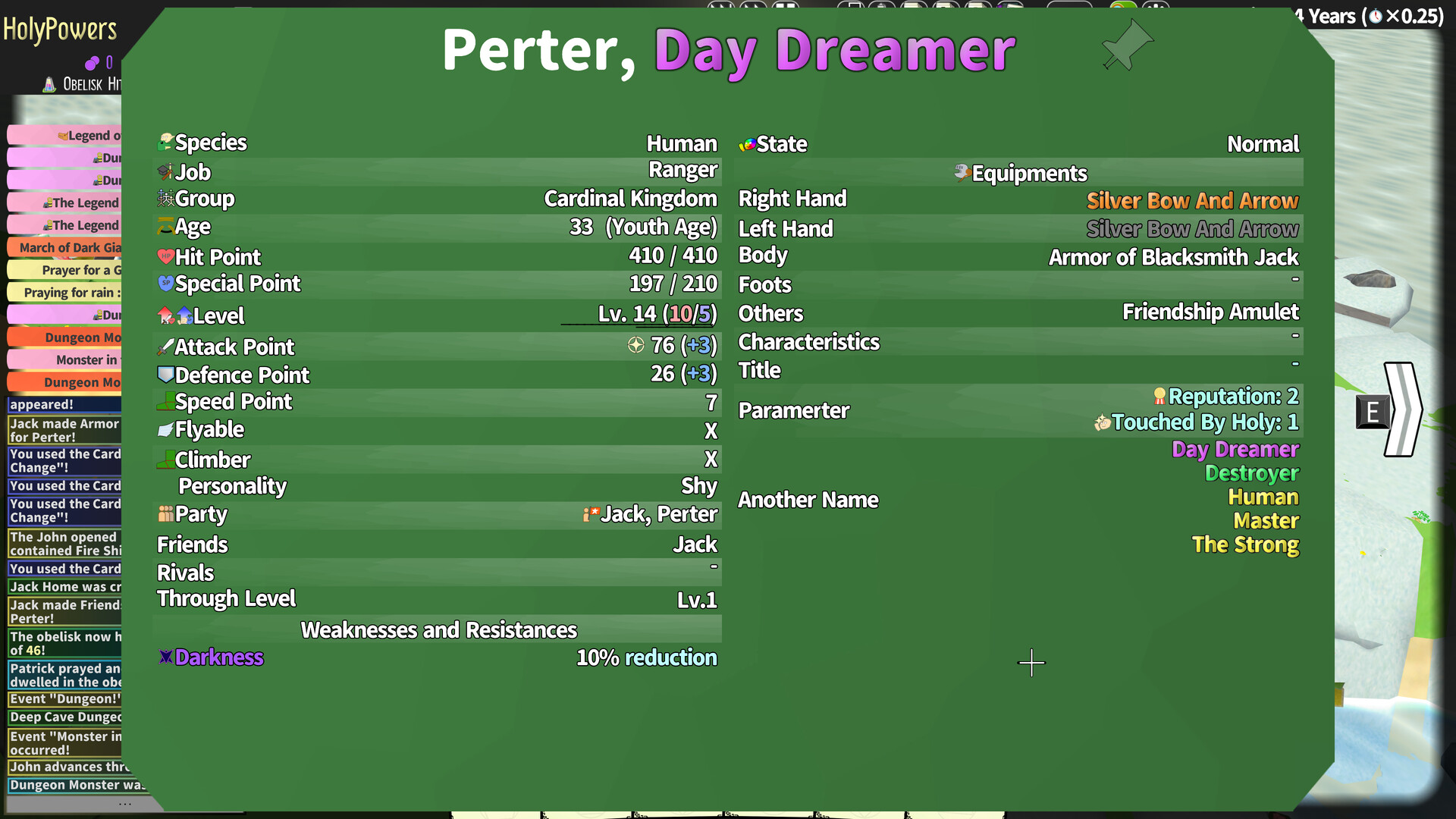
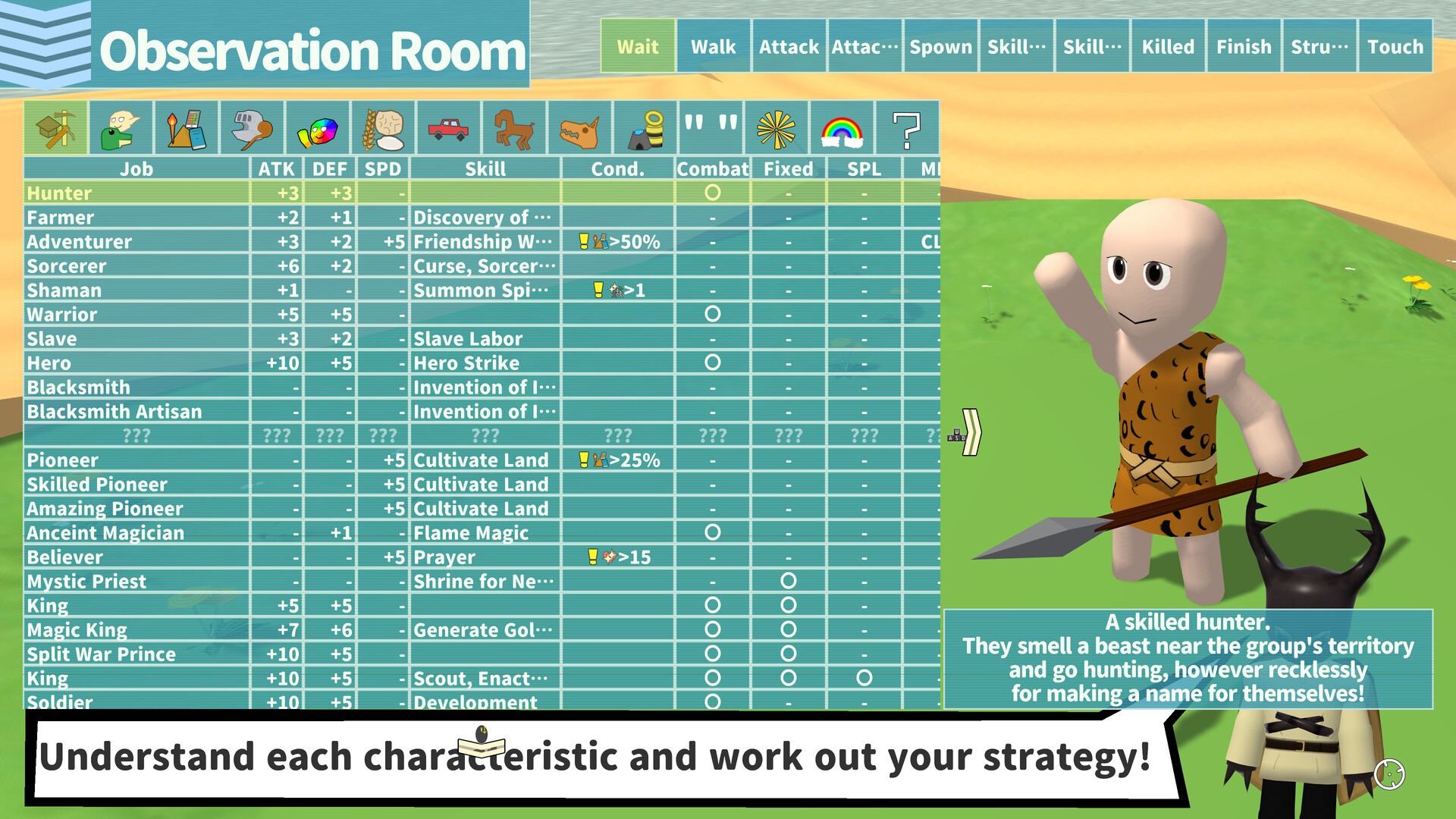
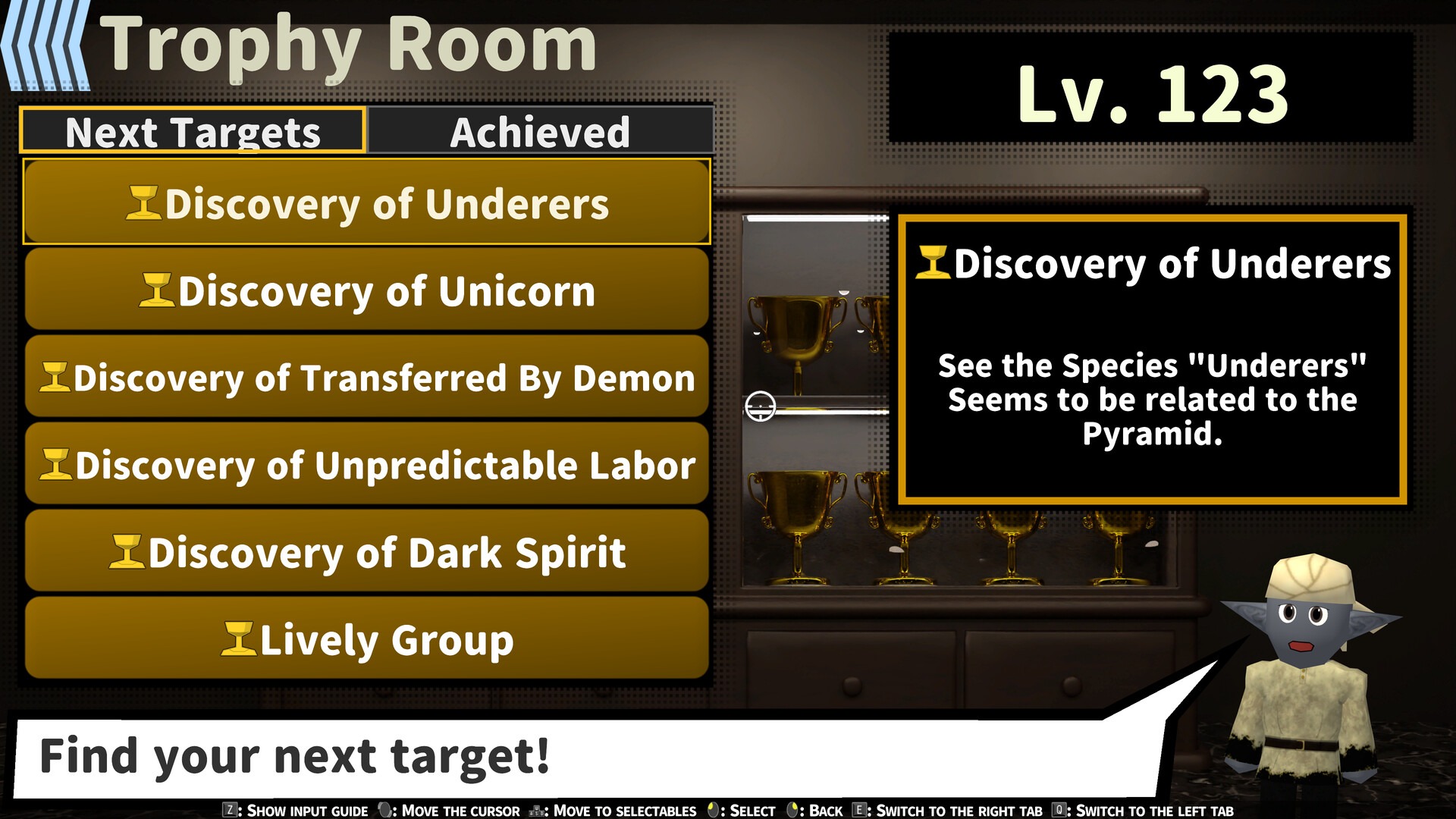
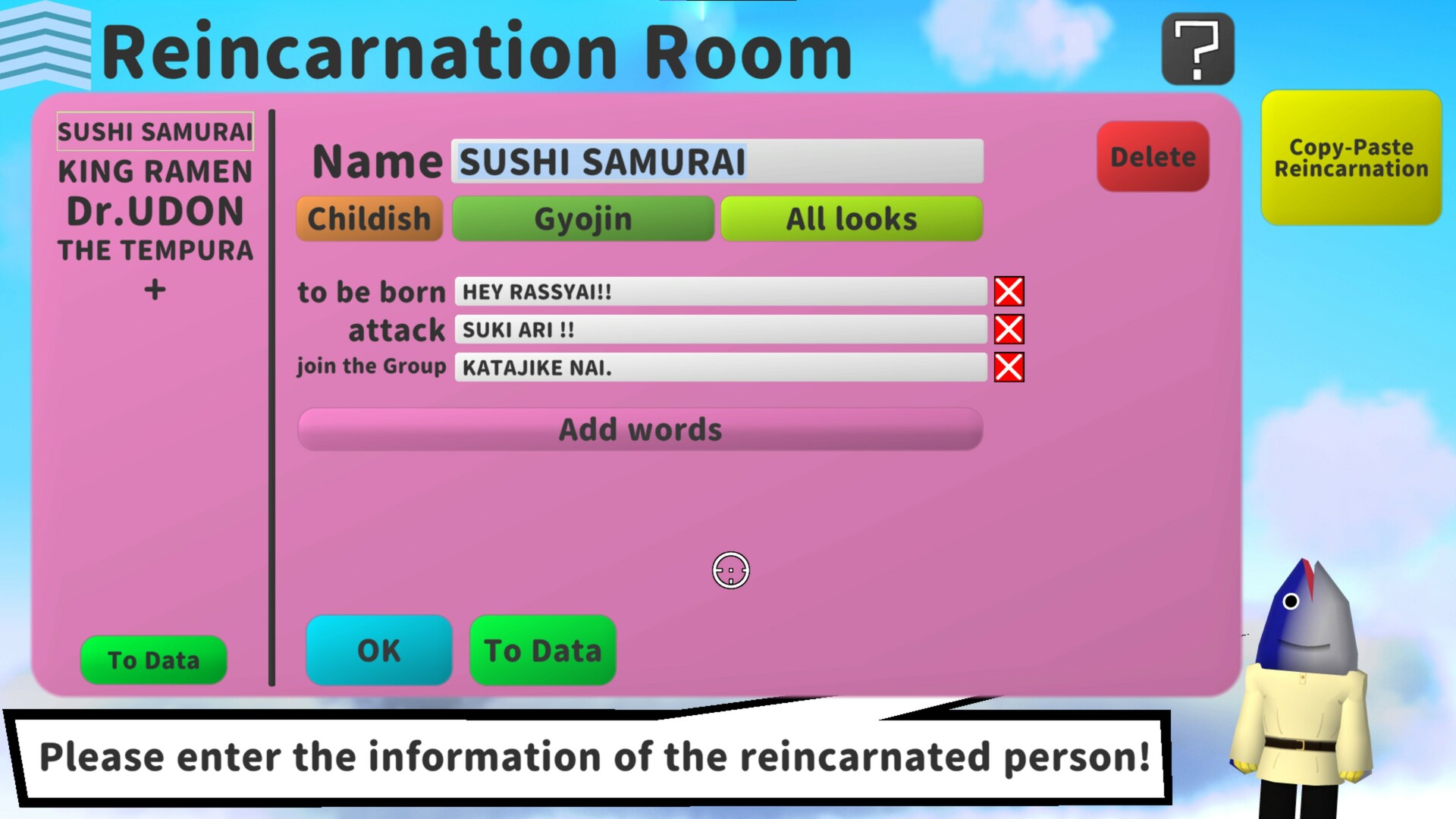
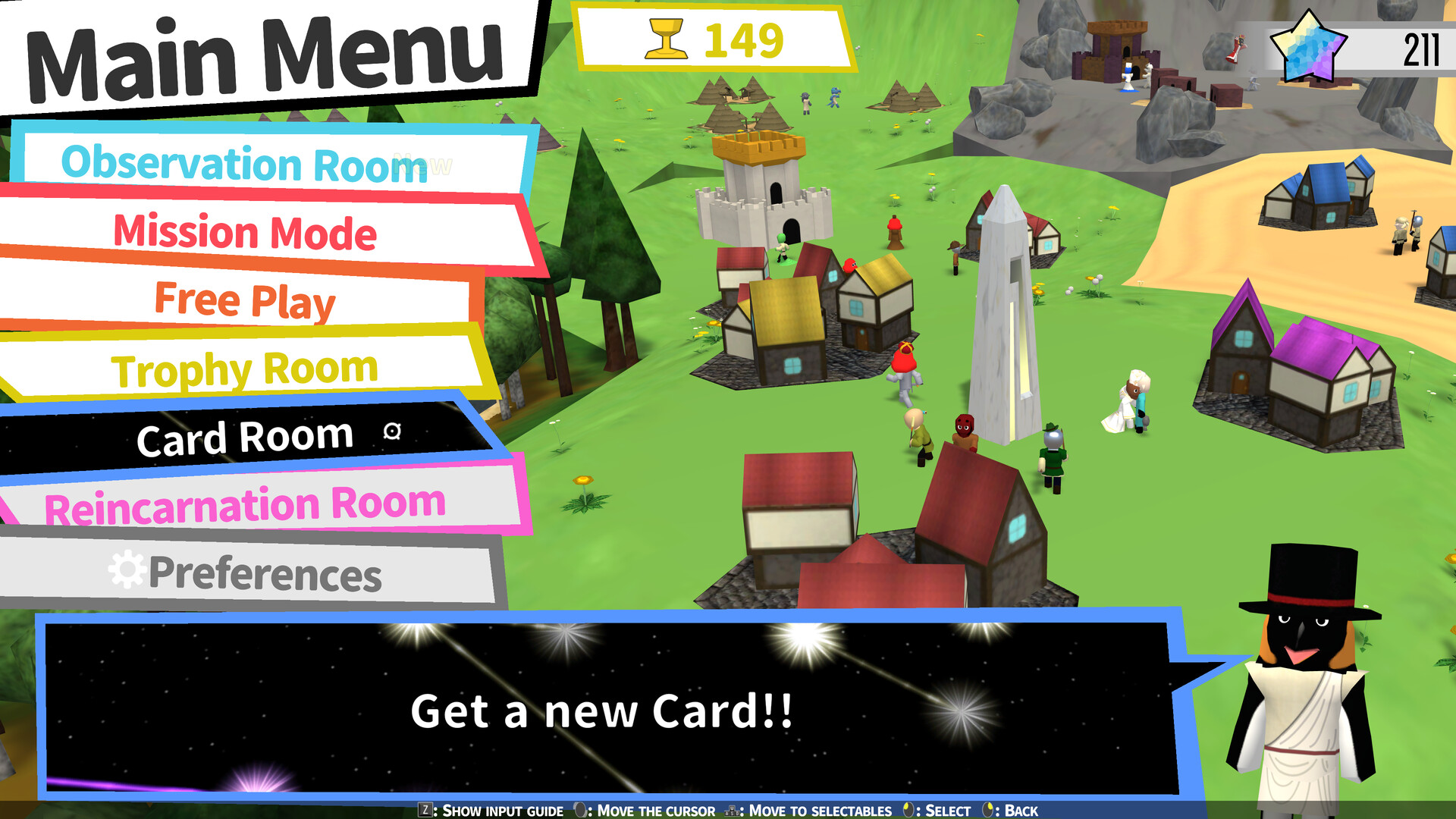
Other features include an Observation Room, where you can review elements discovered during gameplay, and a Reincarnation Room, where you can set names and dialogue for in-game units, among other features.
Streaming
The game permits monetization through partner programs on video and/or live streaming platforms, such as YouTube.
About Automatic Transfer of Demo Save Data
To enable automatic transfer, the demo and full version must be installed in the same directory (e.g., Windows (C:)).
If both the demo and full version contain save data and the demo data has more progress, the save data in the full version will be overwritten.
If you do not want to use automatic transfer, go to your Library, select the demo, click the gear icon → Manage → Browse local files, and delete the “savefile” JSON file from the folder that opens (make a backup first if you want to keep the demo save data).
There is a possibility that automatic transfer may not work correctly if you launch the full version after switching from another account. If this happens, clicking on the demo once in your Library before launching the full version should allow the transfer to complete successfully.
Available Tables (0)
View available tables...Events Timeline
View full events timeline...Initial Release