Mega Dimension Ripper 9000
About the Game
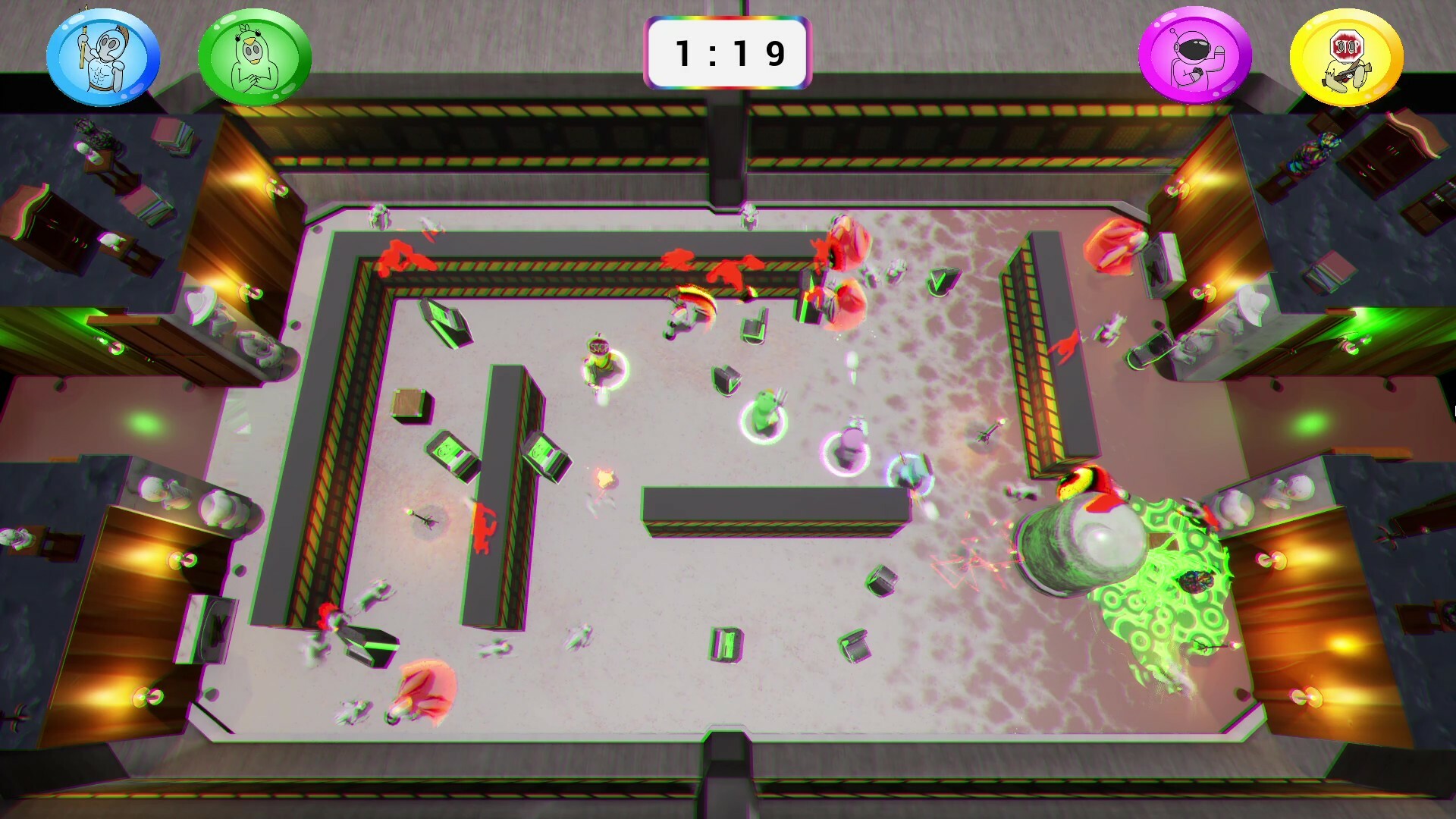
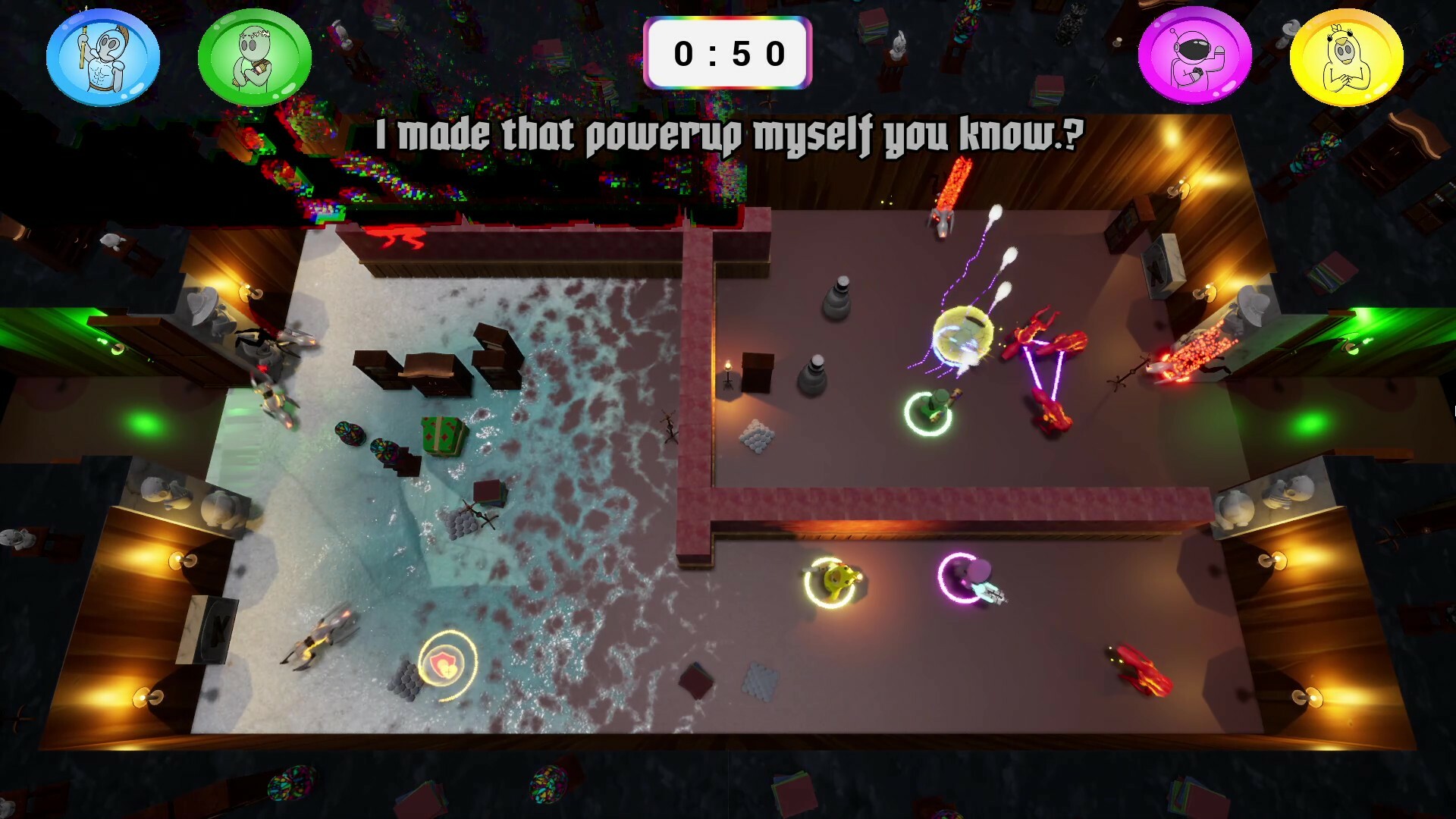
Twin-stick shooter roguelite with environment-merging levels! Play with 1-4 players in this wacky interdimensional gauntlet!
Features
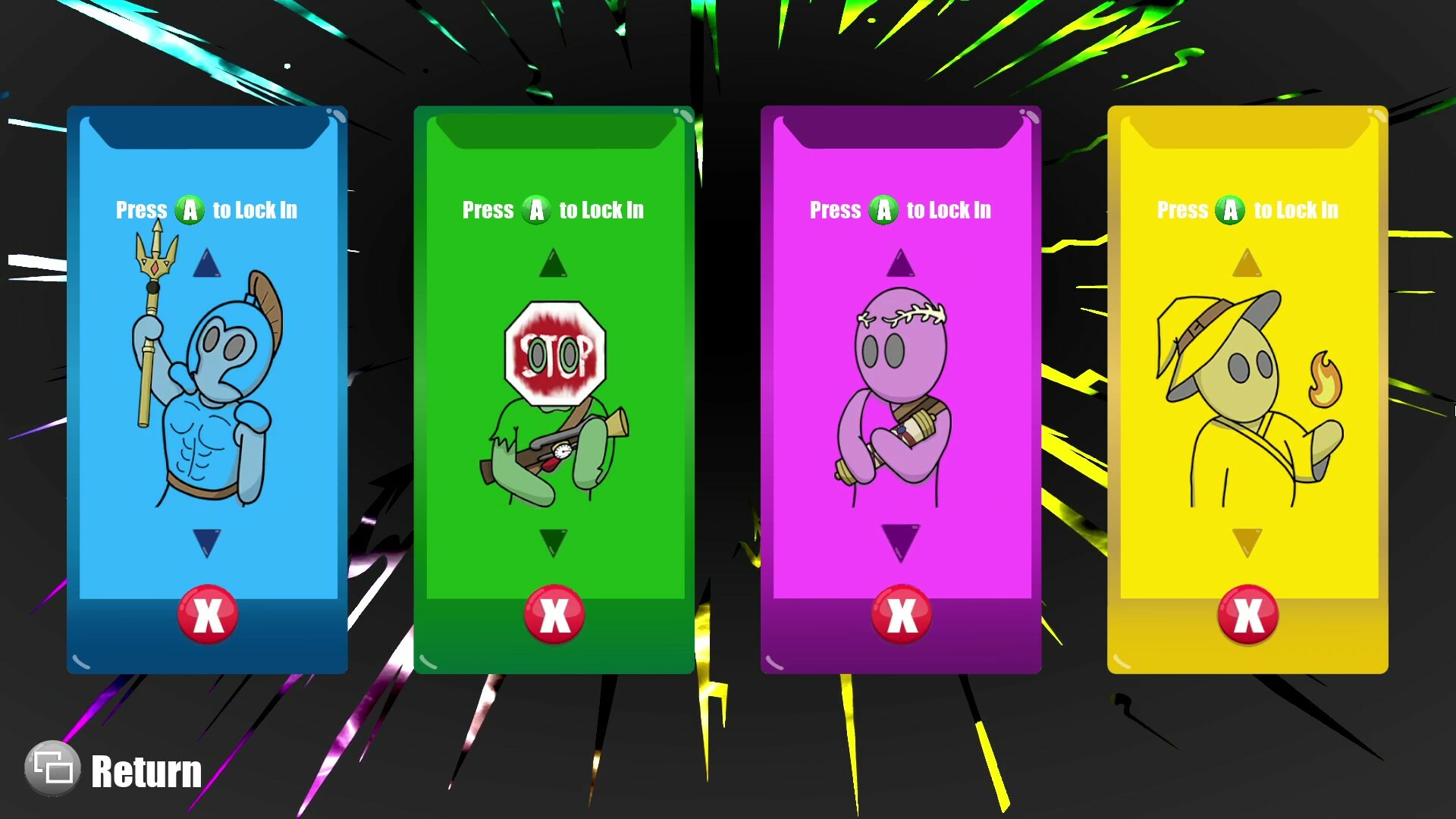
1–4 Player Co-op Roguelite (Play locally or online with Steam Remote Play Together)
Single Player: Use Mouse & Keyboard or Controller
Co-op: Controllers Required
Multiple Difficulty Options (Try Your Best at "Mega")
Endless Waves of Diverse Enemy Types
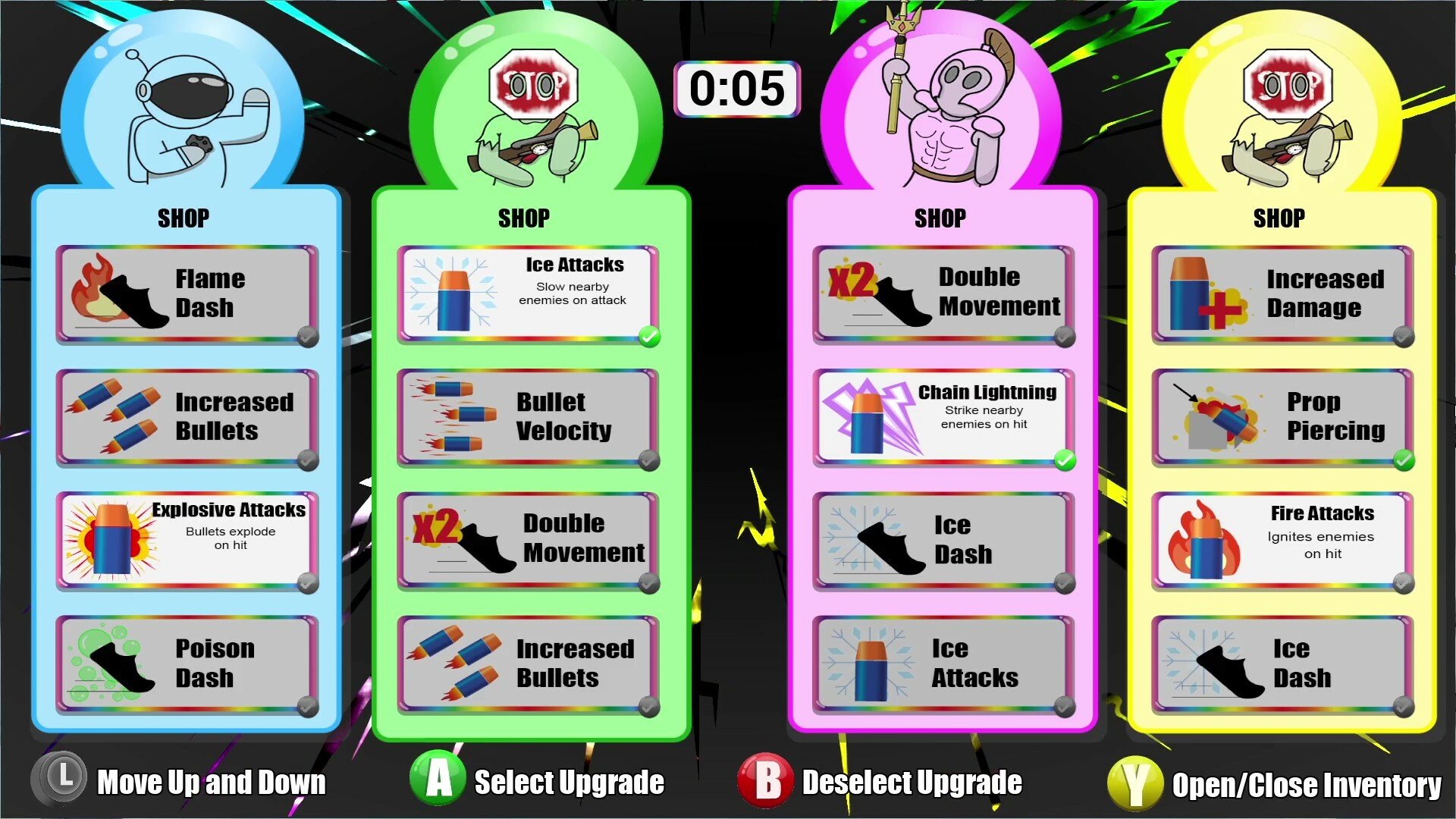
Discover Powerful Upgrade Combinations
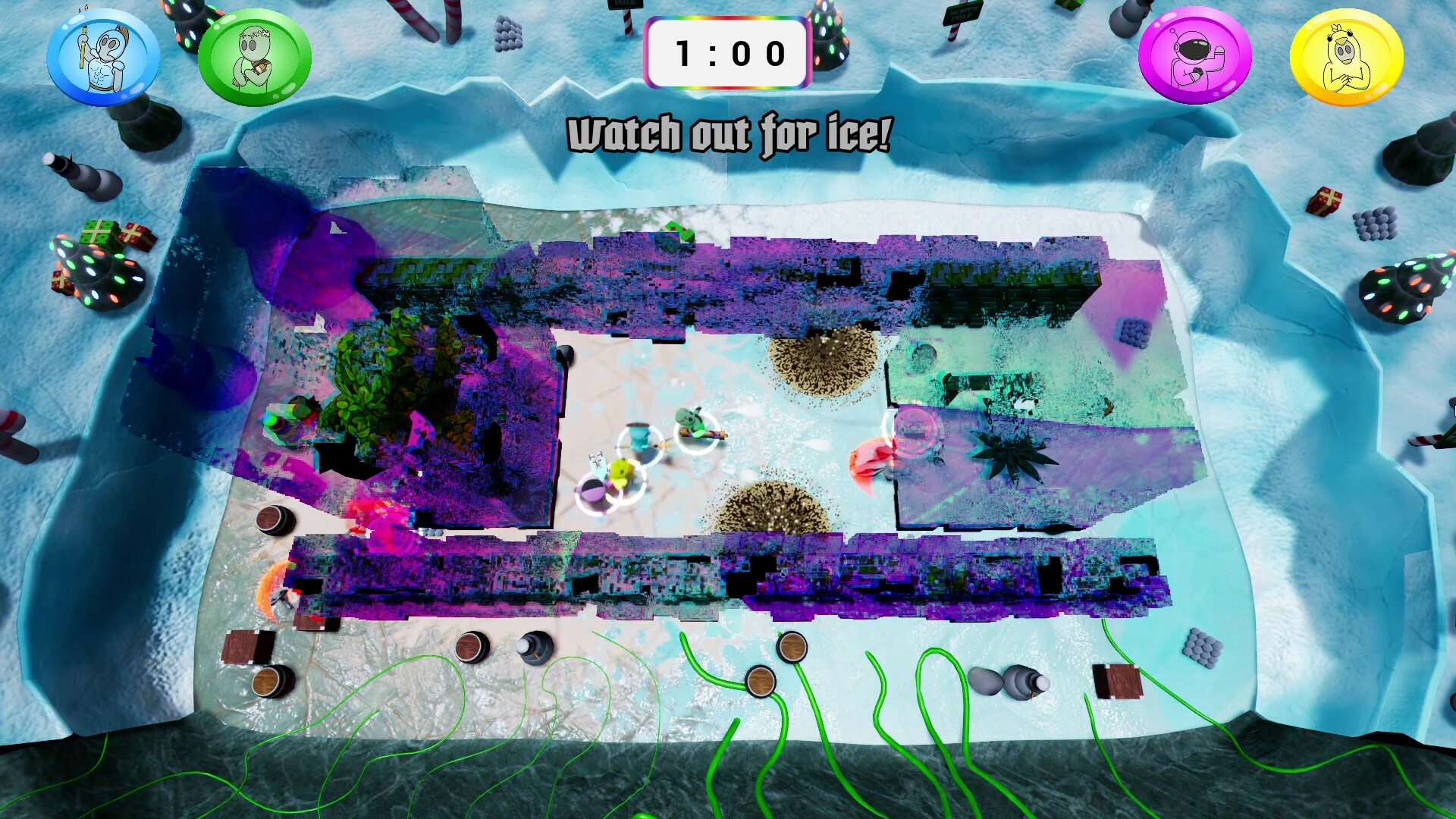
Seamlessly Merge Into New Environments Mid-Level
Setting
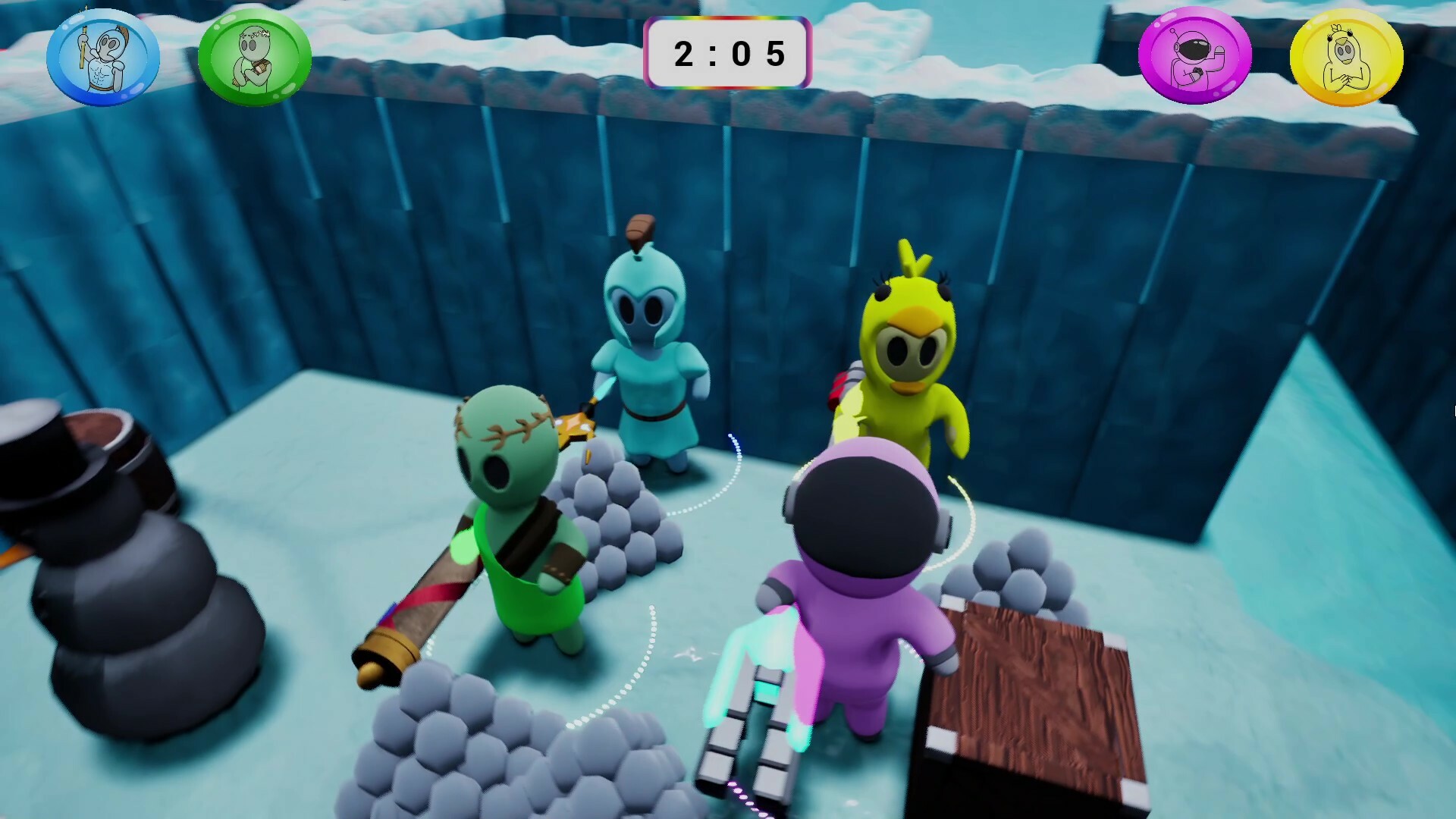
In this 1-4 player, couch co-op, roguelite party game, you play as combatants being teleported against their will into a life-threatening arena by the scary, yet charismatic, "General". With his prototyped teleportation technology malfunctioning, he sends wacky and unlikely environments from across the multiverse to merge onto the arena as the levels progress.
Gameplay
Experience fast progression, permanent powerups, and procedurally generated levels commonly found in the roguelike genre. Rather than exploring larger areas in longer levels, you must instead survive with your team in a small top-down arena. This arena will shift and glitch between environments for two minutes while waves of enemies are sent by the "General" to test you. It’s life or death, and freedom is waiting for you at the end!
How to Use Controllers Other Than Xbox
Connect your desired controllers to the device
Find Mega Dimension Ripper 9000 in your Steam library
Click on the "Manage" button on the right side of your screen
Select "Properties"
Select the "Controller" tab on the new window
Click the dropdown on the right side of the new window
Select "Enable Steam Input" or "Use Default Settings"
You can now close out of that window and play the game with various controller type
* Some controllers may need to be plugged into the system
How to Use Steam Remote Play Together
From the Friends tab
When in game, press Shift + Tab to open steam overlay
Open the "Friends" tab at the bottom of the screen
Right click on friend you want to invite
Select "Remote Play Together"
From the Remote Play Together tab
When in game, press Shift + Tab to open steam overlay
Open the "Remote Play Together" tab at the bottom of the screen
Select Invite a Friend
Select up to 3 friends you would like to invite
Select "Confirm"
Available Tables (0)
View available tables...Events Timeline
View full events timeline...Initial Release