Glass
About the Game
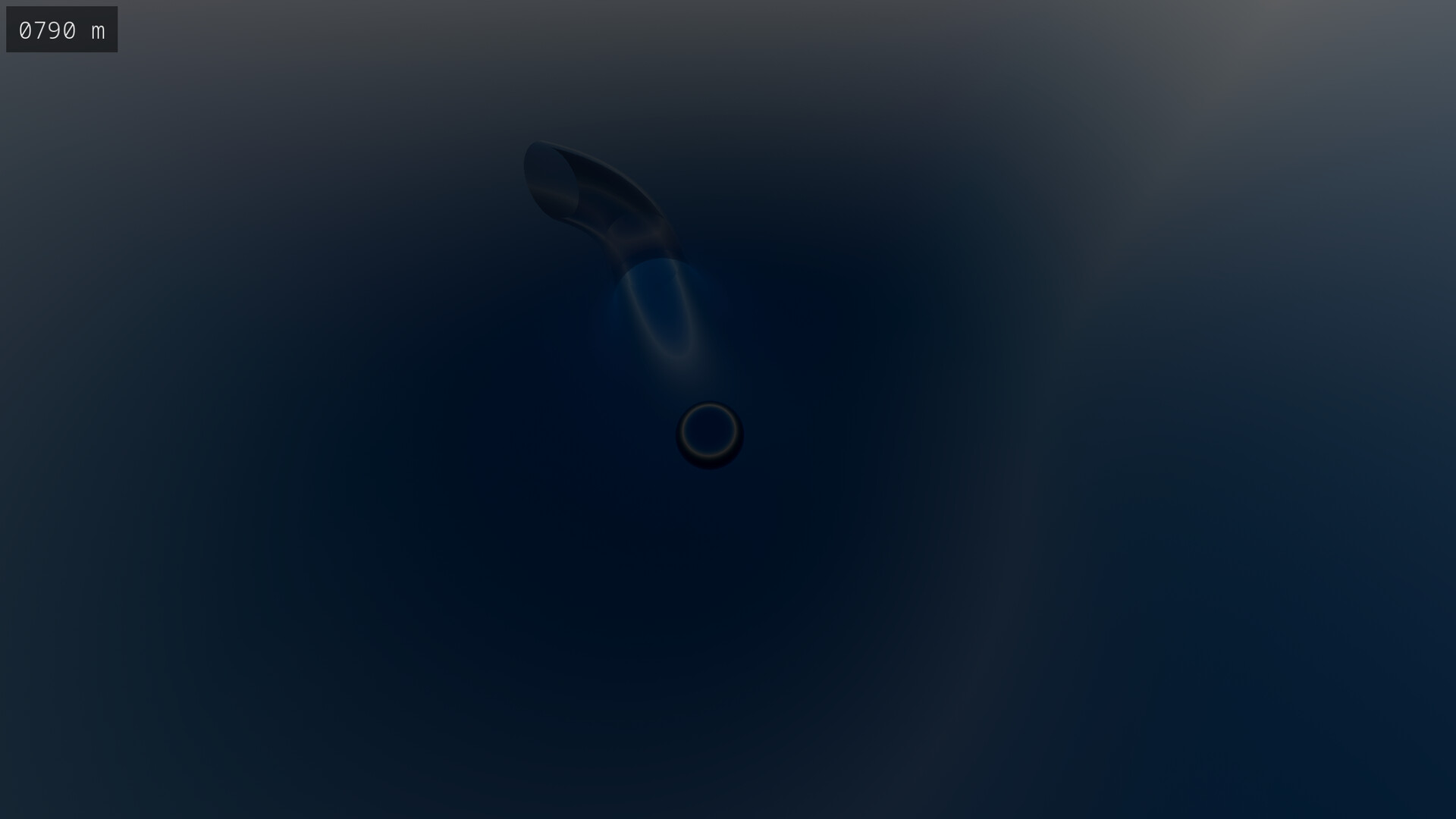
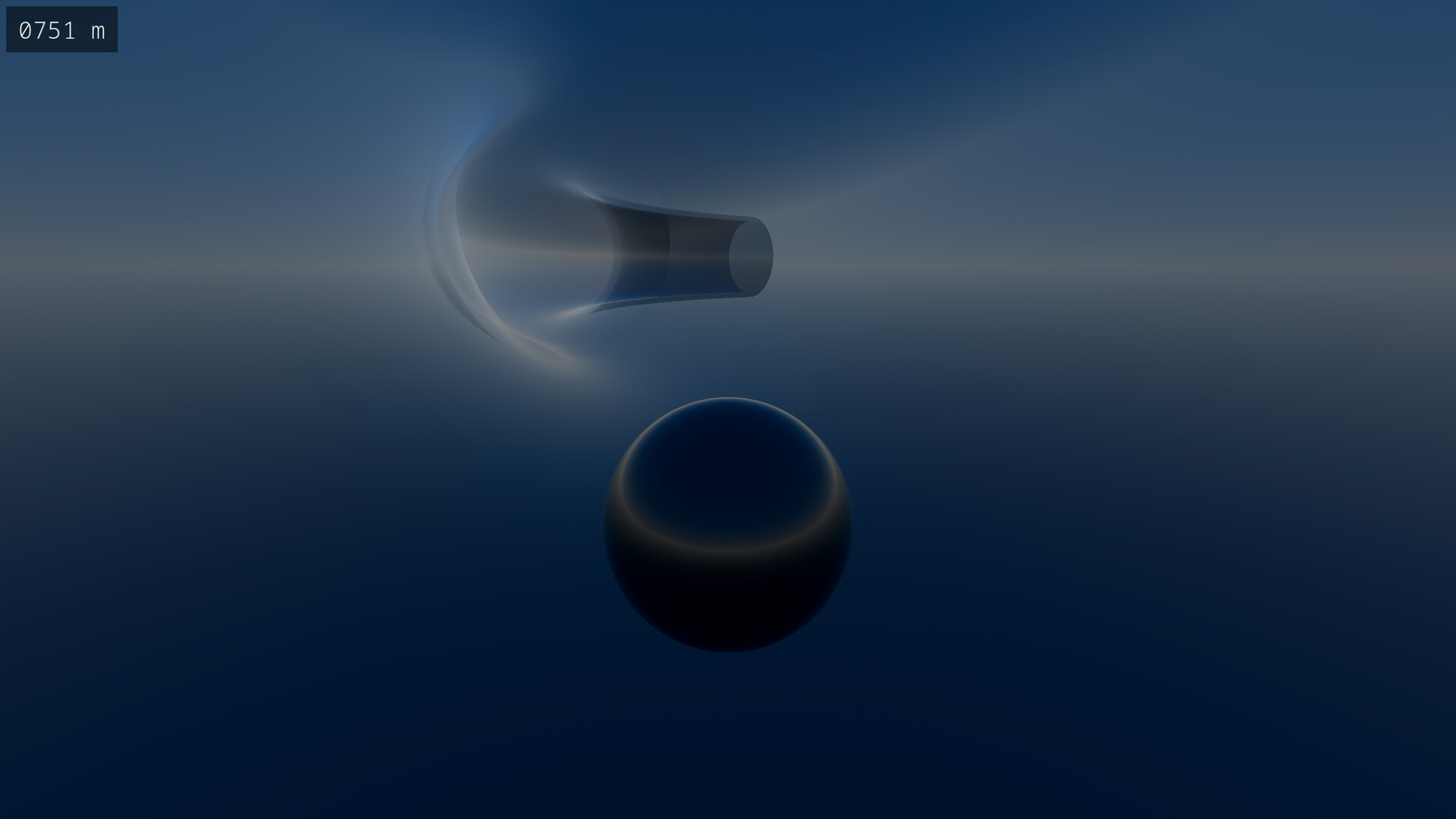
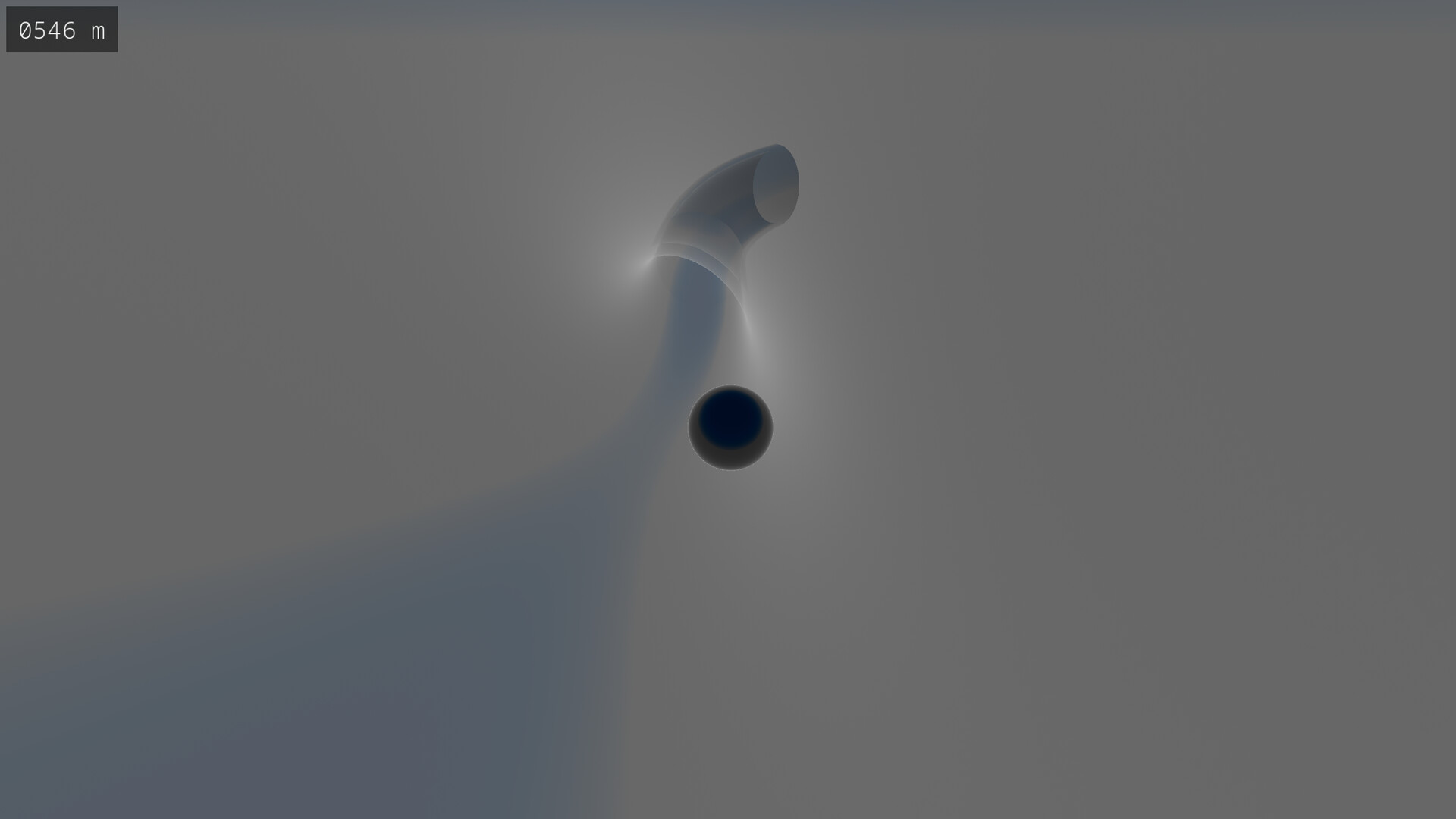
In Glass, you control a marble with the goal of getting the marble to the end of a randomly-generated track. There are over 18 quintillion tracks, so you can always play a track you've never played before.
Game Modes
Glass features four different game modes with four difficulty settings. Both mode and difficulty can be changed mid-game; there's no need to restart a track in order for these changed to be applied.
Freeride
In freeride, there is no challenge whatsoever. You can navigate the track at your leisure. The difficulty settings do not apply to freeride.
Dash
Dash is a race against time. The track components disappear soon after you reach them, so you'll need to move fast.
Fragile
In fragile, you're required to move smoothly down the track. If you collide with a track component too hard, it will break and disappear.
Dash + Fragile
This game mode combines both dash and fragile simultaneously. It provides a considerable level of difficulty when played on the higher difficulty settings.
Track Selection
Whilst you may choose to play a randomly-selected track, you can also manually select the track number in the game menu. This allows you to replay a track you enjoy or challenge a friend to beat a track that you've beaten. A track number is denoted using 1 to 16 digits, where a digit is 0 to 9 or A to F. Note that track selection is not available in the demo version.
Some tracks are more difficult than others. Additionally, a track might be easier on dash than fragile or easier on fragile than dash.
Mechanics
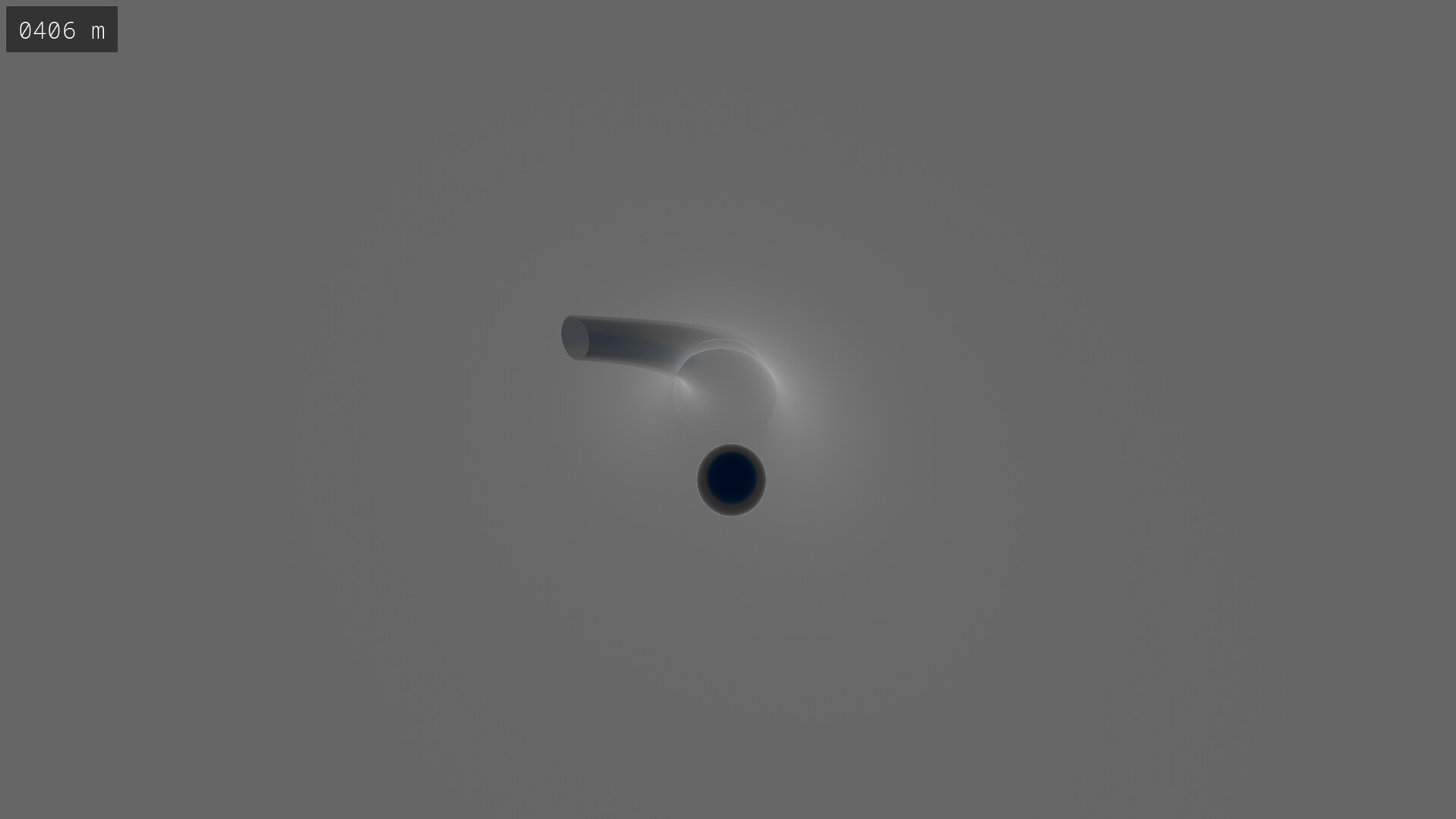
A track begins at a start terminal with an altitude of 1,024 meters and will tend downhill. Once below 64 meters, an end terminal will be generated and the track will finish. Your altitude is shown in the upper-left corner of the screen. If playing in fragile mode, a timer is shown next to the altimeter which displays the time which has elapsed since starting the track.
Controls and Game Settings
The controls and settings are shown in the game menu under their respective tabs. Under Settings, you're able to change the camera sensitivity and music volume, and you can choose between ocean and cloud as the theme of the environment.
Controller Support
A controller can be used for all gameplay and UI interaction, with the exception of manual track number selection which requires a keyboard. Use of a controller is recommended for gameplay as it provides more fine-grained control over movement of both the marble and the camera. Note that while wireless controllers are expected to work, only USB controllers have been tested.
Ethos
Glass does not use AI in any form. The procedural generation is performed using an algorithm we designed which uses the track number as a seed. This idea was inspired by a very popular game which involves mining and crafting. Additionally, Glass was developed using only open-source software (including the game engine itself) on a computer running an open-source operating system. Glass does not contain microtransactions, DRM, or anti-cheat.
Available Tables (0)
View available tables...Events Timeline
View full events timeline...Initial Release