DigitDash3

About the Game

🎮 Digit Dash 3
Digit Dash 3 is a live party game streamed directly from a streamer's Twitch or Kick channel. Viewers play together in real time by typing simple commands in chat.
🌌 The Board
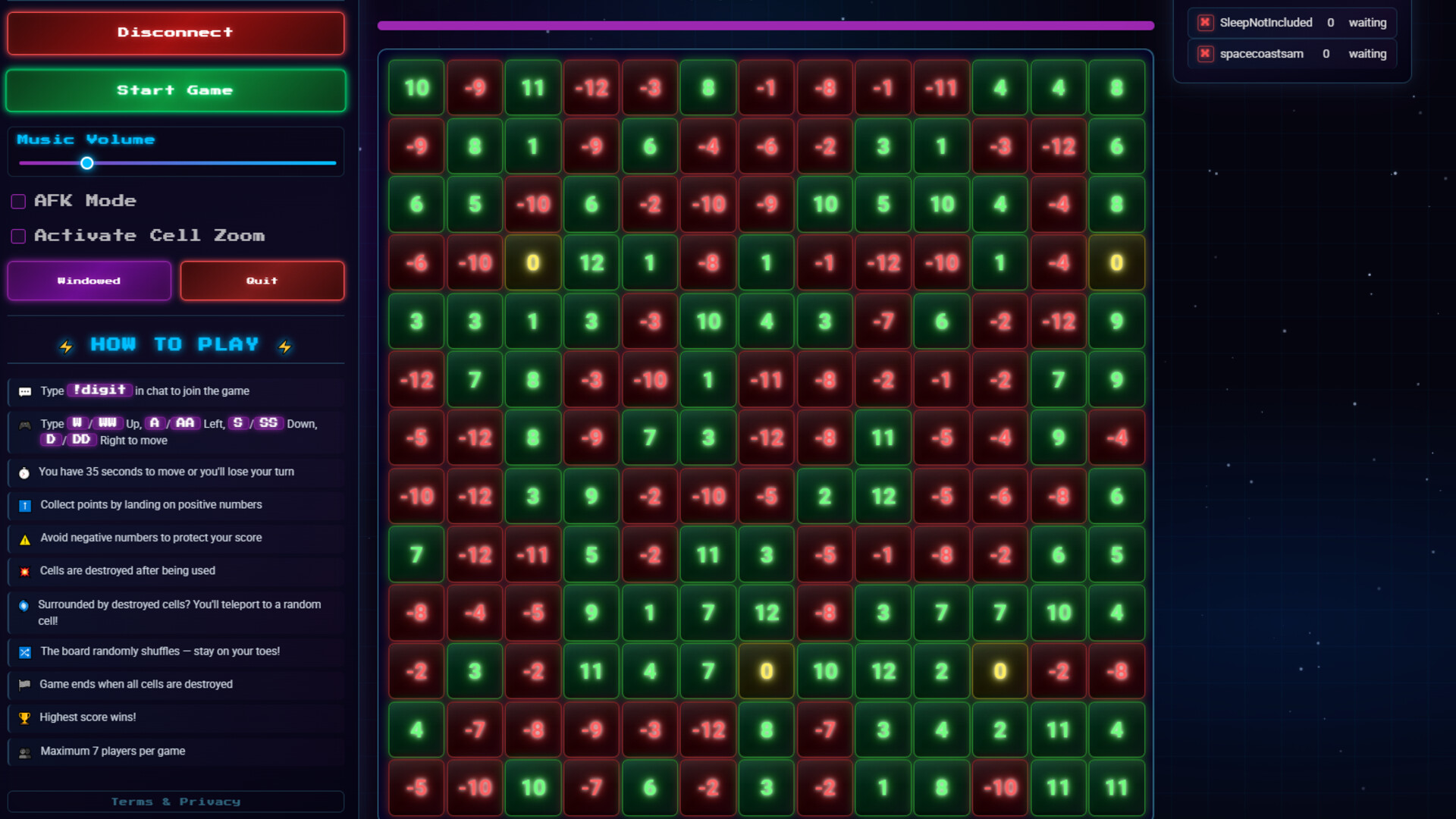
The game is played on a 13×13 grid of numbered cells. Each cell holds a random value between -12 and +12 at the start of every game. There is one shared game piece that all players take turns controlling — the piece starts in the centre of the board when the game begins.
👥 Players & Joining
- The host (streamer) connects their Twitch or Kick channel from the game's control panel and clicks Start Game once enough players have joined.
- Up to 7 players can join a single game.
- To join, viewers simply type !digit in the streamer's chat.
- Players are added on a first-come, first-served basis. Once the game starts or the lobby is full, no new players can join.
🎯 Taking Turns
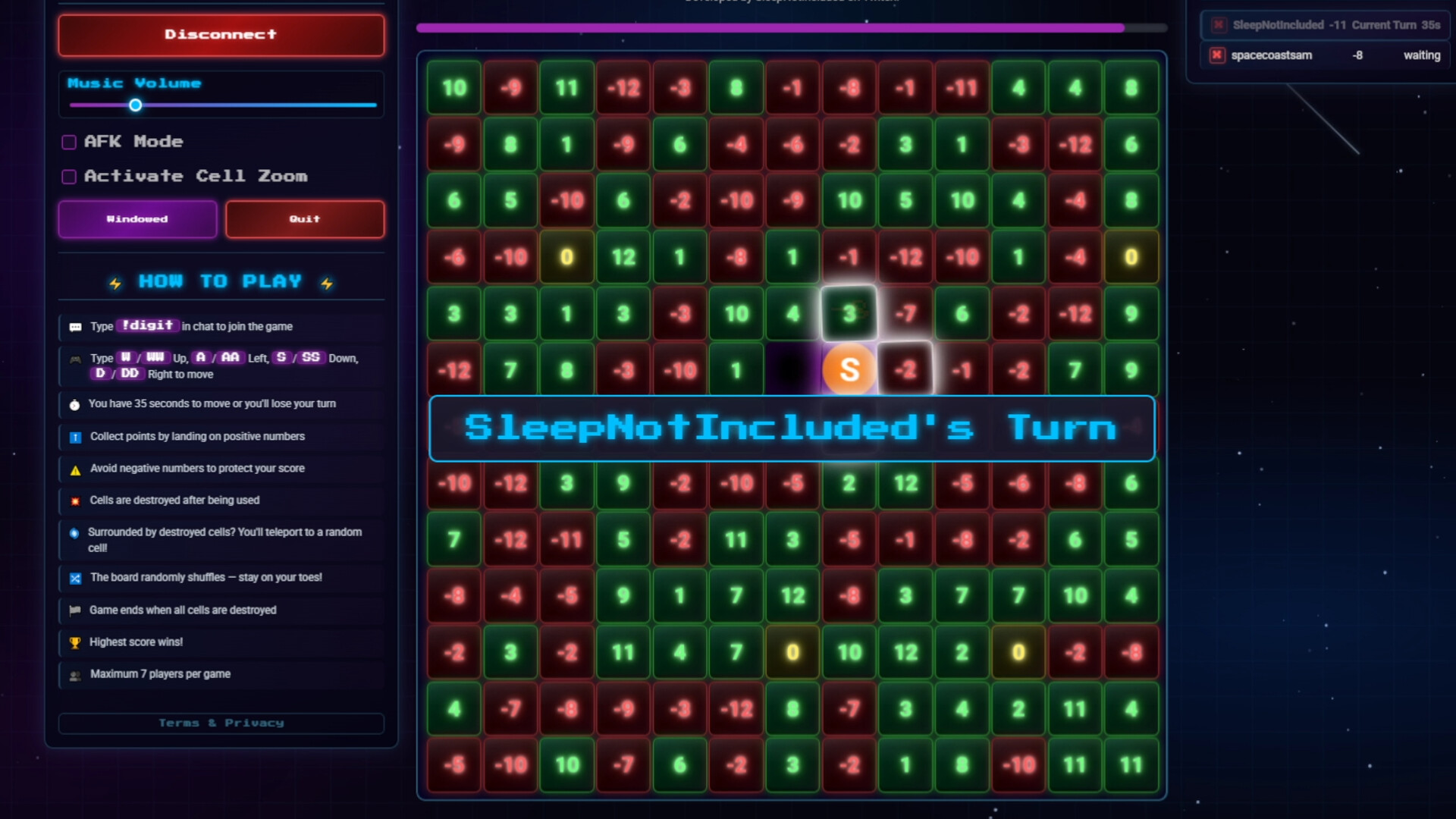
Players take turns in order, one at a time. On your turn, you have 35 seconds to move the shared game piece to an adjacent cell — up, down, left, or right. You type your move in chat:
Command Direction W or WW Up S or SS Down A or AA Left D or DD Right
The double-letter variants ( WW , SS , etc.) exist to help avoid Twitch/Kick chat duplicate message filters — both do the same thing.
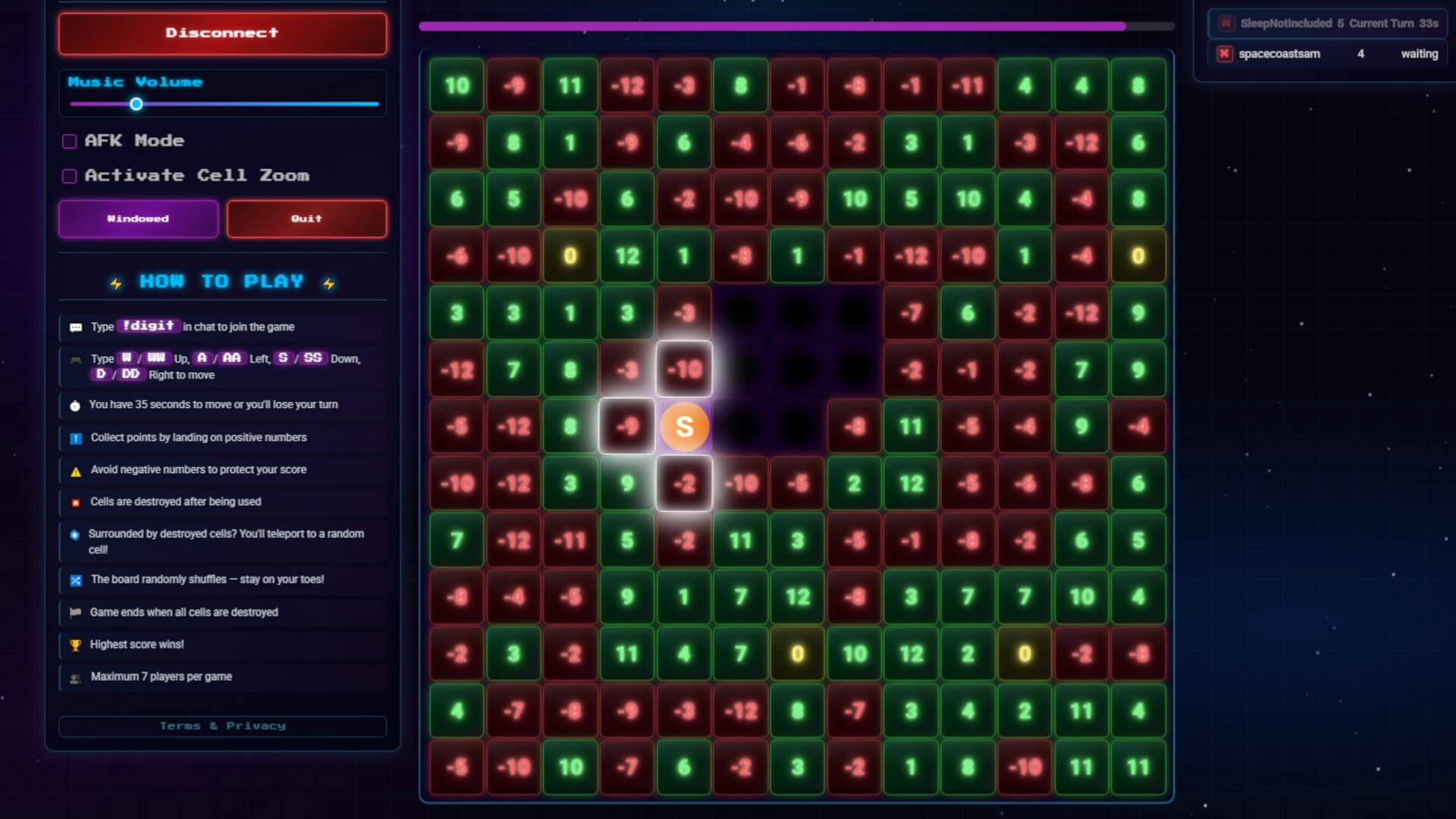
When a player moves onto a cell, they earn (or lose) the points shown on that cell. Positive numbers add to your score, negative numbers subtract from it.
💥 Cell Destruction — No Regeneration
Cells are permanently destroyed once the game piece passes through them. Both the cell the piece moves from and the cell it moves to are destroyed after every move. There is no regeneration — once a cell is gone, it's gone for the rest of the game. Destroyed cells appear as dark void craters on the board and cannot be moved to.
🌀 Teleportation
If the game piece becomes completely surrounded by destroyed cells with no valid move available, it automatically teleports to a random surviving cell anywhere on the board. The current player instantly claims and destroys that landing cell, earning or losing its points in the process.
🔀 Random Board Shuffle
At random intervals during the game ( between 100 and 200 seconds ), all surviving (non-destroyed) cells have their numbers re-randomised . This can dramatically change the value of cells you were planning to move to — keeping every player on their toes. A "Board Shuffled!" alert flashes on screen when this happens.
⏱️ Inactivity & Removal
If a player fails to make a move within their 35-second window, the game automatically makes a random move on their behalf and counts it as a missed turn . After 3 consecutive missed turns , that player is removed from the game entirely.
A 10-second audio warning plays to remind the current player their time is running out.
🏁 Game Over
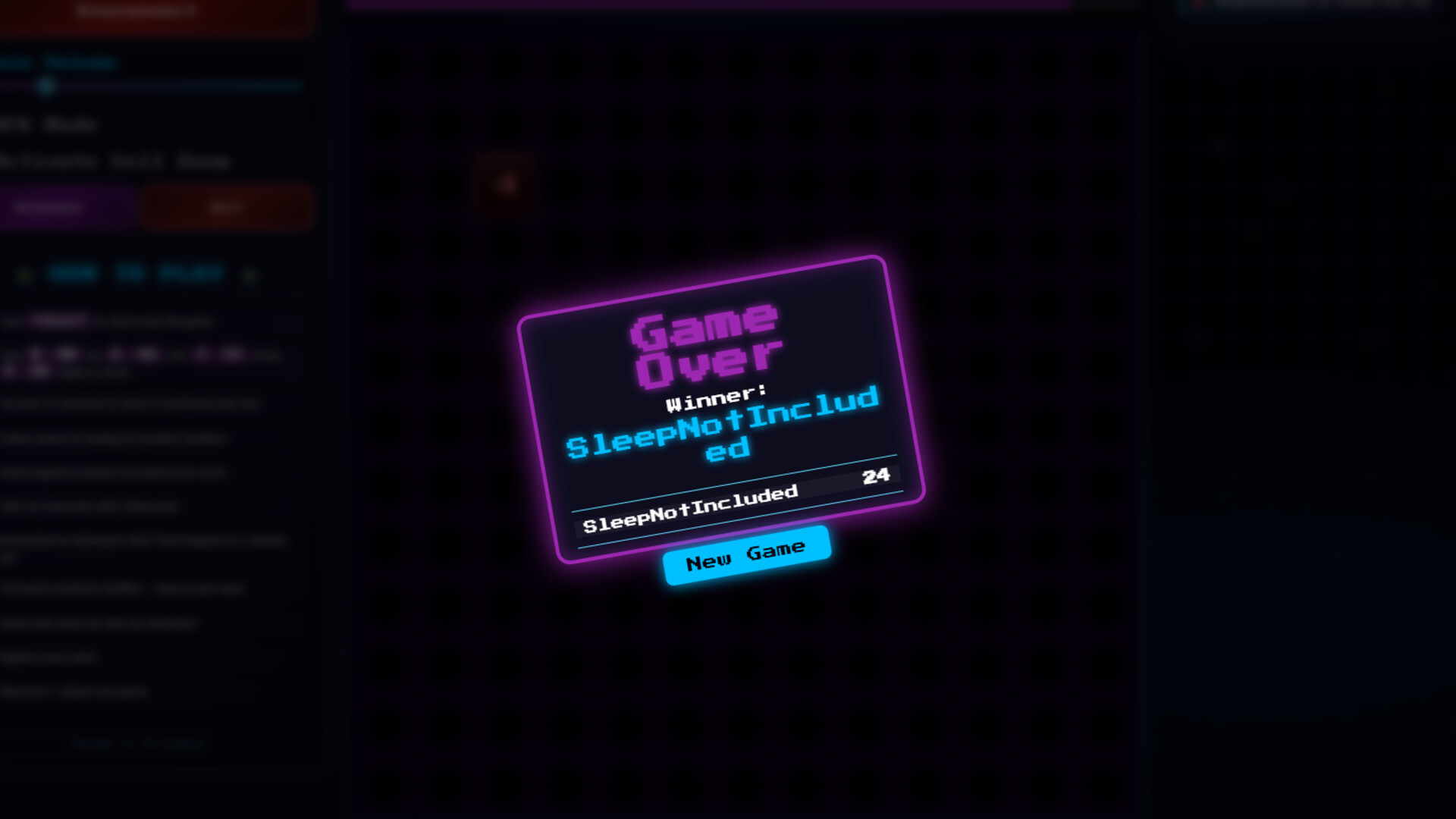
The game ends when every cell on the board has been destroyed . The player with the highest score wins . Final scores are displayed on screen with the winner announced.
🤖 AFK / Auto-Run Mode
The host can enable AFK Mode — designed for streams where the host isn't actively present. In this mode:
- The game waits up to 2 minutes for at least 2 players to join, then starts automatically.
- After a game ends, a 30-second countdown begins and then a new game starts automatically.
- This keeps the game running on loop for the stream with no manual intervention needed.
🛠️ Host Controls
The streamer's host screen includes:
- Connect to Twitch or Kick chat
- Start / New Game buttons
- Music volume control
- Activate Cell Zoom — zooms into the game board centred on the current player's position, like a magnifying glass
- Remove individual players manually
- Windowed / Fullscreen toggle
Available Tables (0)
View available tables...Events Timeline
View full events timeline...Initial Release