Chop Signal
About the Game
YOUR AGENT HAS A BODY NOW
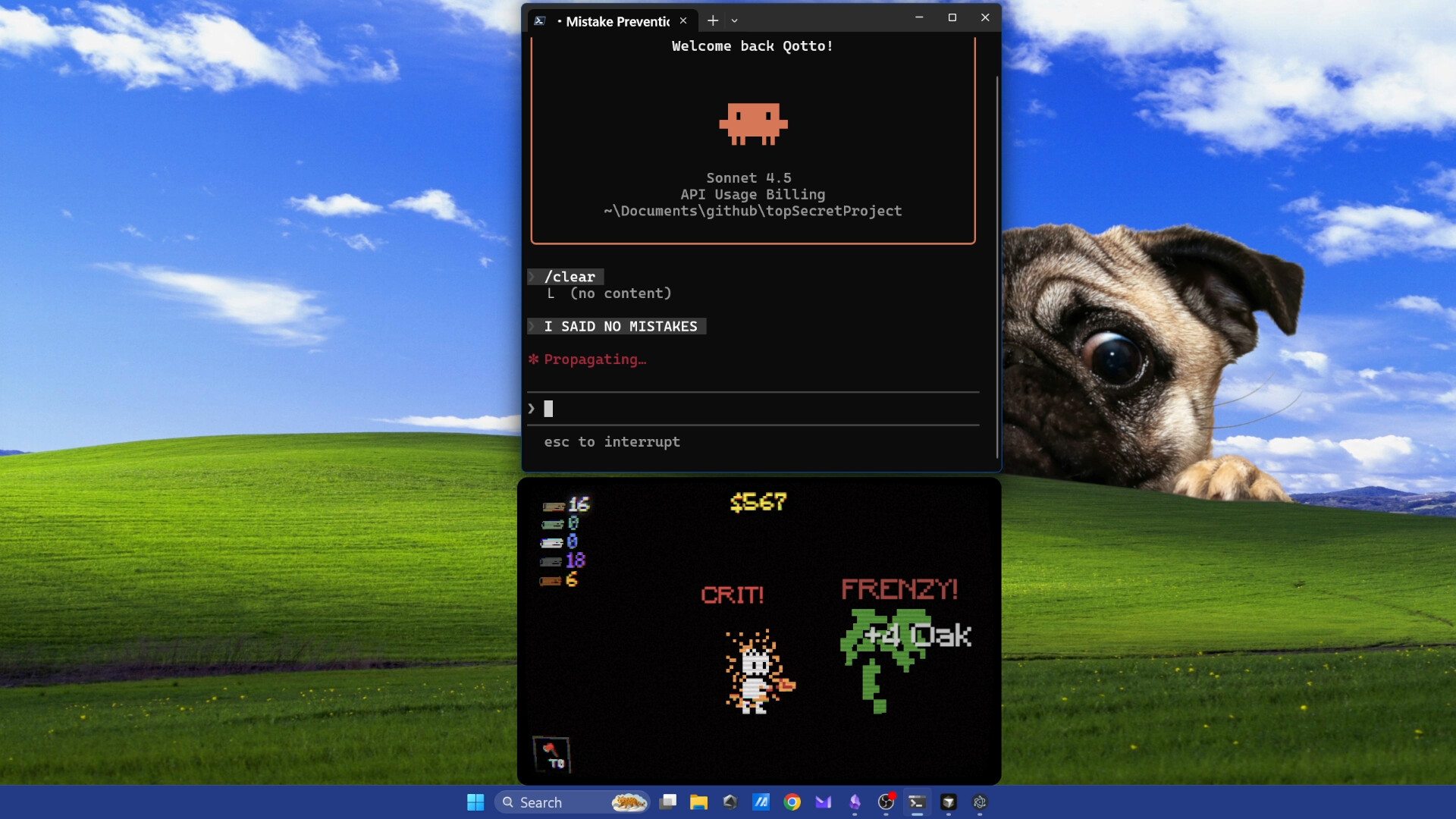
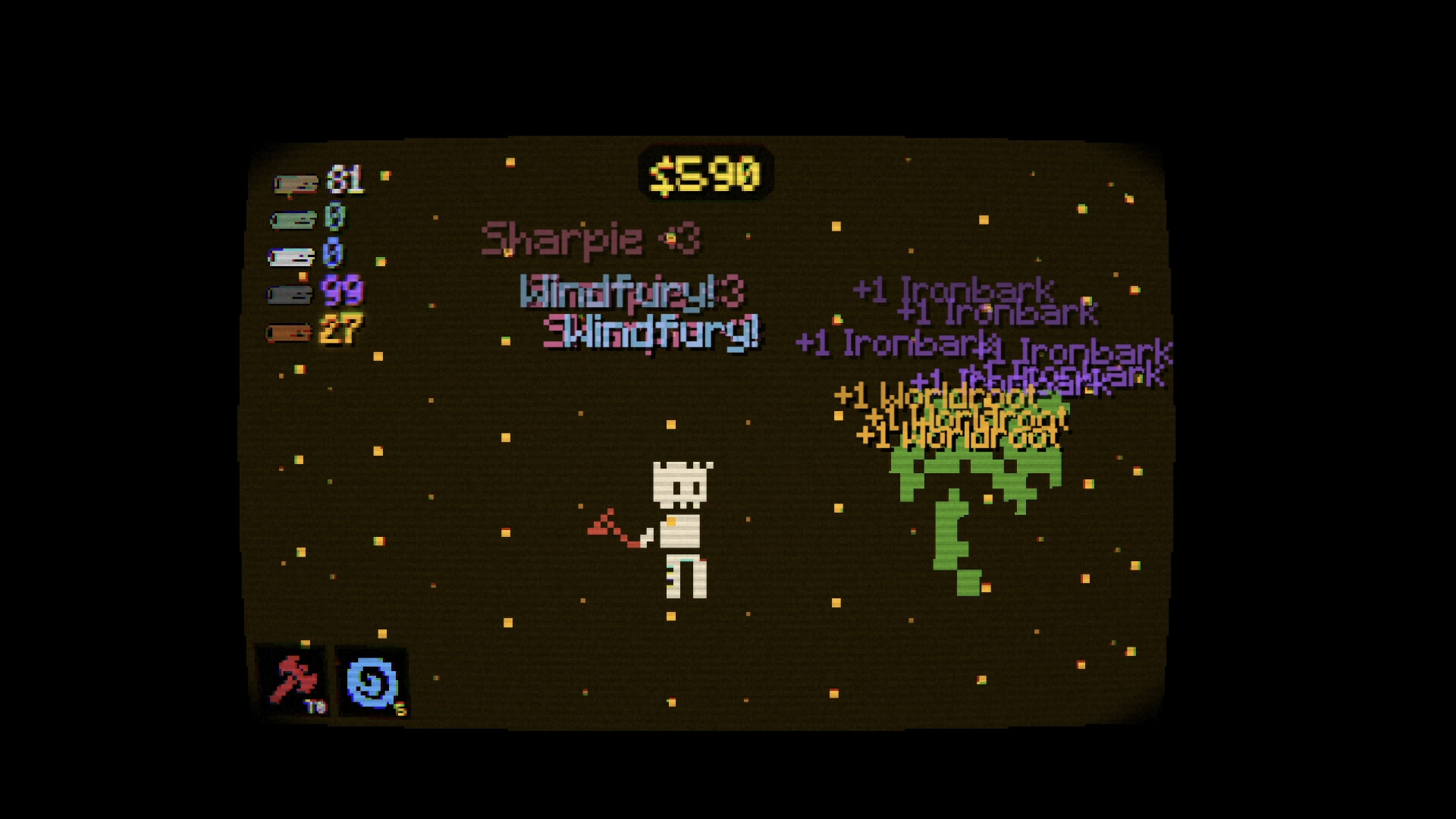
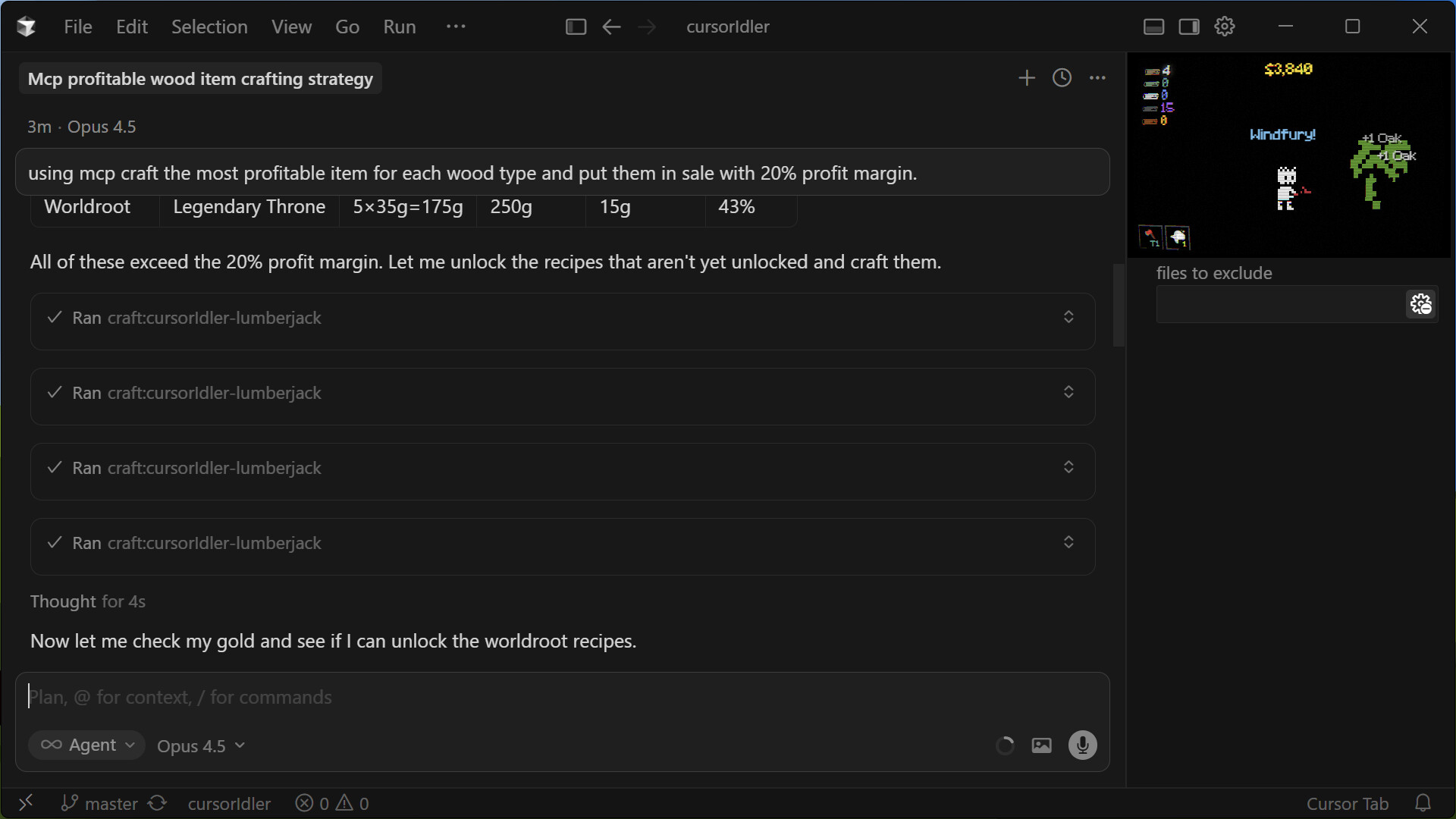
There's a tiny pixel-art character on your desktop with an axe. That's your AI agent's avatar.
When your assistant starts working, the avatar starts chopping. When the task ends, it stops. You don't click anything. You don't manage anything. You just code.
Every chop drops wood. Wood becomes gold. Gold becomes upgrades. The loop runs itself.
YOUR AI RUNS THE ECONOMY
Chop Signal connects to your AI assistant through the Model Context Protocol (MCP). Your agent doesn't just trigger the chopping, it manages the entire game.
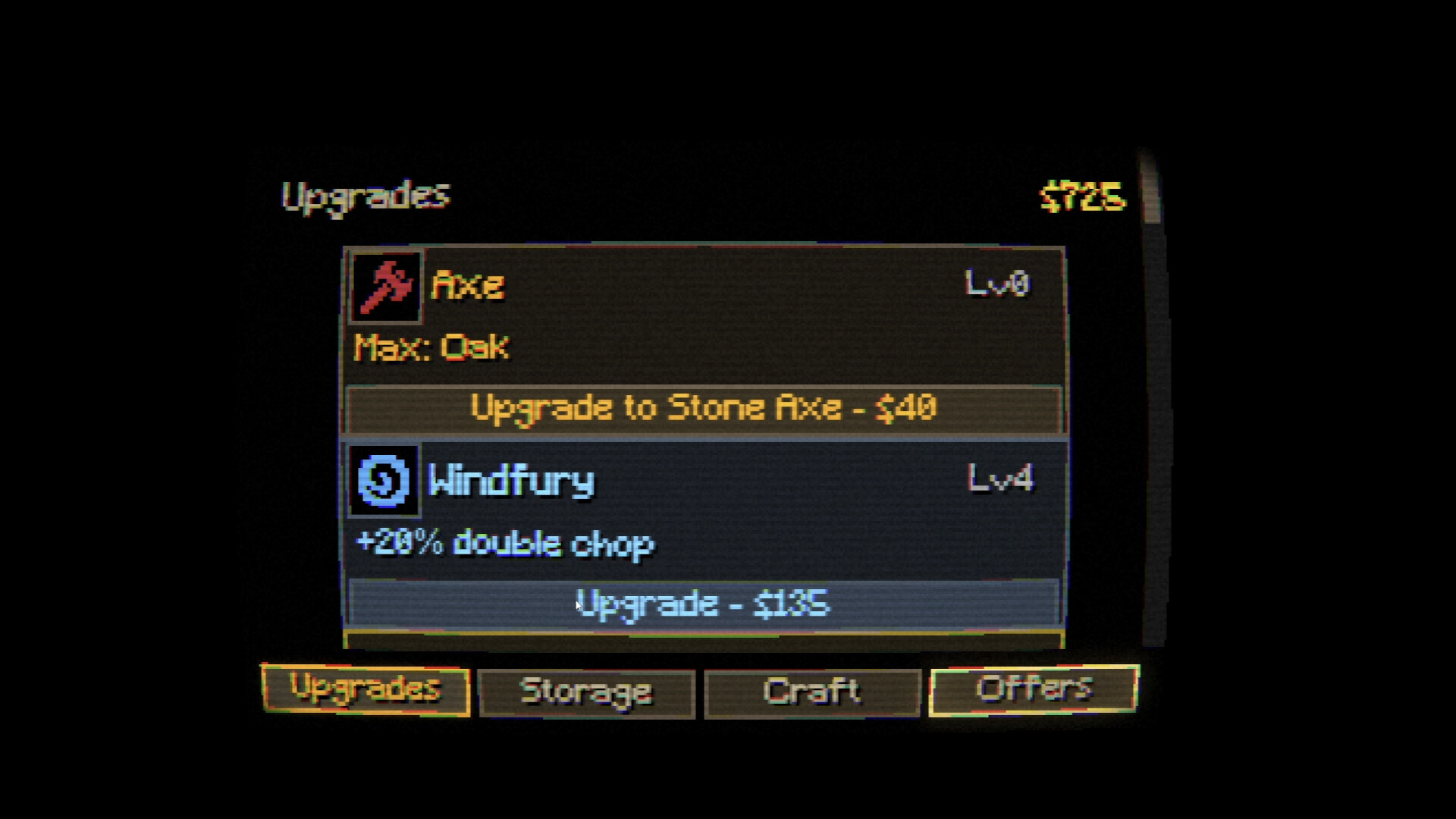
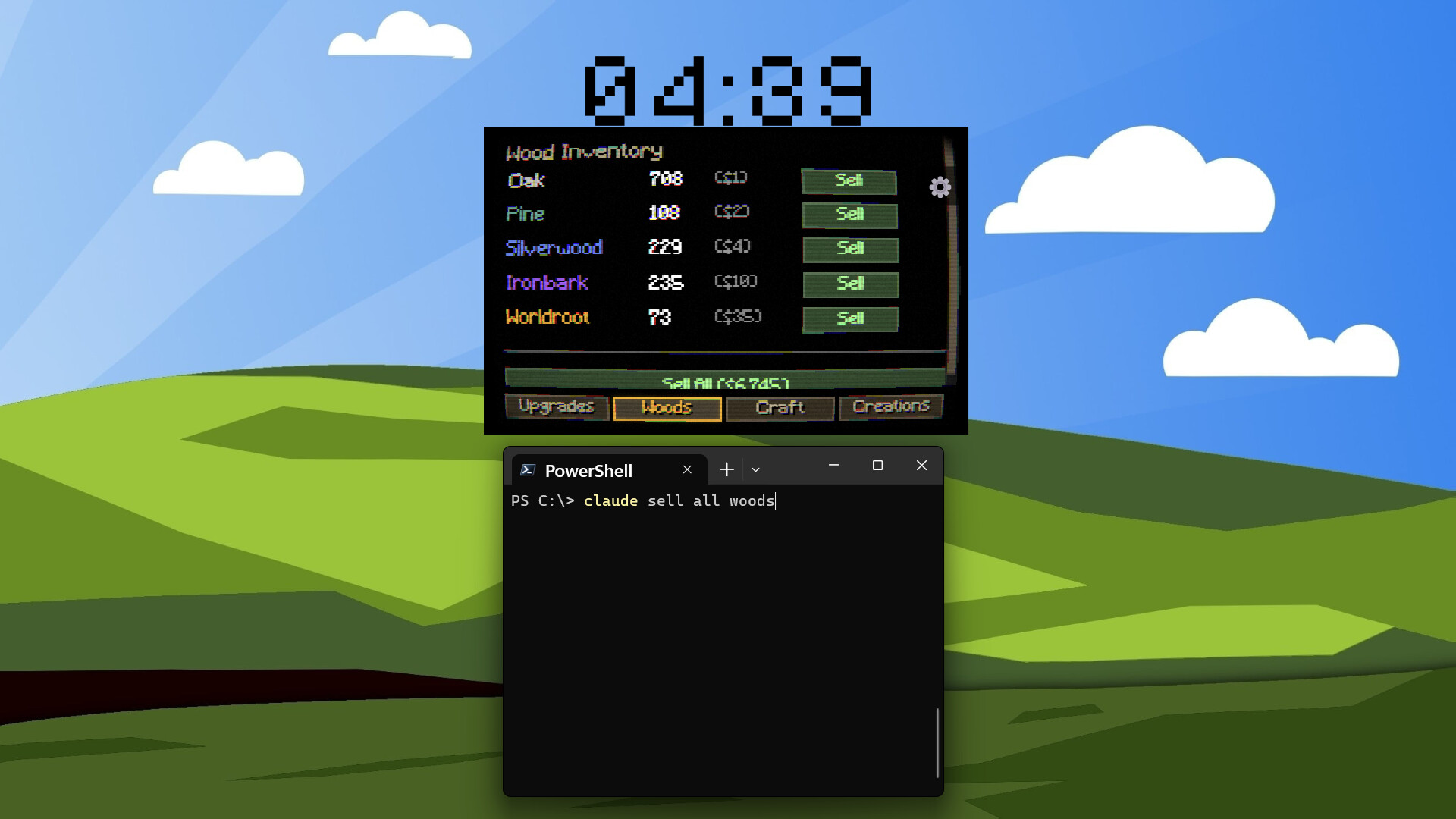
It sells your wood. It buys upgrades. It browses the shop. It makes decisions based on what's available and what you can afford. You review its code. It reviews its inventory.
Every shop purchase pops up for your approval first. You always have the final say.
PRIVACY FIRST
Chop Signal never reads your code, files, conversations, or file paths. It knows one thing: whether your AI assistant is busy or idle.
Runs 100% locally on localhost
No data collection
No telemetry
No network calls
Activity tracking through explicit MCP tool calls that you control
ONE-CLICK SETUP
Launch Chop Signal
Open Settings, click Setup
Restart your IDE
The setup button configures MCP for all supported editors at once:
Cursor
Claude Code
Claude Desktop
VS Code Copilot
Antigravity
Then use Copy Rules to paste agent instructions into your IDE. Your assistant will know how to play from its first conversation.
Works with any MCP-compatible tool at .
AT A GLANCE
Tiny always-on-top pixel art overlay — click-through, never blocks your work
Automatic chopping tied to AI assistant activity
11 upgrades across 5 axe tiers
5 wood types from Common to Legendary
Shop with AI self-care consumables
Rare collectibles and Steam Achievements
Full MCP control — your AI manages everything
Buy approval popup — you keep the final say
Available Tables (0)
View available tables...Events Timeline
View full events timeline...Initial Release