ChibiMation


About the Game
✦ Design Your Story! ✦
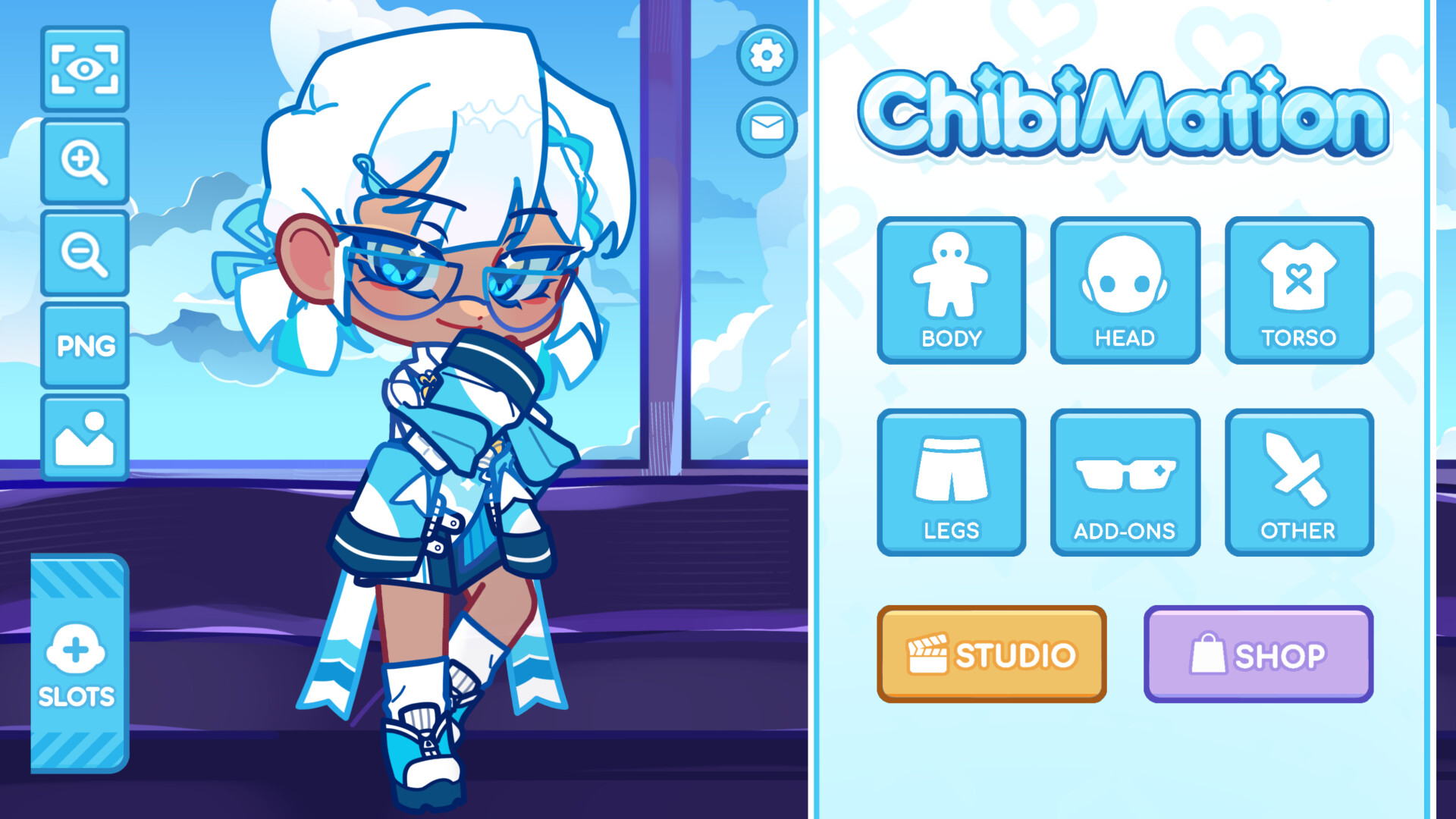
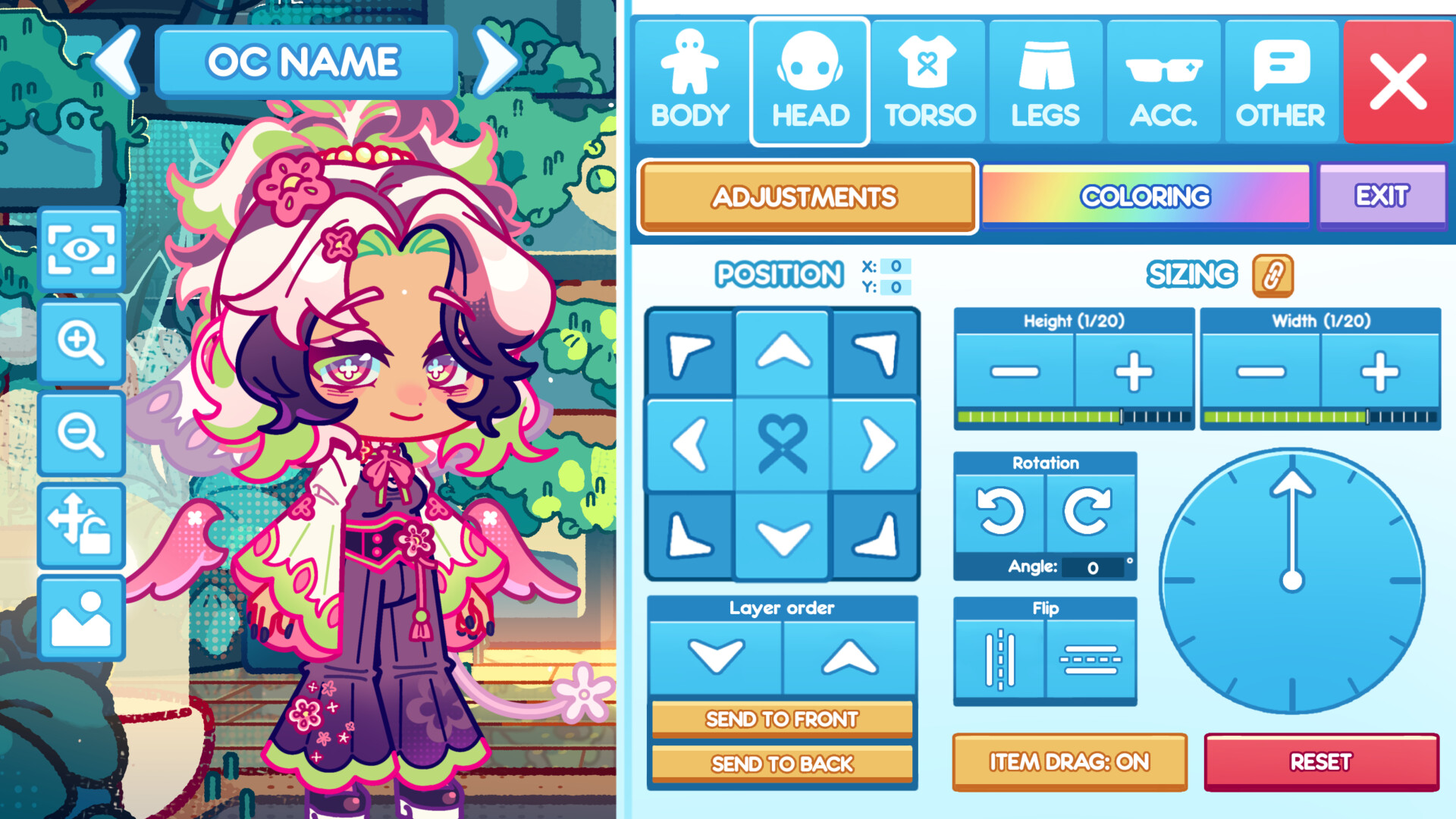
Start by creating your characters from the ground up. With over 8,000 accessories to choose from - hairstyles, outfits, props, facial features, and more - you have everything you need to design characters that actually look the way you imagine them.
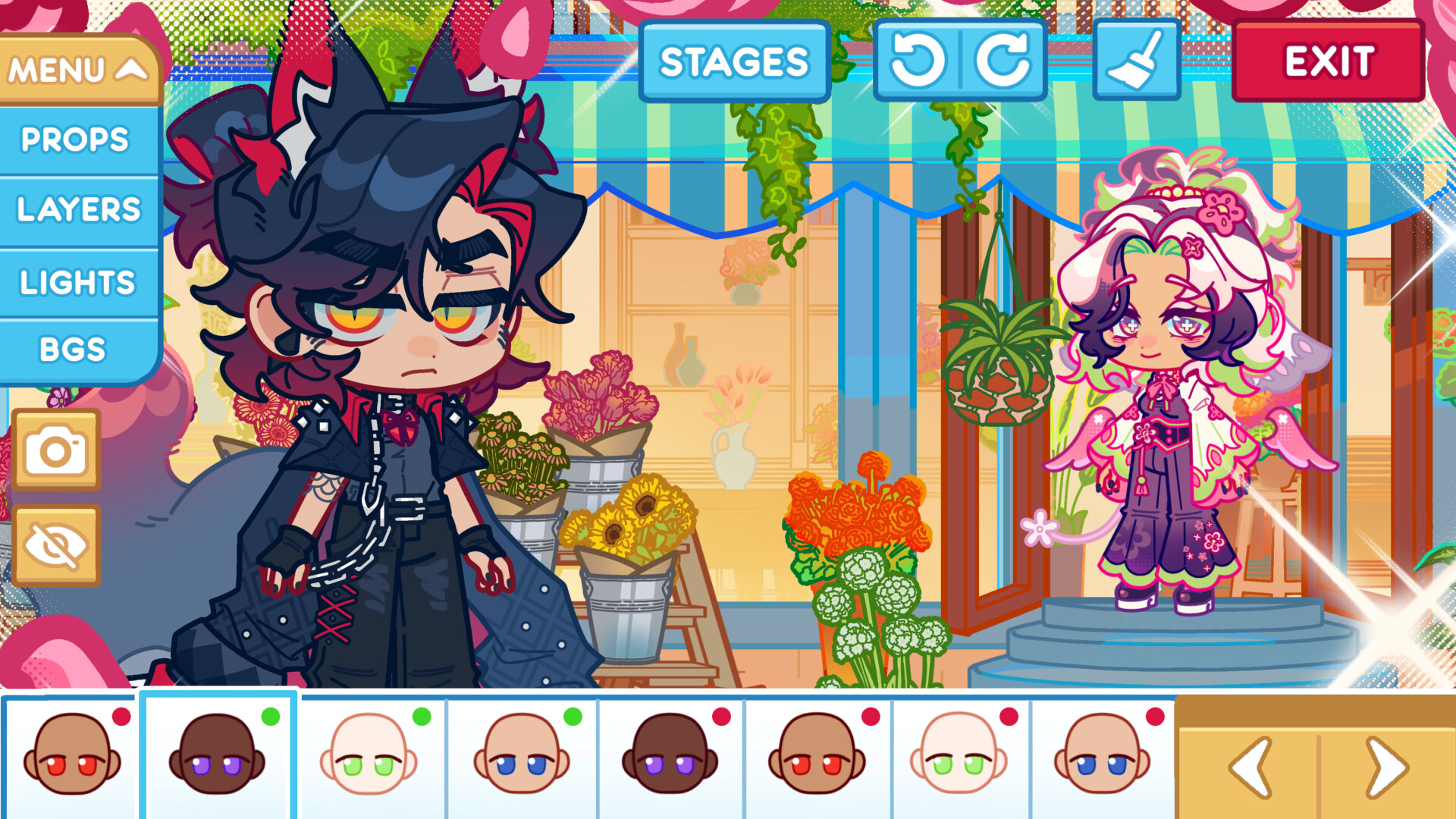
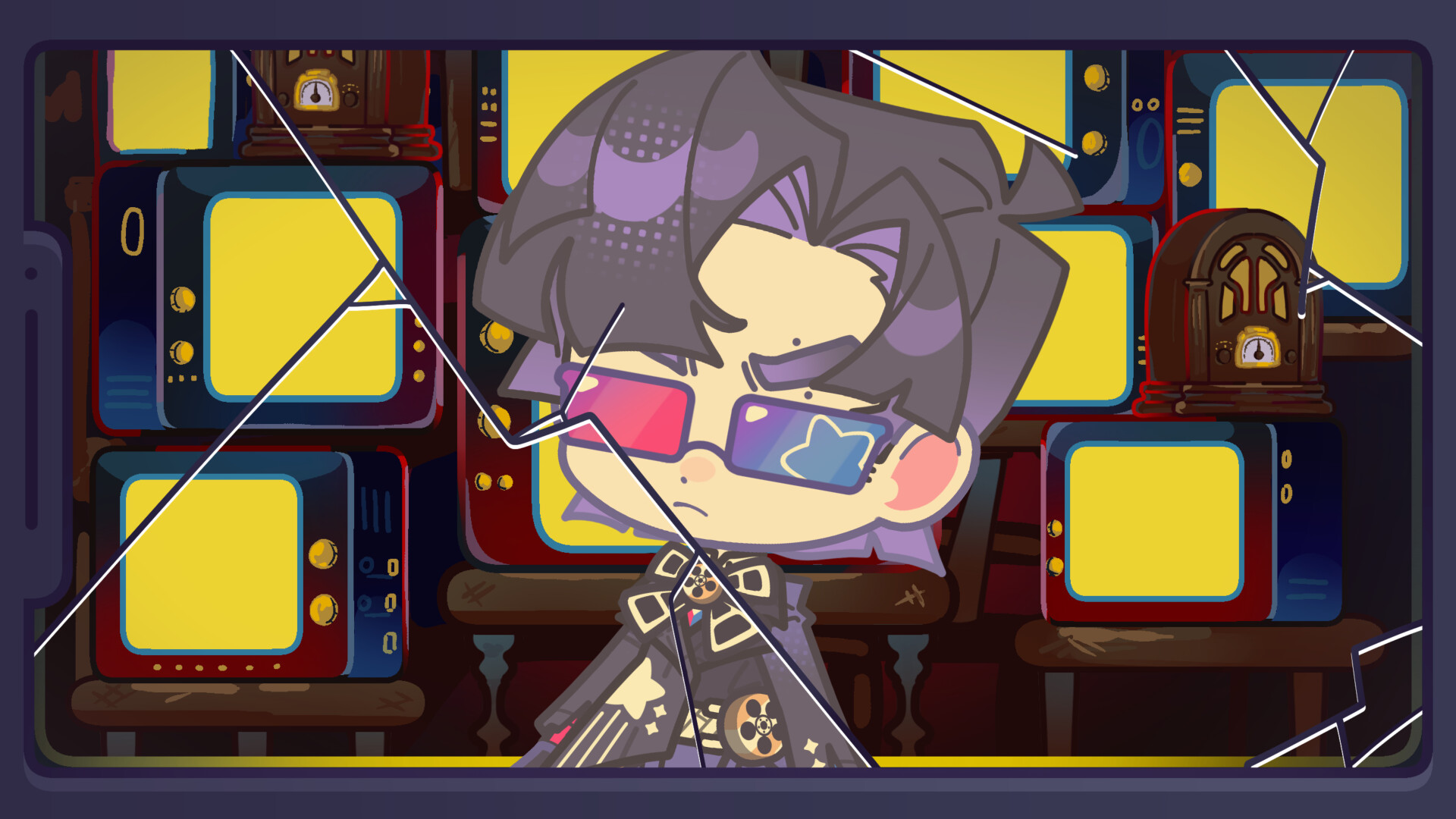
When you're done designing, take your characters into Stage Mode and start telling stories. Set up scenes with up to 12 characters at a time, place them against a huge selection of backgrounds and foregrounds, and dress up the scene with props and effects.
ChibiMation is built for OC creators, comic makers, storytellers, and anyone who's ever wanted a creative space that actually keeps up with their imagination.
✦ Character Creator ✦
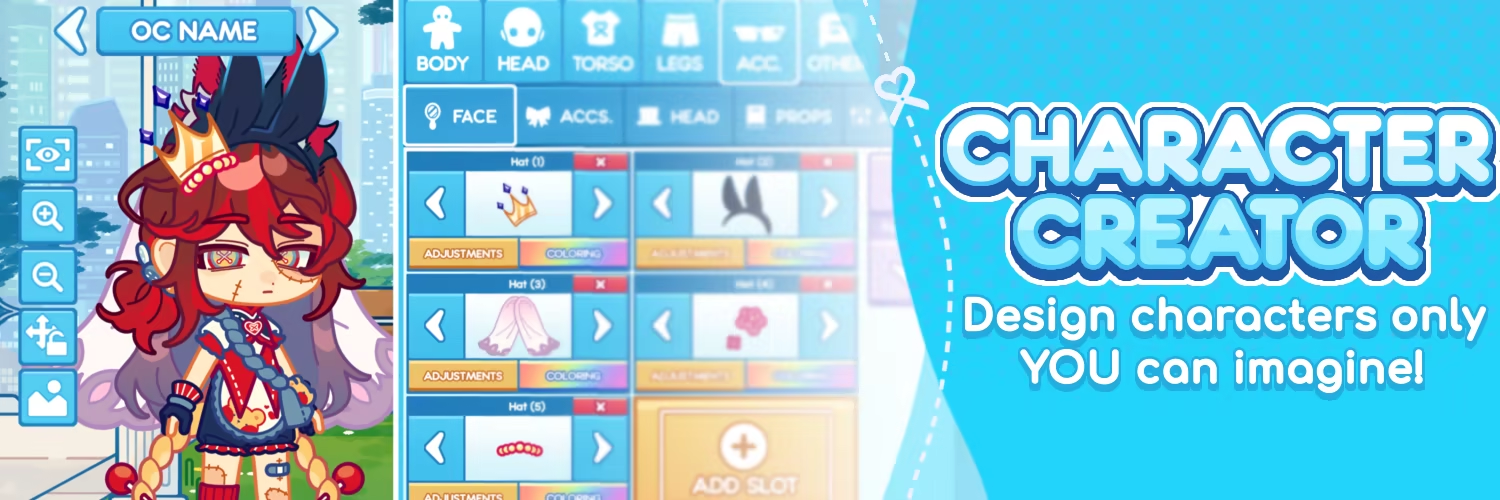
8,000+ ACCESSORIES
Choose from a massive library of hairstyles, outfits, clothing, props, and accessories - with regular updates and UGC adding even more options to keep things fresh.
FULL COLOR CUSTOMIZATION
Every item can be recolored to match your vision. Mix and match shades across your entire character to get exactly the look you're going for.
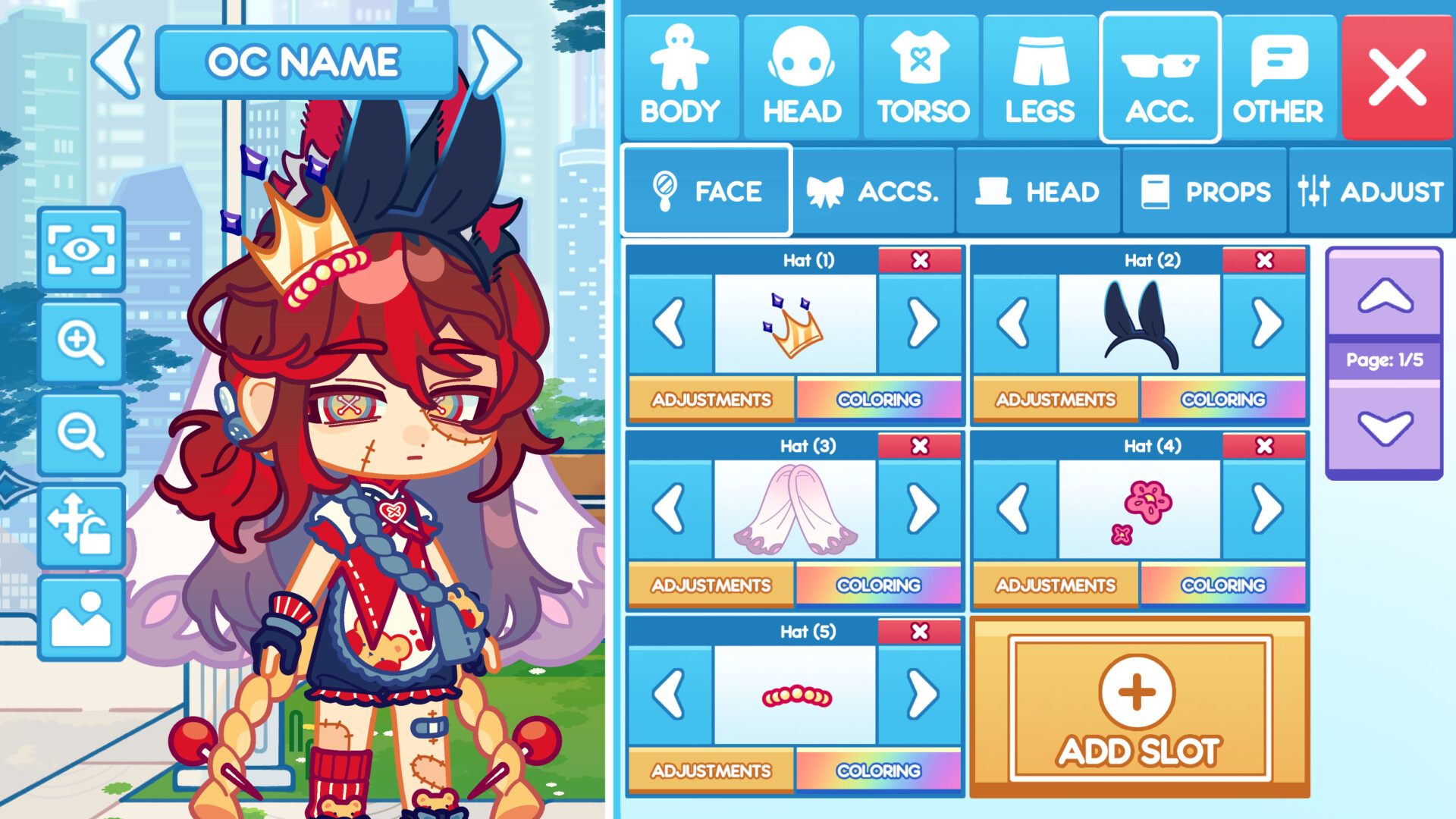
ADVANCED ITEM LAYERING
Stack as many accessories and outfit pieces as you want. Adjust layer order at any time to control exactly how everything sits on your character.
POSE SYSTEM
Start with a wide range of preset upper and lower body poses, or create your own custom poses for something totally unique.
EDITING TOOLS
Resize, rotate, and reposition any feature or accessory with simple, intuitive controls. Everything is adjustable.
CHARACTER PROFILES
Give your characters more than just a look. Build out their personality, backstory, and details with dedicated character profiles.
SAVE AND ORGANIZE
Store hundreds of characters in your personal gallery and keep your roster organized however you like.
IMPORT & EXPORT
Share your creations with friends! Or export as PNGs or body sheets to use in other creative projects and media programs.
✦ Stage Mode ✦
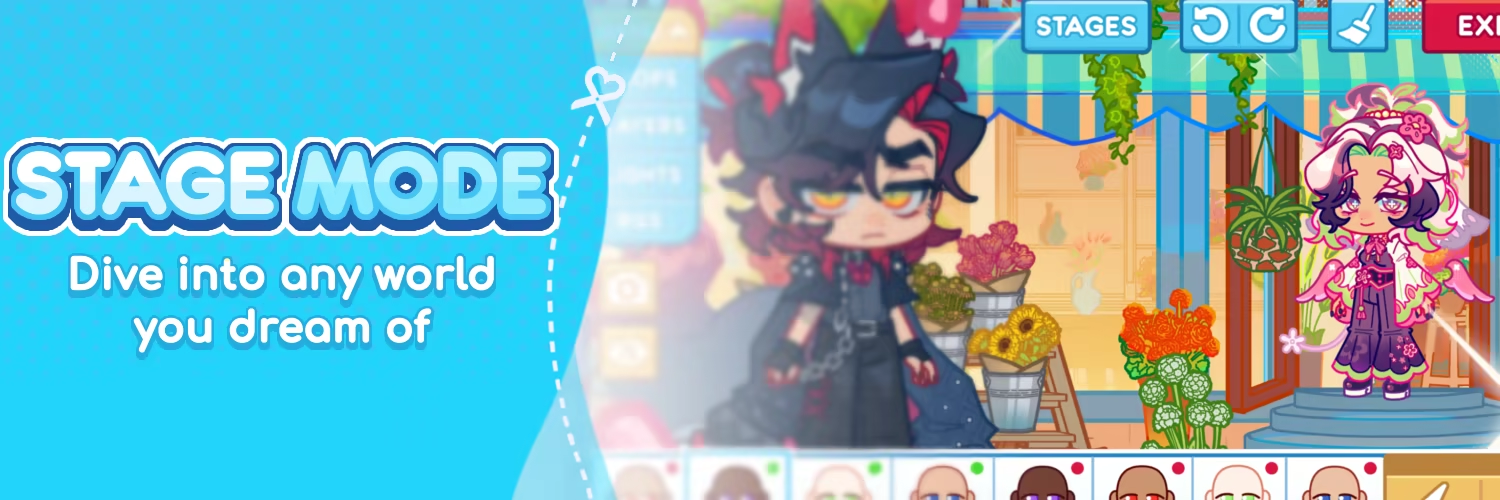
UP TO 12 CHARACTERS PER SCENE
Bring your whole cast together. Place up to 12 characters on a single stage and arrange them however the scene calls for.
ADVANCED CHARACTER CONTROLS
Pose, resize, and position each character individually. Edit their expressions and faces directly in the scene to make sure every character fits the moment.
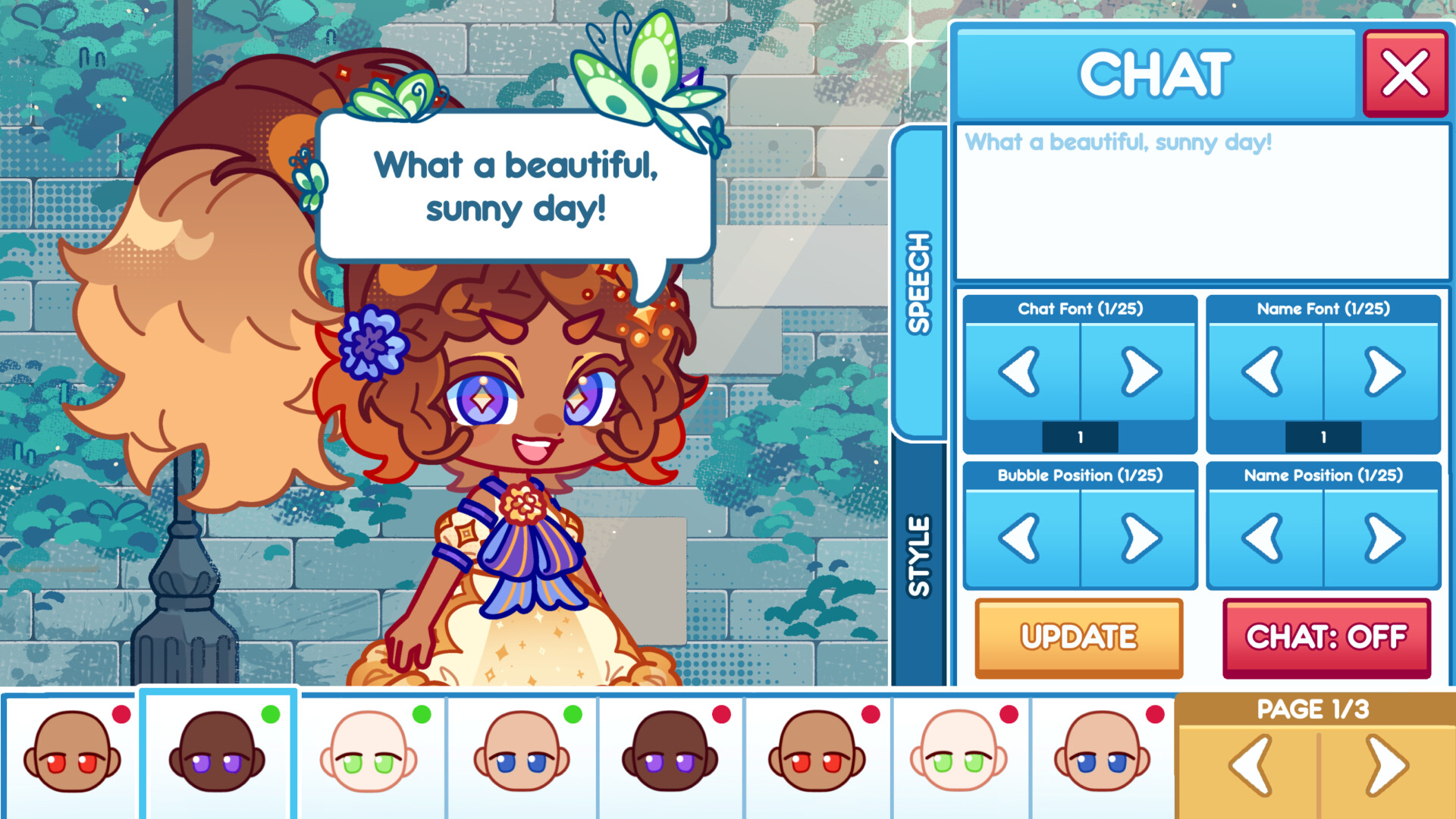
SPEECH & DIALOGUE
Add speech bubbles to your characters and write out dialogue. Build conversations, tell stories, and create your own comic-style panels.
BACKGROUNDS & FOREGROUNDS
Choose from a wide selection of backgrounds and foregrounds to set the scene. Layer them together to create depth and atmosphere.
PROPS & EFFECTS
Add scene props and effects to bring extra life and detail to your stages.
SCREENSHOT & SHARE
When your scene is ready, capture it with the built-in screenshot button and share it directly with friends or post it to your favorite communities.
✦ About the ChibiMation Team ✦
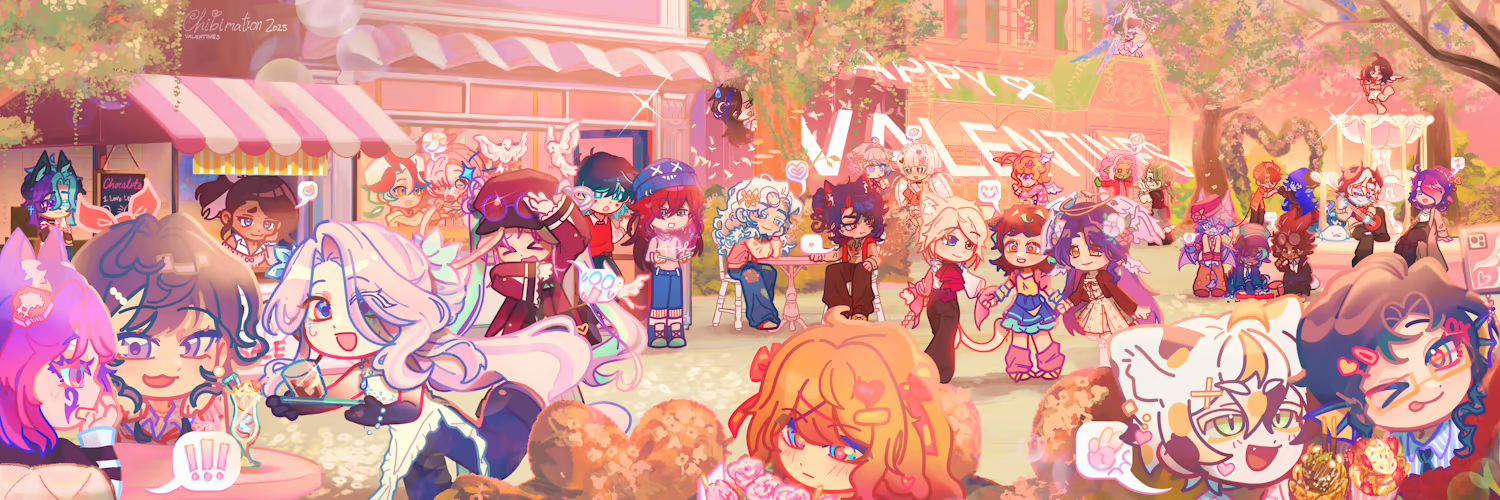
Behind ChibiMation is a growing network artists working together to build a platform where users can express their ideas freely.
We believe in supporting human creativity. ChibiMation is built with artist-made assets and designed to be a no-AI creative platform, giving artists a space to contribute while giving creators more ways to bring their imagination to life.
Support Email: support@chibimation.com
Available Tables (0)
View available tables...Events Timeline
View full events timeline...Initial Release