Adventure TD


About the Game
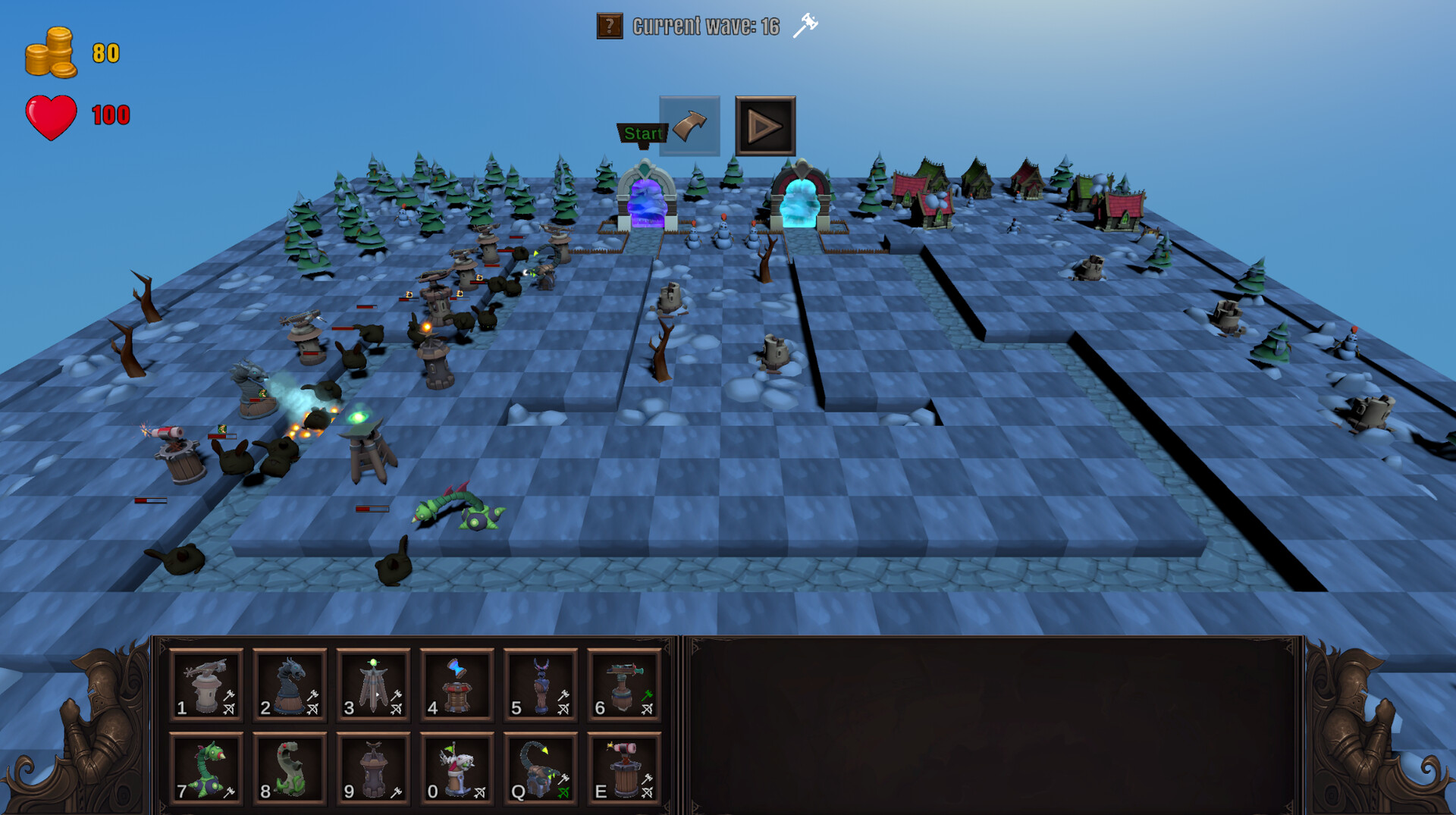
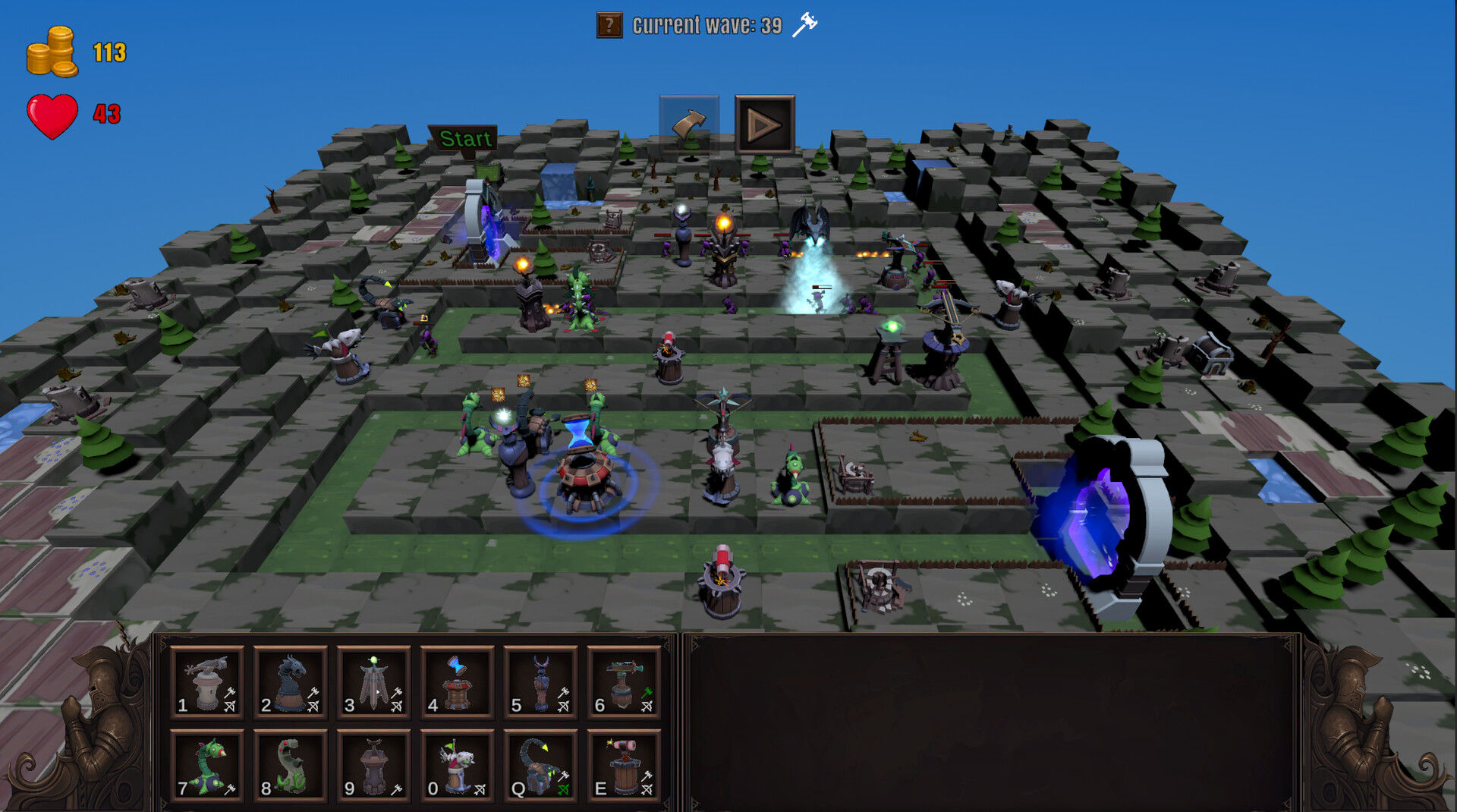
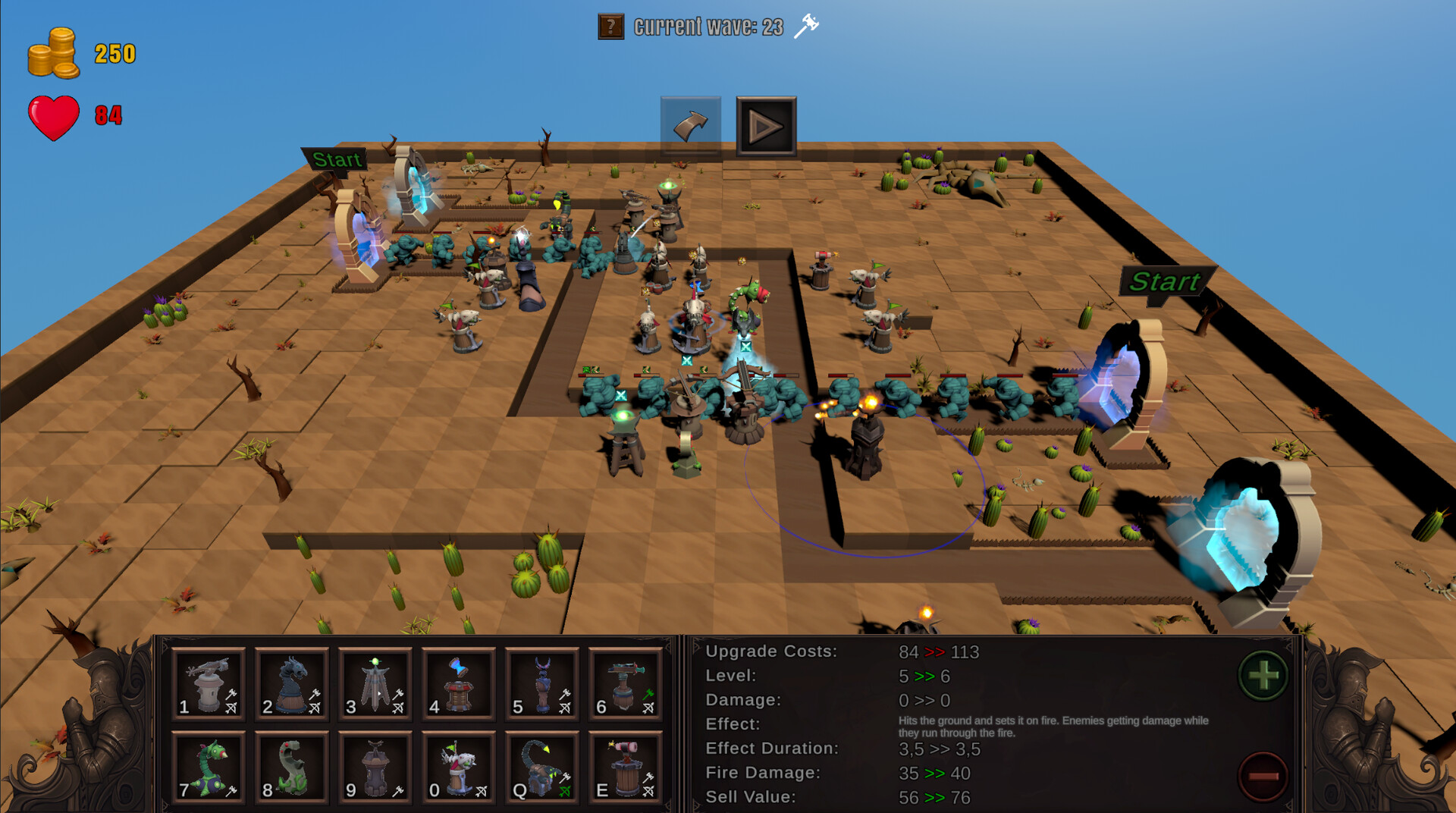
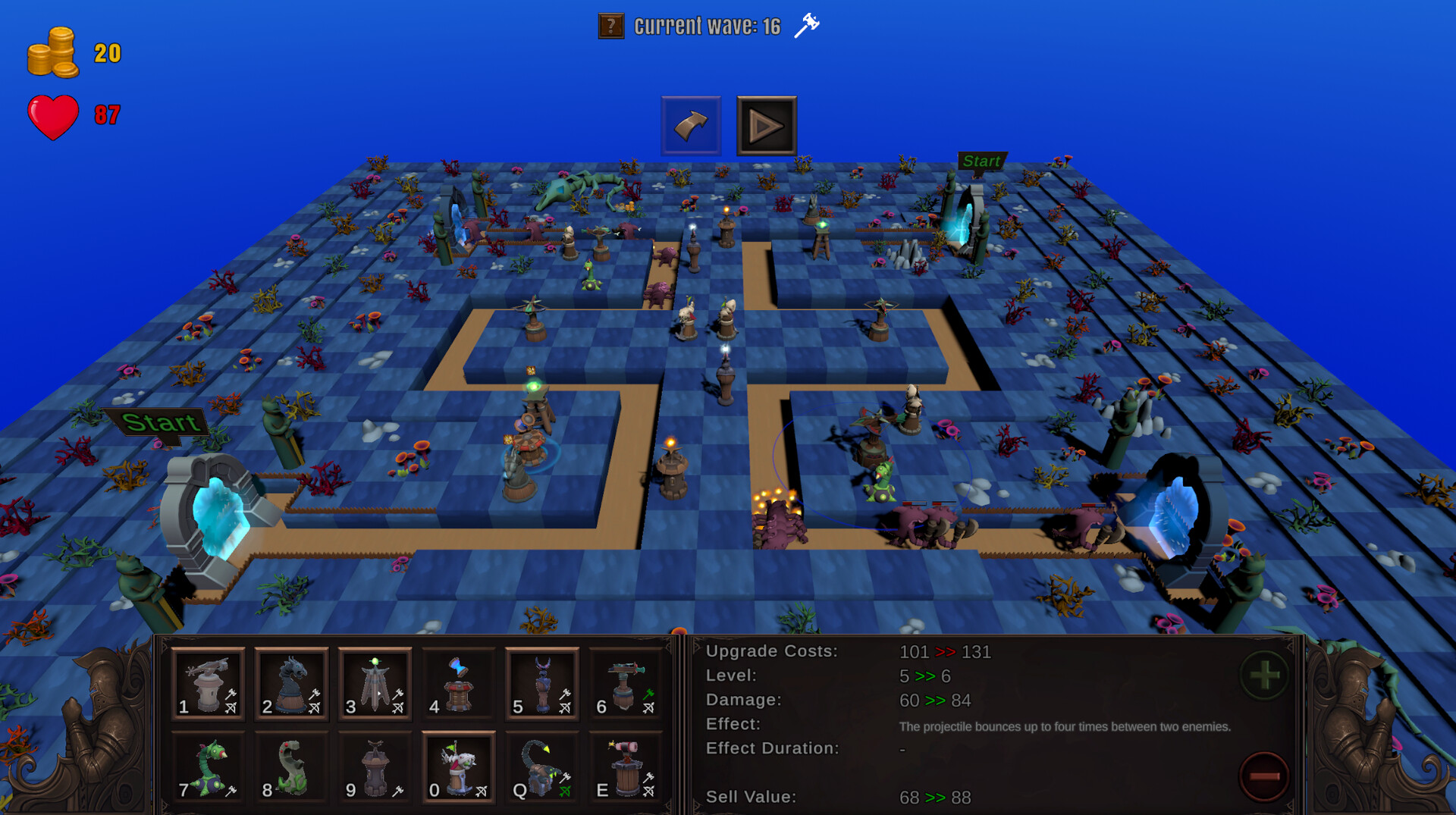
Adventure TD brings you back the good old classic kind of tower defense, with a lot of quality of life features. Show on the different maps with individual designs and the game modes that follow their own rules your tactical knowledge. Develop the correct strategy on each map and game mode to beat all 55 waves and to master even the hardest difficulty.
Game Modes:
Build how you like - Build new towers and upgrade existing towers whenever you have the gold for it
Prepare well - It's only possible to build new towers and upgrade existing towers between waves
Bob the Builder - Less space to build towers
No time to breath - As soon as one wave is finished, the next wave starts instantly
Not dead, not gone - Not killed enemies will spawn with the next wave again
Maps
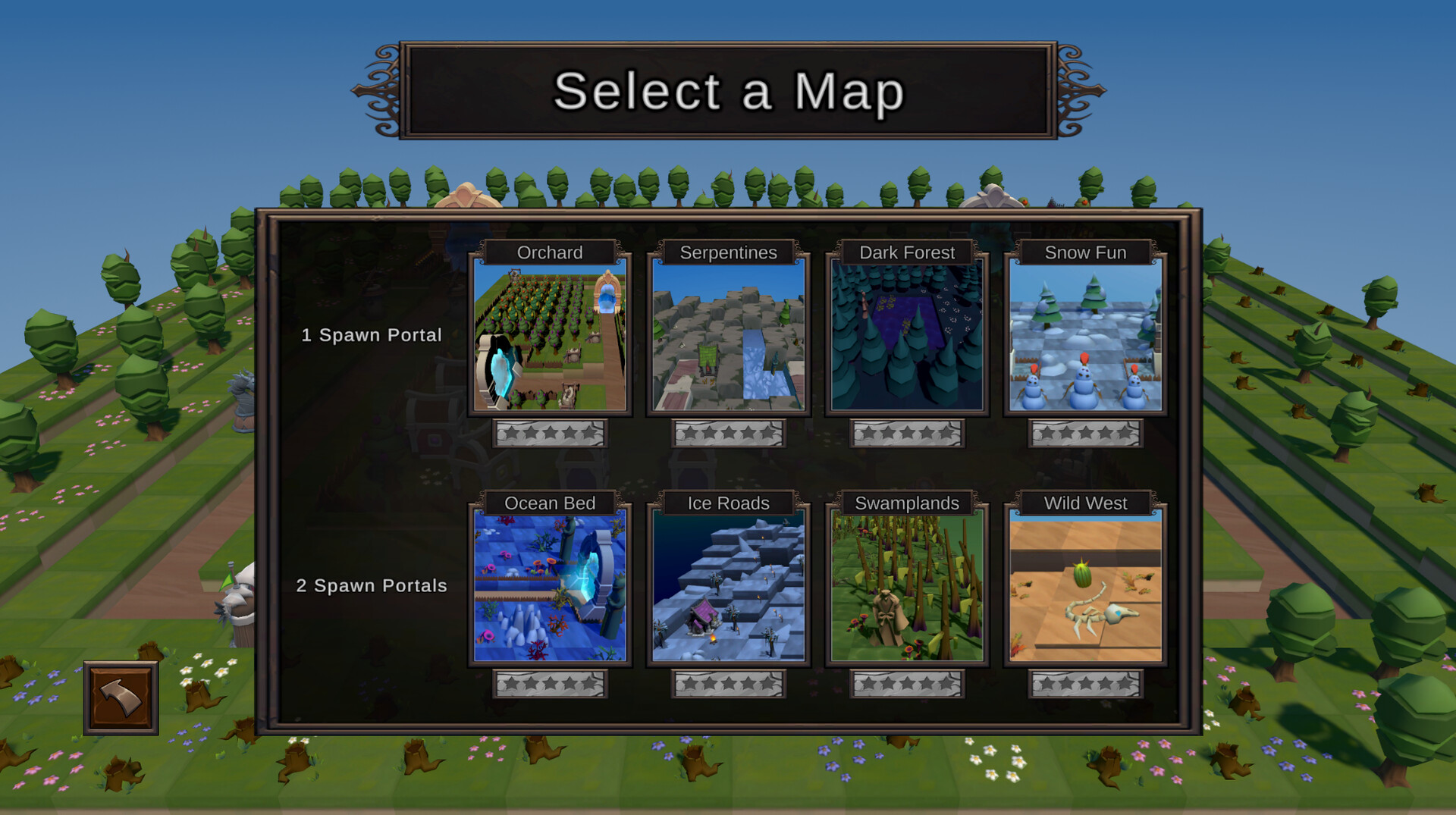
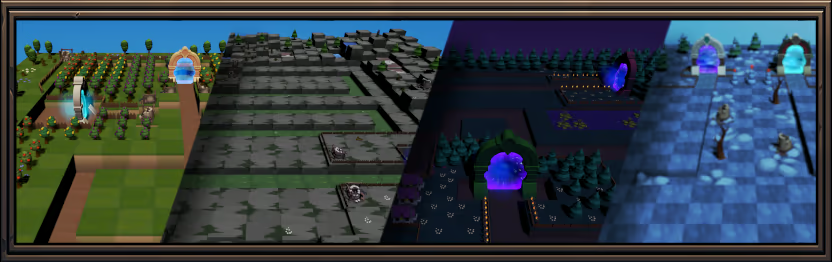
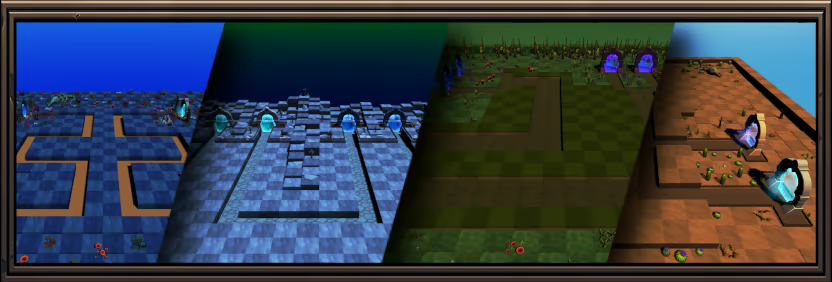
Each map has its own individual layout, what brings a different challenge into each map. The eight maps are also split into two categories:
1-Spawn-Maps
2-Spawn-Maps
Towers
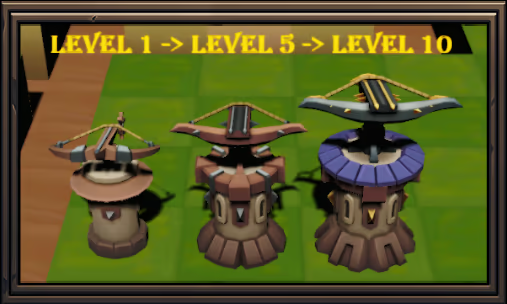
12 Towers, with individual designs and skill sets. All towers can be upgraded and will change the look on specific levels. So there are 36 different tower designs in total.
Content
12 towers (with 2 visual upgrades) - Each tower has its own design and skill set. All of them can be upgraded to even more powerful towers
5 game modes - Each game mode has its own rules. Find the correct strategy for each game mode
5 difficulties - From beginner to expert. Master your tactics to beat the game on each difficulty
8 maps - Individual designed maps with different themes and suitable enemies. Split into 2 categories (each category contains 4 maps). Find the correct strategy to master each map
55 waves - Each wave will be harder as the one before and vary between air and ground units. 50 survived waves lead into the 5 final boss rush waves
High score - Set your personal high score for each difficulty and game mode on the different maps and try to improve it with each game
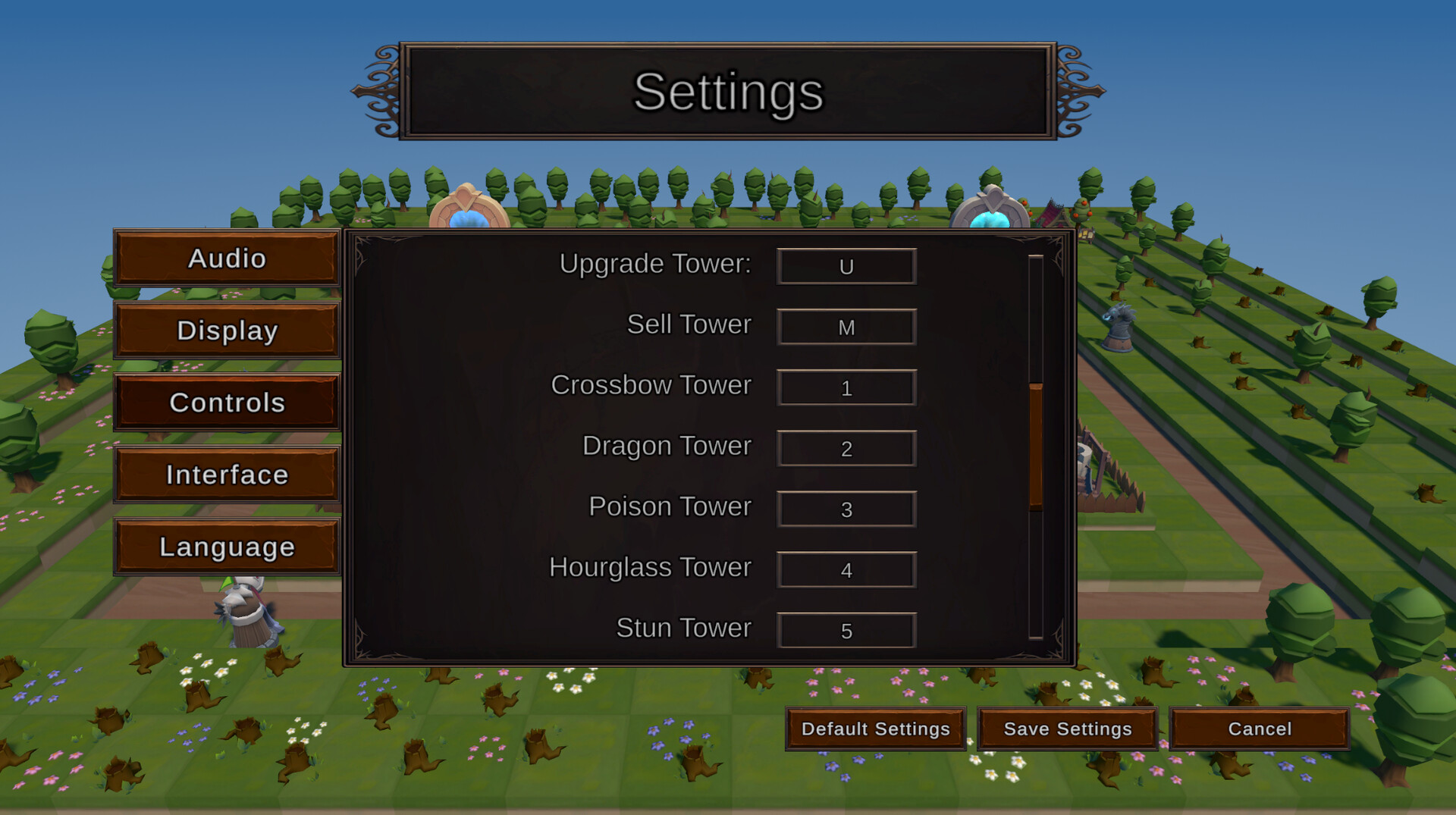
Hotkeys - All hotkeys can be configured in the settings for the optimal personal setup
Tower radius - Show the radius of each tower for optimize your strategy
Individualization - A lot of settings for individualization or visibility improvements (like thickness of tower radius lines, color of tower radius lines, color of the enemy hp and more)
Available Tables (0)
View available tables...Events Timeline
View full events timeline...Initial Release